- Updated
Earth zoom-out from where you stand
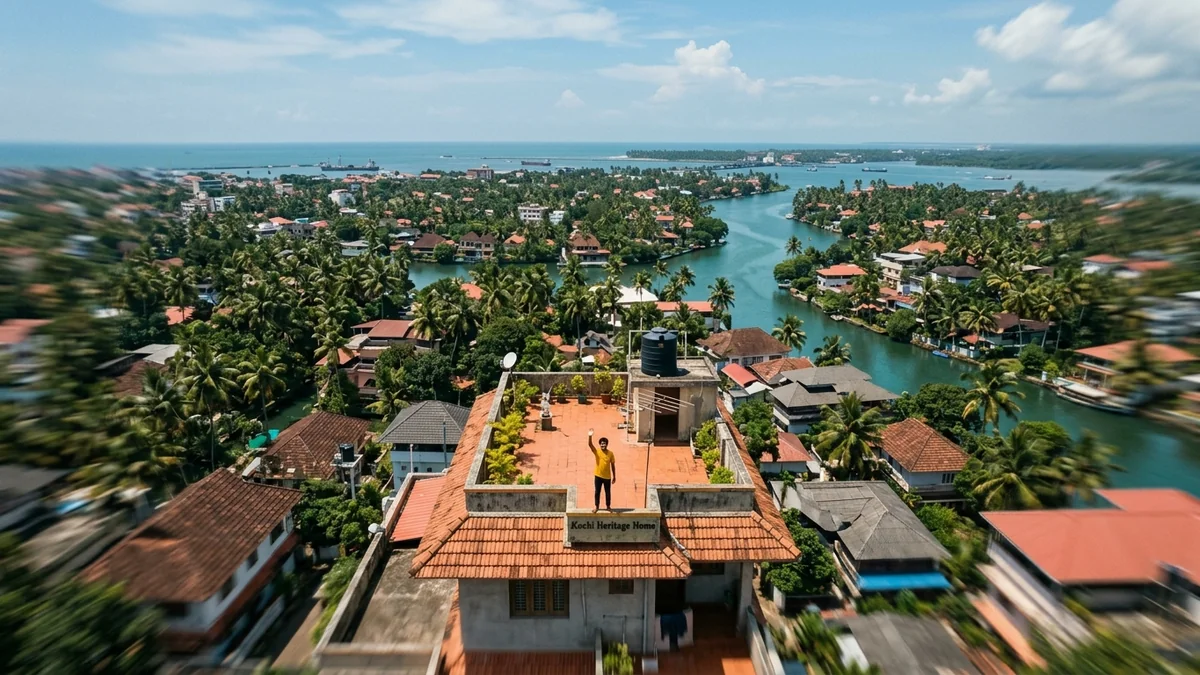
This prompt starts close on you at a place you choose, then pulls straight up and away in one accelerating shot, revealing the street, the neighbourhood and the city. It works in Seedance, Veo and Kling.
Single unbroken shot: start close on [SUBJECT, e.g. me waving on the terrace of my house] in [PLACE, e.g. Kochi, Kerala], then the camera pulls straight up and away in one smooth, accelerating motion.

Reveal the street, the neighbourhood, the city, the coastline, the country, and finally the whole Earth in space, with realistic satellite-style detail at each stage.

No cuts. A rising whoosh sound. Vertical 9:16, 8–10 seconds.
Name a real place — the models use real-world geography for the zoom-out.
Get a better result
A single unbroken vertical clip that starts close on you and pulls straight up and away through the street, neighbourhood, city, coastline and country until the whole Earth is visible in space, with a rising whoosh.
The zoom-out jumps or cuts instead of moving in one smooth pull.
Fix: Keep “single unbroken shot” and “no cuts”, and name a real place so the map details look right.
- The early stages look like a flat map, not a real view. Add “keep it photographic with realistic buildings and trees, not a flat map”. Satellite-style realism has to be asked for.
- You become unrecognisable in the first second. Start from a clear photo of you on the terrace and keep the first seconds slow before the pull speeds up.
- The stages are rushed and the Earth appears too early. List the stages in order and add “spend about one second on each”. Pacing comes from naming the steps.
Run the clip in reverse in an editor, so it starts in space and falls toward you. A reverse zoom-in makes a good ending for a Reel.
One continuous camera move with no cuts, rising at a steady speed.
Guides that use this prompt
More video generation prompts
See all 489 →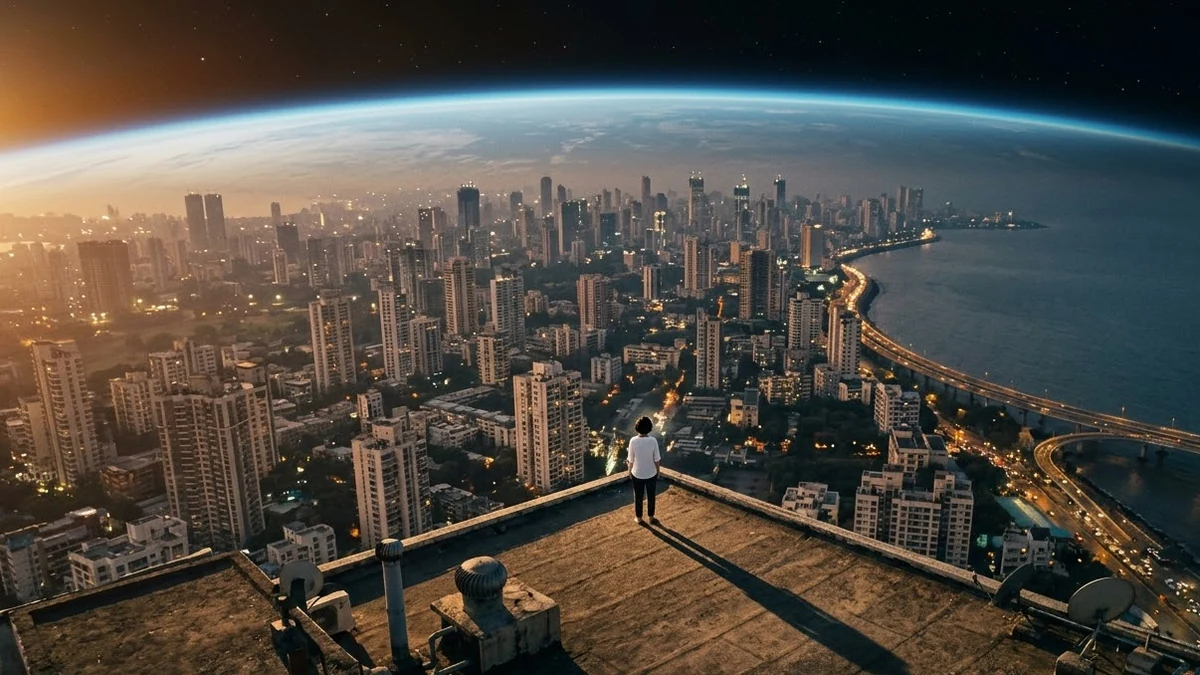
More like this
- Dolly Zoom "vertigo" momentHiggsfield · Kling · Veo
- Dolly zoom down a library aisleVeo · Kling
- Crash Zoom reveal of a festival streetHiggsfield · Kling · Veo
- Earth Day awareness posterGemini · ChatGPT · Midjourney
- Scroll-stopping Reel openerVeo · Kling · CapCut