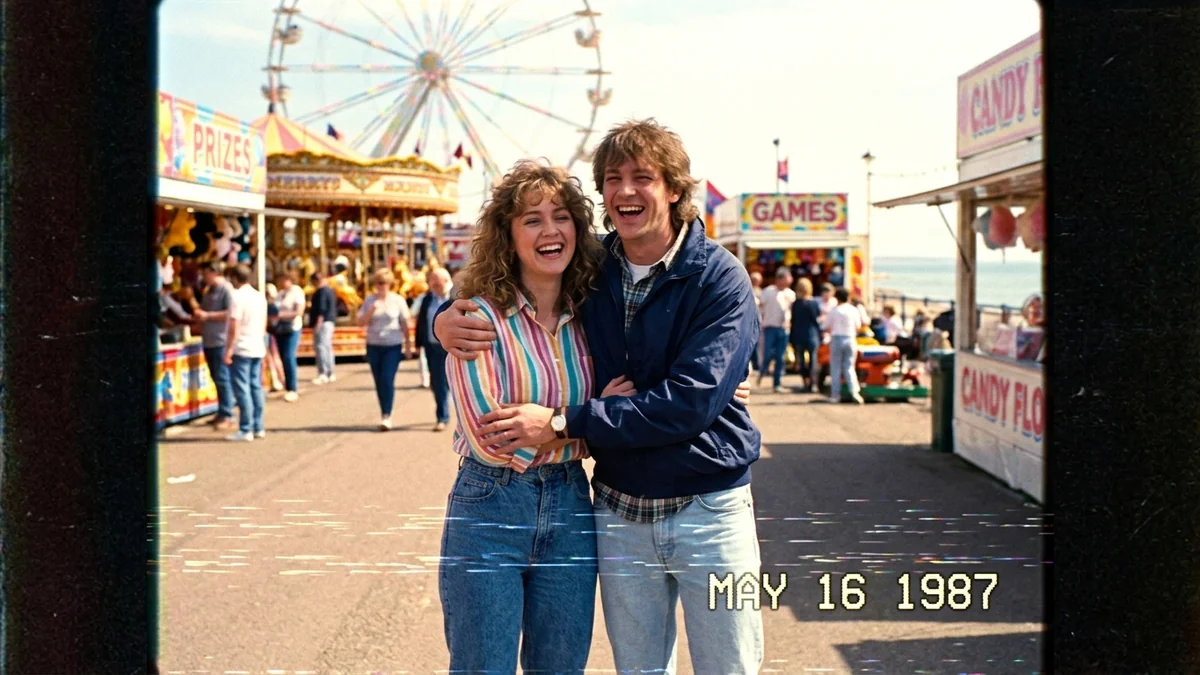
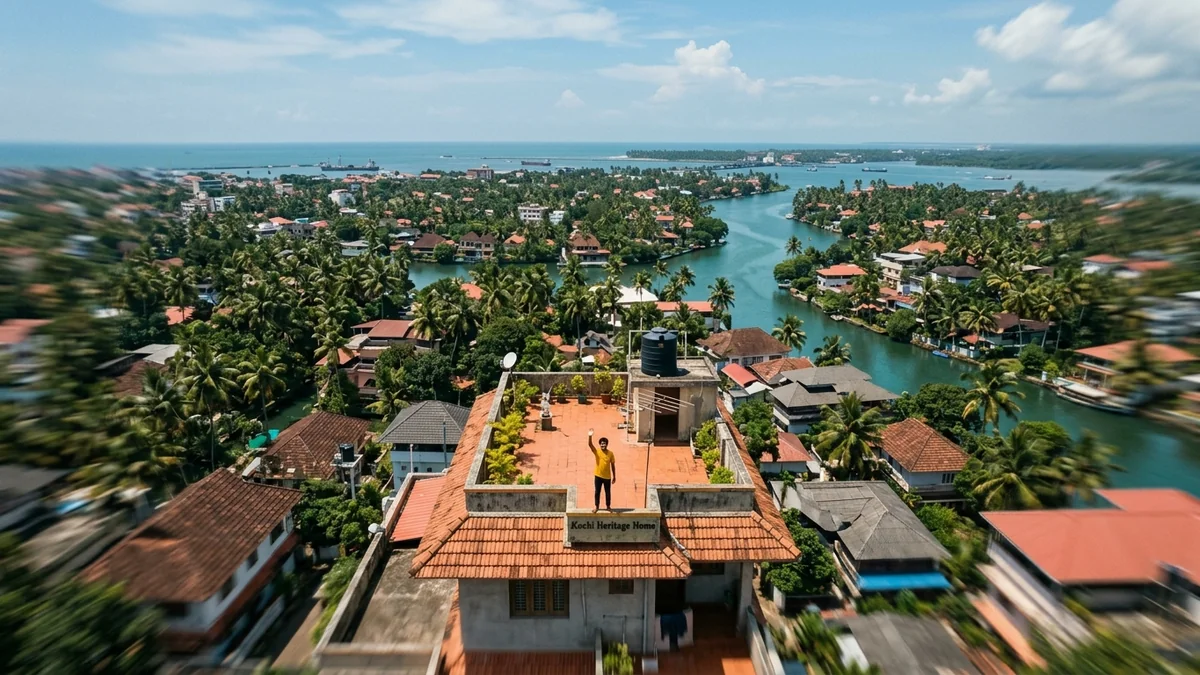
Dolly Zoom "vertigo" moment
The dolly zoom, or vertigo effect, makes the background stretch away while the subject stays the same size. It is the classic shot for a moment of shock or realisation. This prompt sets it on a long platform so the effect is easy to see.
Dolly zoom (vertigo effect), 16:9, 5 seconds. [SUBJECT, e.g. a young woman in a yellow raincoat] stands still in [SETTING, e.g. a long empty railway platform] as the background stretches away behind her while she stays the same size in frame. Her expression changes from calm to shocked realisation. Cool blue grade, overcast light, cinematic thriller mood. One camera move only, no cuts. No on-screen text, no logos.
The dolly zoom works best with a long, straight background such as a corridor, road or platform, so the stretching effect is easy to see.
From copy to clip in four steps
- 1
Open Higgsfield.
- 2
Paste the prompt and fill in the [BRACKETED] fields. Add a starting image if the tool supports it.
- 3
Set the aspect ratio and length in the tool.
- 4
Generate two or three takes and adjust one detail at a time.
About this prompt
Which AI tools work with this prompt?
It is written for Higgsfield, Kling and Veo. Paste it into your preferred tool and adjust the wording if the result is off.
What do I need to fill in?
Replace these fields before you send it: SUBJECT, SETTING. Each field shows an example in the prompt.
Why does the result differ between video models?
Each model interprets camera moves, motion and audio differently. Keep the prompt, regenerate a few times and change one detail at a time.