Crash Zoom reveal of a festival street
This prompt uses Higgsfield's Crash Zoom In move: a fast rush from a wide shot of a festival street to a sharp stop on one subject. It is written for a vertical Reel. Pick the Crash Zoom In preset as well, and swap in your own festival and city.
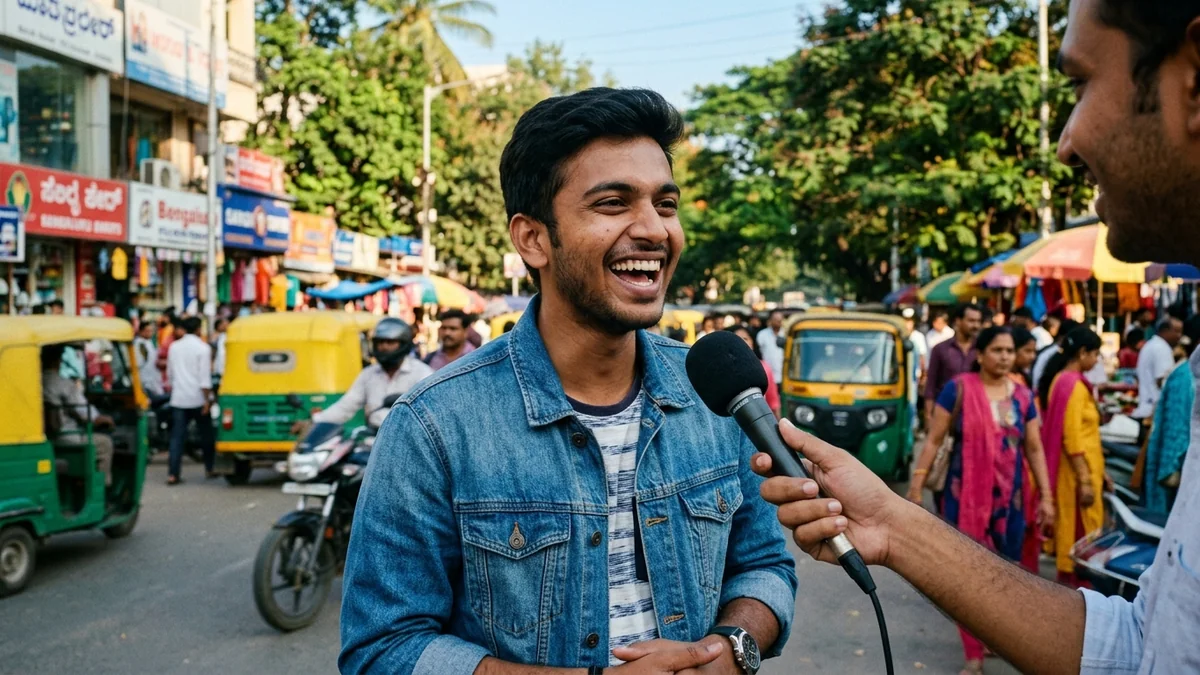
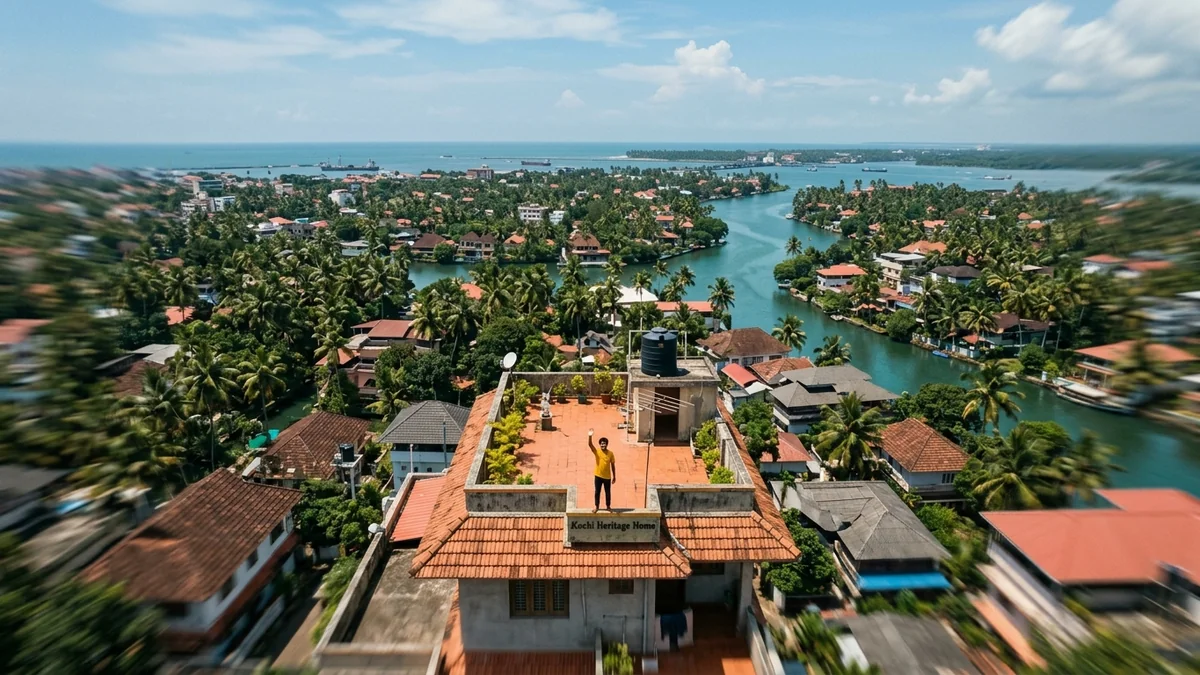
Crash zoom in, 9:16, 5 seconds. The camera starts wide on a crowded [STREET, e.g. Kolkata lane during Durga Puja] at night, then rushes forward fast and stops sharply on [SUBJECT, e.g. a glowing pandal entrance]. Warm festival lights, drifting incense smoke, handheld energy, shallow depth of field at the end, vibrant and joyful mood. One camera move only, no cuts. No on-screen text, no logos.
Pick the Crash Zoom In preset and keep the words "crash zoom in" in the prompt. Naming the move and choosing the matching preset gives the most repeatable result.
From copy to clip in four steps
- 1
Open Higgsfield.
- 2
Paste the prompt and fill in the [BRACKETED] fields. Add a starting image if the tool supports it.
- 3
Set the aspect ratio and length in the tool.
- 4
Generate two or three takes and adjust one detail at a time.
About this prompt
Which AI tools work with this prompt?
It is written for Higgsfield, Kling and Veo. Paste it into your preferred tool and adjust the wording if the result is off.
What do I need to fill in?
Replace these fields before you send it: STREET, SUBJECT. Each field shows an example in the prompt.
Why does the result differ between video models?
Each model interprets camera moves, motion and audio differently. Keep the prompt, regenerate a few times and change one detail at a time.