AI packaging mockup prompts: see your product before you print it
Published
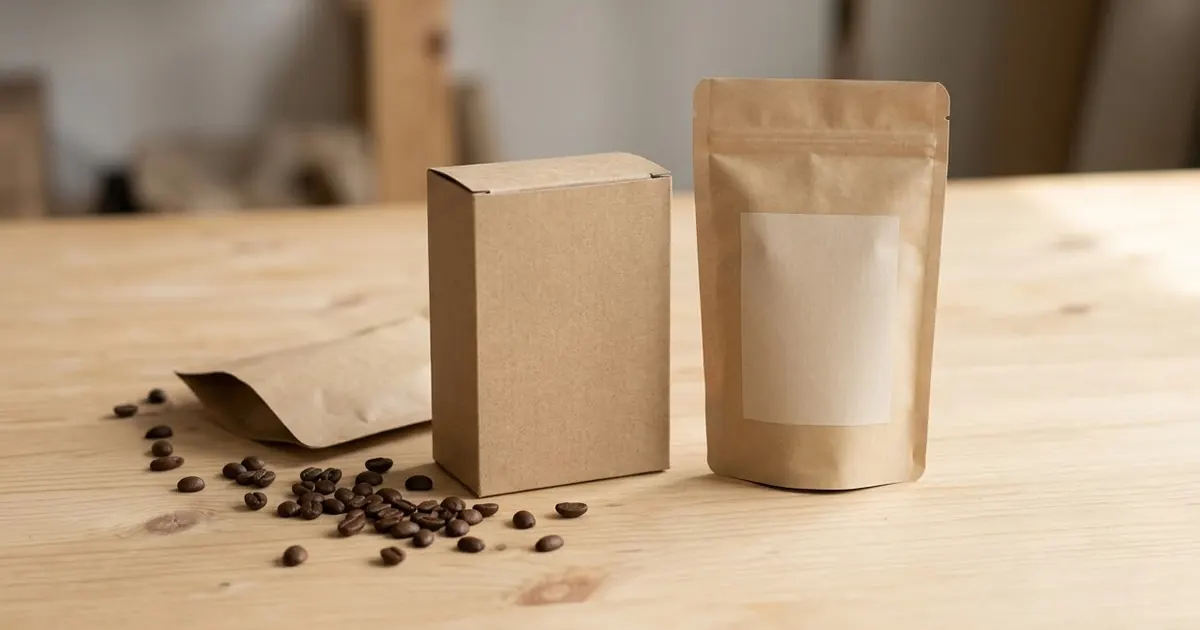
Short answerDescribe the product, the format and the exact label text in quotes, then ask for a few colour options side by side. Checking the spelling and keeping props simple avoids the two most common packaging mockup mistakes.
Full collectionAI mockup prompts for your designs11 prompts with examples, steps and fixes →A print run of boxes or pouches is expensive to get wrong, and a logo or label often looks different on an actual product than it did flat in a design file. Before you commit to printing, an AI image tool can show you a realistic mockup: the box, the bag or the jar, with your brand name on it, sitting on a surface with real-looking light.
This won't replace a proper packaging designer for a big launch, but it's a fast, free way to test ideas, compare colours and show a concept to a supplier or investor before you spend on print.
The two things that make or break a mockup
- Exact label text, in quotes. Image tools are still unreliable with text. Keep it short, put it in quotes, and say it is the only text.
- One product, one format, one style per prompt. A box, a pouch and a jar in the same prompt usually blend into something that's none of them clearly.
A general packaging mockup
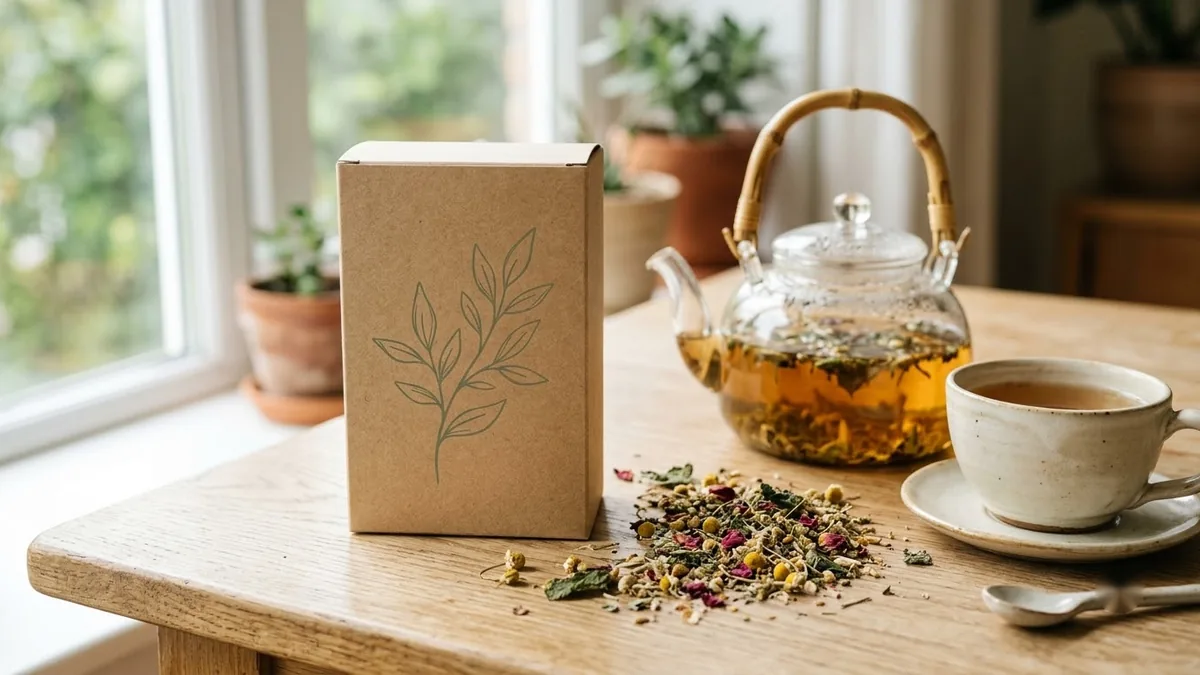
The packaging mockup prompt is built for a first concept of almost any boxed or bagged product:
A packaging mockup for [PRODUCT, e.g. organic herbal tea] in a [FORMAT, e.g. matte kraft box with a window]. Label text: "[BRAND NAME]" and "[PRODUCT NAME]". Botanical illustration in [COLOURS], clean modern layout, shown on a light wood surface with soft daylight and a small prop of [PROP]. Photorealistic.
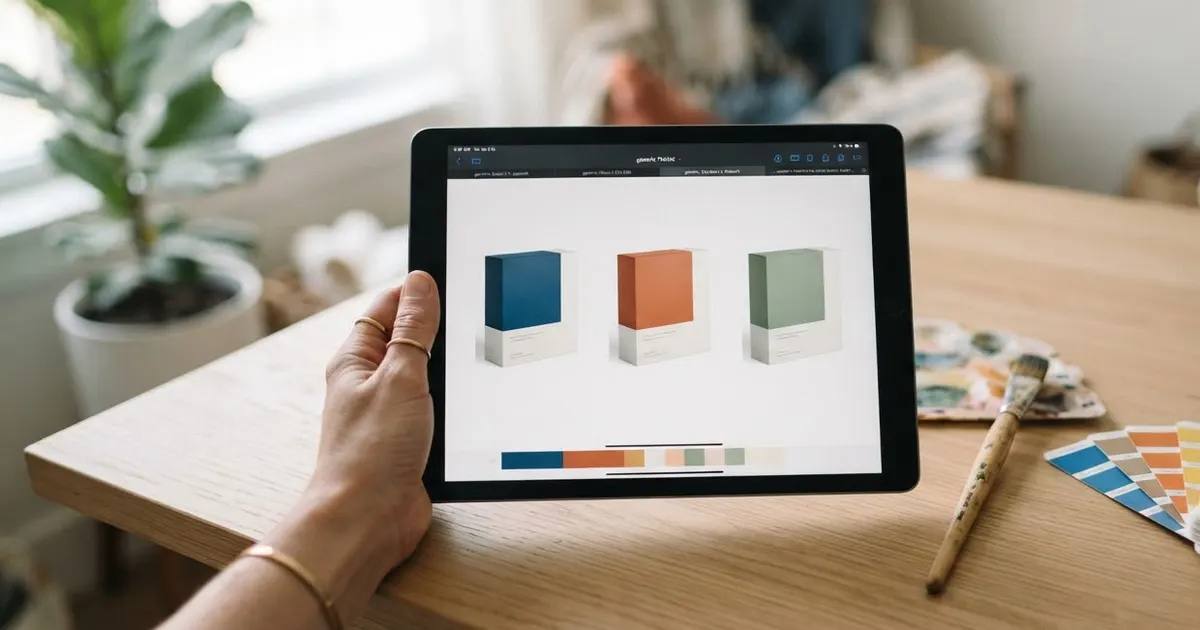
Generate a few versions with different colours side by side rather than one at a time:
Show me the same packaging mockup in 3 colour schemes side by side: [COLOUR 1], [COLOUR 2] and [COLOUR 3]. Keep the format, layout and text identical in each, only change the colours.
This is far easier to judge than three separate images generated minutes apart, where small differences are hard to spot and compare.
A coffee bag or pouch label
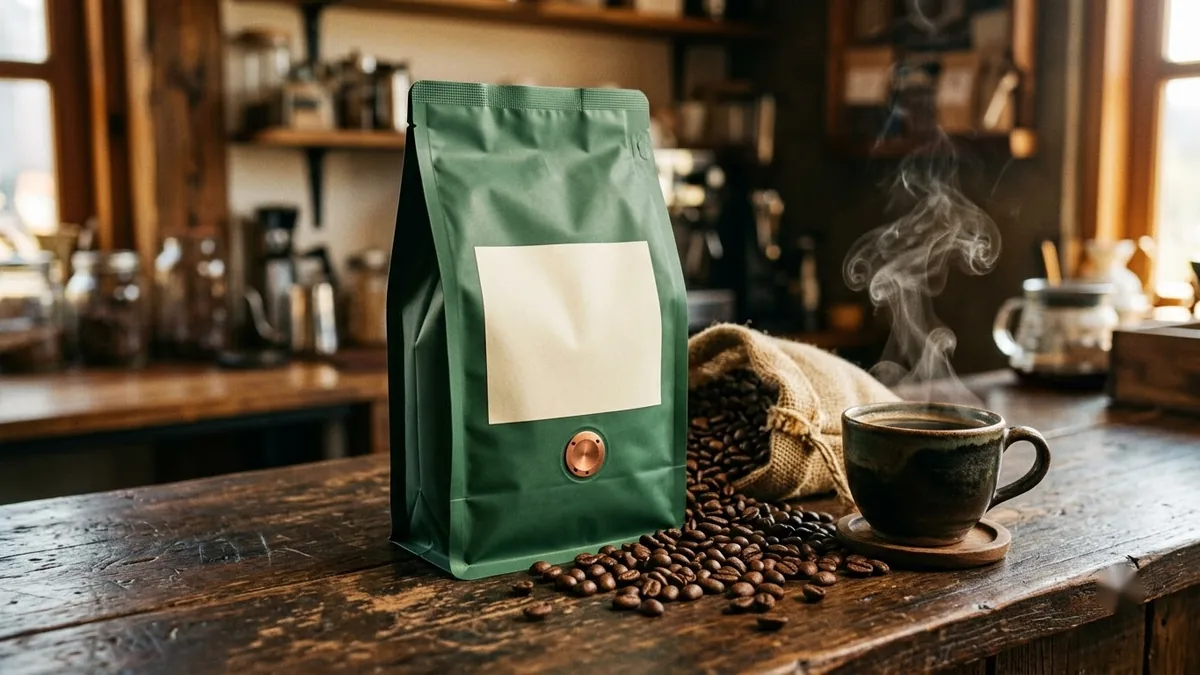
Pouches and bags behave a little differently from boxes, since the label has to work on a curved, slightly creased surface. The coffee bag mockup prompt is written for that:
A packaging mockup of a matte [COLOUR] coffee bag with a [COLOUR] label reading "[BRAND]" and "[ORIGIN, e.g. Chikmagalur Estate]", tin tie at the top, illustration of [MOTIF], standing on a wooden counter with scattered roasted beans and a ceramic cup, warm cafe lighting, photorealistic.
If you need the back of the bag too, ask separately:
Now show the back of the same bag, with a label area for brewing instructions and a best-before date, same lighting and surface.
Asking for the back in a follow-up, after the front is settled, keeps both sides consistent rather than generating two unrelated designs.
A simple brand mascot
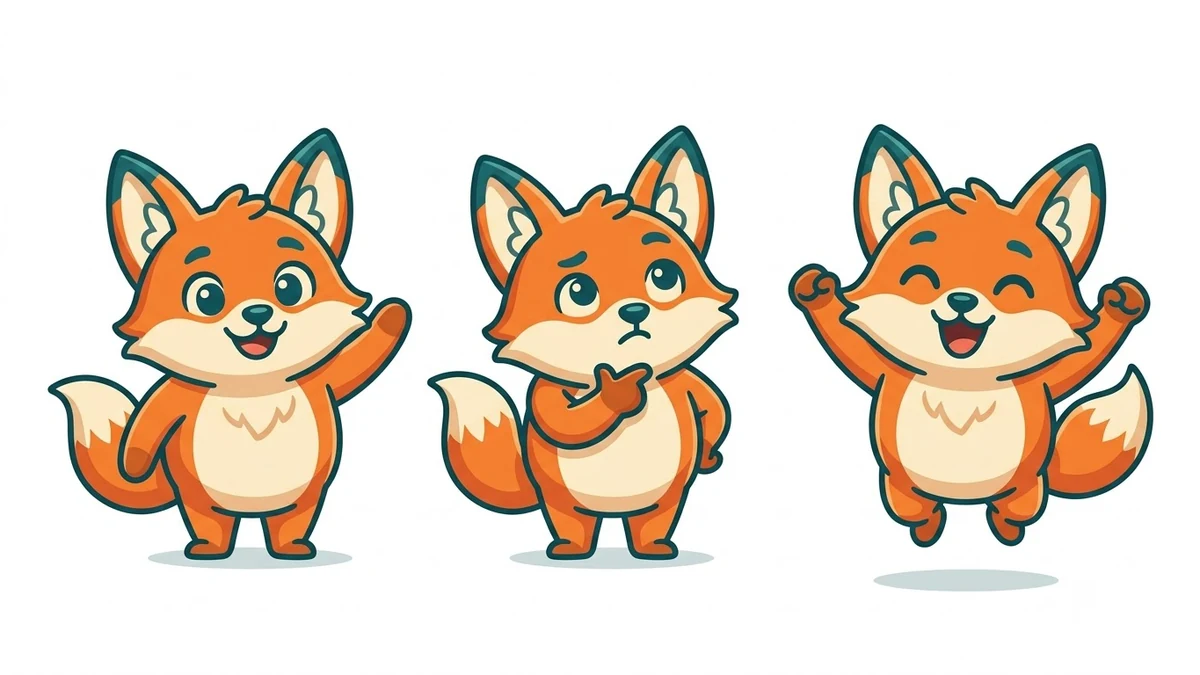
If your packaging needs a character rather than just a logo, the brand mascot prompt keeps it simple enough to actually print small, on a sticker or a corner of a box:
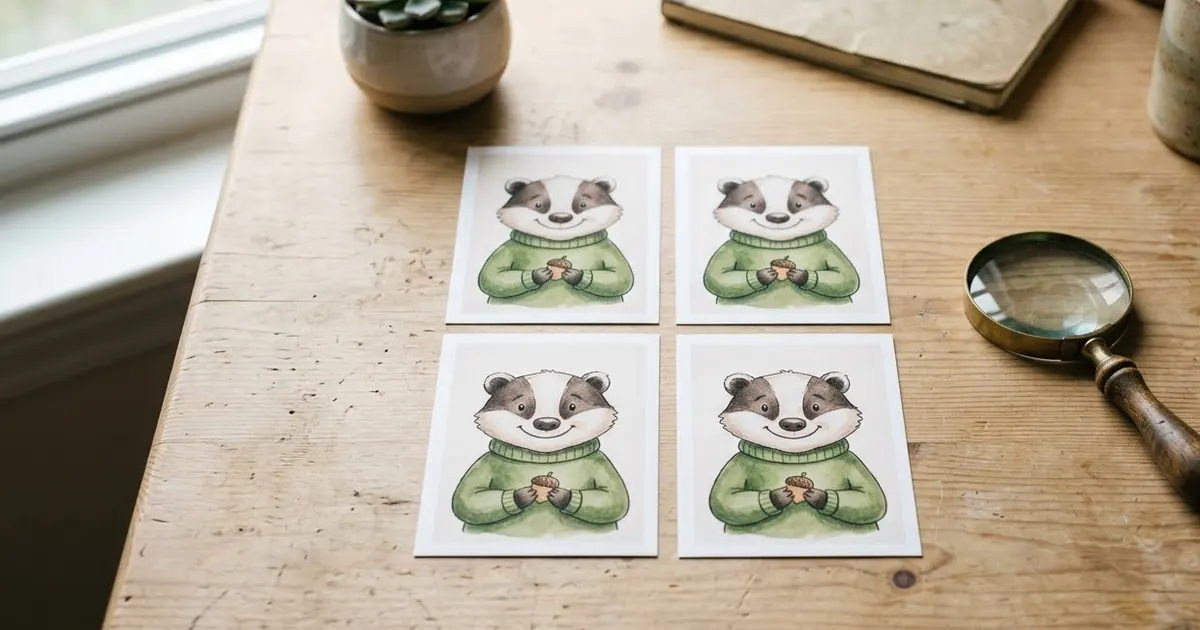
A friendly mascot character for a [BUSINESS TYPE] brand called "[BRAND]": [ANIMAL OR OBJECT] with big expressive eyes and a [PERSONALITY, e.g. cheerful and trustworthy] expression. Clean vector illustration with bold outlines, limited palette of [COLOURS], shown in 3 poses (waving, thinking, celebrating) on a plain white background.
Keep the shape simple. A mascot with fine detail looks fine on screen and turns to mud when it's printed at the size of a sticker.
A clean product shot to go with it
Once the packaging is settled, you'll likely need a plain product photo for your online store or marketplace listing. The e-commerce product photo prompt gives you that on a pure white background:
Create a clean e-commerce product photo of [PRODUCT, e.g. your packaged product] on a pure white background.

Centre the product so it fills about 85% of the frame, shot at a slight 3/4 angle, with soft even studio lighting, a subtle natural shadow beneath it, true-to-life colours and textures, and razor-sharp detail.

No props, no text, no watermark. Square 1:1, high resolution.
For your real product rather than a concept, upload an actual phone photo and add "keep the product exactly the same" so the AI cleans up the background instead of inventing a different product.
Fixing common problems
The label text is misspelled. Say "the only text, spelled exactly as written" and check it letter by letter before you approve a design.
It looks like a 3D render, not a photo. Add "photorealistic photo, real material texture, not a 3D render" and remove words like "illustration" if you want a photo-style mockup.
Too much going on in the shot. Remove one prop at a time. Backgrounds, extra items and busy surfaces all compete with the actual packaging.
The brand name appears twice or in the wrong place. Be specific about placement: "the brand name only on the front panel, centred, nowhere else on the pack."
Where to go from here
Once you're happy with a design, our AI product ad video prompts guide covers turning the finished mockup into a short ad clip. You'll find more product and ad prompts in the PromptUp product photo and ad prompts collection, and the prompt builder can write a custom mockup for your exact product and format.
Quick checklist
- Put label text in quotes and say it's the only text on the pack.
- Pick one product, one format and one style per prompt.
- Generate a few colour options side by side, not one at a time.
- Keep a mascot's shape simple enough to print small.
- Ask for "photorealistic, real material texture" if it looks like a 3D render.
- Check spelling letter by letter before approving a design.
Prompts to try
More prompts on this topic
- Tote bag design mockupGemini · ChatGPT
- T-shirt design mockup on a personGemini · ChatGPT
- Hoodie design mockupGemini · ChatGPT
- Premium tea box packaging mockupGemini · ChatGPT · Midjourney
- Logo on a ceramic mug mockupGemini · ChatGPT
- Billboard advertising mockupGemini · ChatGPT
Comments
No comments yet. Be the first to share what worked for you.