Ideogram 4.5 is here: how to prompt its new edit model
Published
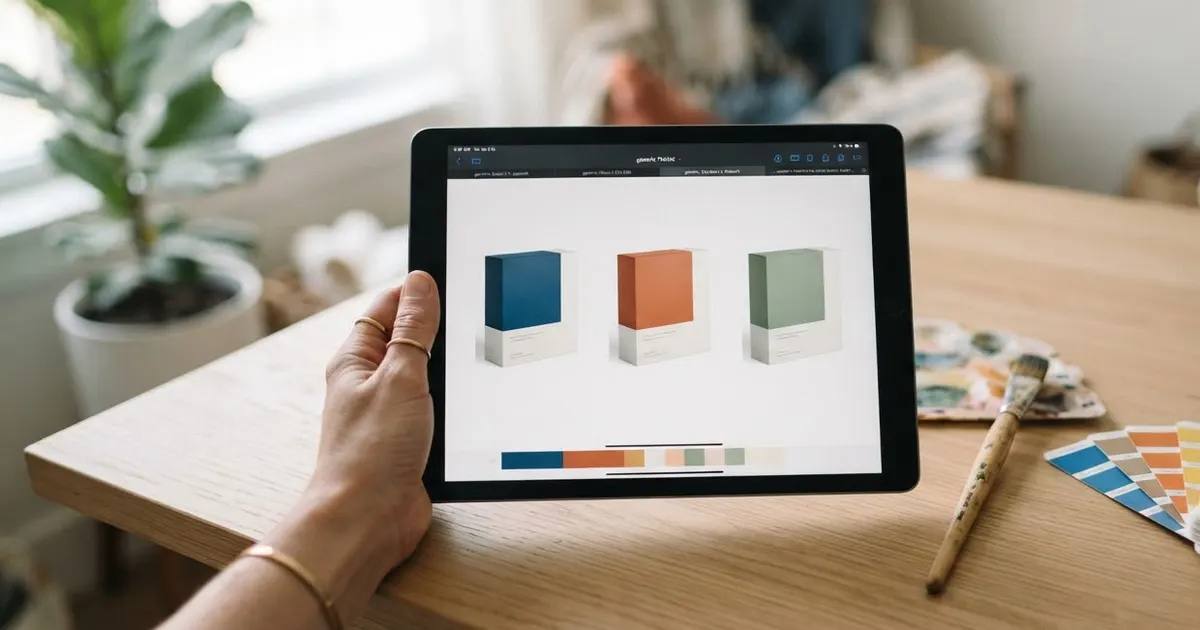
Short answerIdeogram 4.5 is a new edit model, launched 30 September 2026, built to survive repeated edits without adding artifacts or colour drift. Name one change at a time, add "keep everything else exactly the same", and raise Edit Precision for small, exact fixes.
Ideogram announced Ideogram 4.5 on 30 September 2026, calling it "the most precise edit model" it has shipped. It's live now in the Ideogram app, the API and its launch partners, with open weights coming later according to the same announcement.
The problem it's built to fix
Ask most AI image tools to change one small thing in a picture, then ask for a second small change, and a third, and you'll usually notice the picture quietly getting worse: a colour that drifts warmer, an edge that goes soft, a texture that wasn't there before. Ideogram's own announcement names this directly: repeated edits in other models add artifacts, pixel shifts and colour changes, and the changes stack up the more times you edit. Ideogram 4.5 is built to stop that build-up, so you can keep refining the same image instead of starting over each time you want a small change.
This matters most for anything you design once and then tweak for weeks: a product mockup, a business card, a banner you resize for five different sales.
How to prompt an edit, not a new image
The habit that makes the biggest difference is to describe the edit, not the whole picture:
- Name the one change. "Change the box colour to forest green" works better than redescribing the whole packaging.
- Add a locking line. End the prompt with "Keep everything else exactly the same." This tells the model what not to touch, which is exactly where older models used to drift.
- Raise Edit Precision for small, exact fixes. Where the setting is available, High favours a close, literal match to the original over a looser reinterpretation.
- Add a mask for a big change. If you're replacing something large, such as a whole background, a mask tells the model exactly which pixels are fair game and which ones to leave alone.
A design you can keep editing
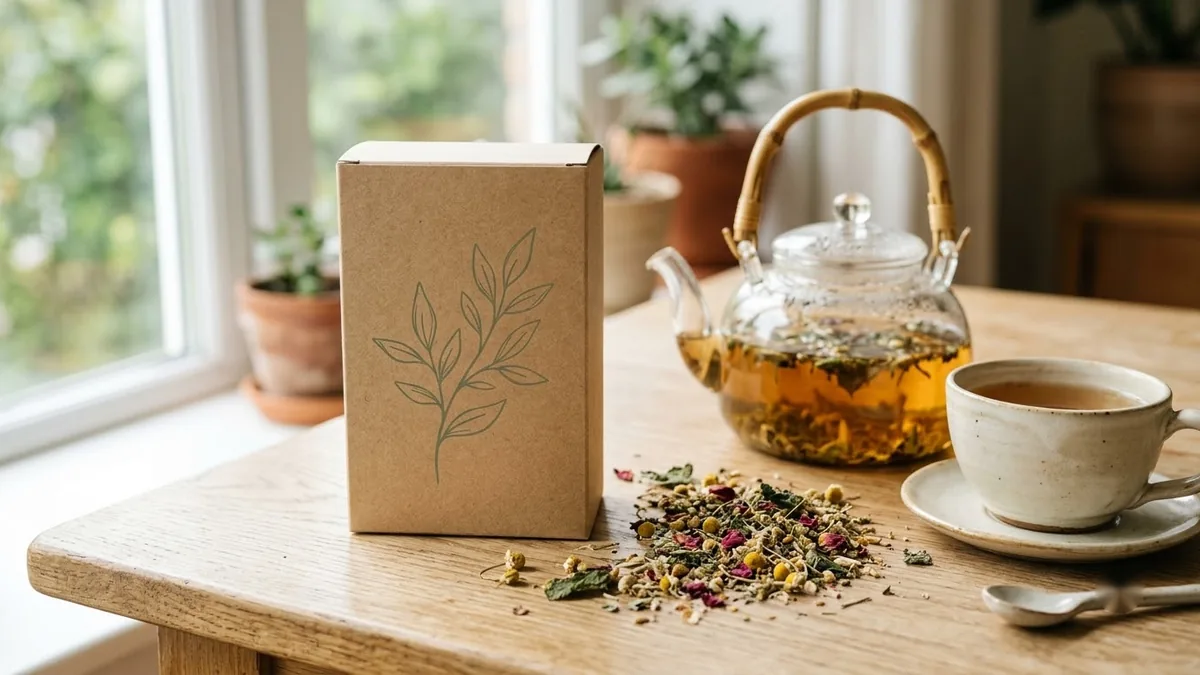
Start with a normal generation prompt, such as the product packaging mockup prompt:
A packaging mockup for [PRODUCT, e.g. organic herbal tea] in a [FORMAT, e.g. matte kraft box with a window]. Label text: "[BRAND NAME]" and "[PRODUCT NAME]". Botanical illustration in [COLOURS], clean modern layout, shown on a light wood surface with soft daylight and a small prop of [PROP]. Photorealistic.
Once you have a result you like, make the next change as an edit instead of a new prompt:
Change the label illustration to [NEW COLOURS / STYLE] and swap the prop to [NEW PROP]. Keep the box shape, the typography, the lighting and the surface exactly the same.
That second prompt is the whole point of Ideogram 4.5: on an older model, a change like this often nudges the typography or the lighting too. Here, it shouldn't.
Where this helps most
Anything you'll want to revise more than once is a good fit:
- Event tickets you reuse for a new date or venue each time.
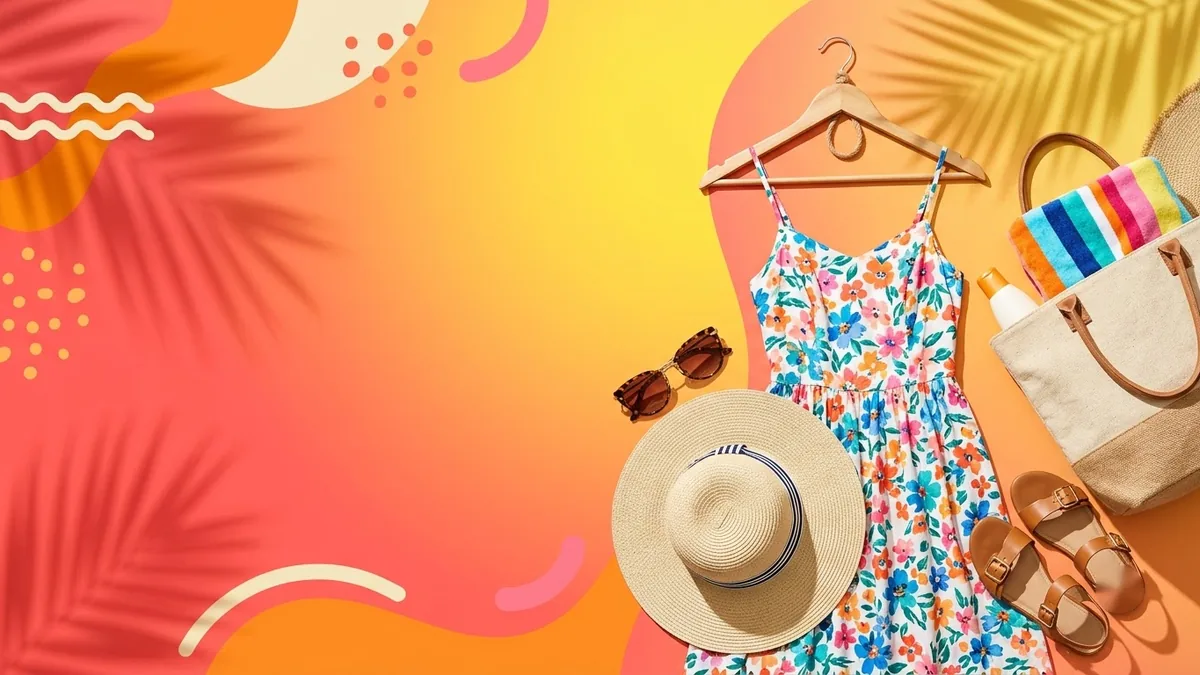
- Sale banners where only the headline and dates change week to week.
- Testimonial cards where you swap in a new quote and name but want the same layout.
- Business cards when one person's title or number changes and the rest of the team's cards shouldn't.
What else is new
Ideogram 4.5 comes in four quality modes, from roughly 0.8¢ to 22¢ per image, all at native 2K resolution, according to an early prompting guide to the model. The cheaper modes are a reasonable way to check an edit before you spend more on a final, high-quality pass.
Text rendering itself hasn't changed: the habits in our Ideogram prompts for logos, posters and text guide, like putting every word of text in quotation marks, still apply whenever you're generating something new rather than editing.
Fixing common problems
The edit changed something you didn't ask for. Name it directly in your locking line: "Keep the typography, the background and the lighting exactly the same," rather than a general "keep everything the same."
The edit is too subtle to see. Describe the change more specifically: a colour name instead of "different", or a size such as "twice as large" instead of "bigger".
You want a bigger change than an edit allows. Start a fresh generation instead. Edits are for refining a design you already like, not for a different concept.
A letter is wrong after an edit. Regenerate the edit once before changing your prompt; text accuracy still varies a little between attempts, even on a precise edit model.
Where to go from here
If you're generating a design from scratch rather than editing one, see our guide to Ideogram prompts for logos, posters and text for how to get the wording right first. All the prompts above are free in the Ideogram prompts collection, and the prompt builder can write a custom version for your own design.
Quick checklist
- Name the one change you want, not the whole image.
- End edit prompts with "Keep everything else exactly the same."
- Raise Edit Precision for small, exact fixes.
- Add a mask when you're replacing something large.
- Start a fresh generation for a genuinely different concept, not an edit.
Comments
No comments yet. Be the first to share what worked for you.