Christmas and New Year AI photo prompts you can use this year
Published
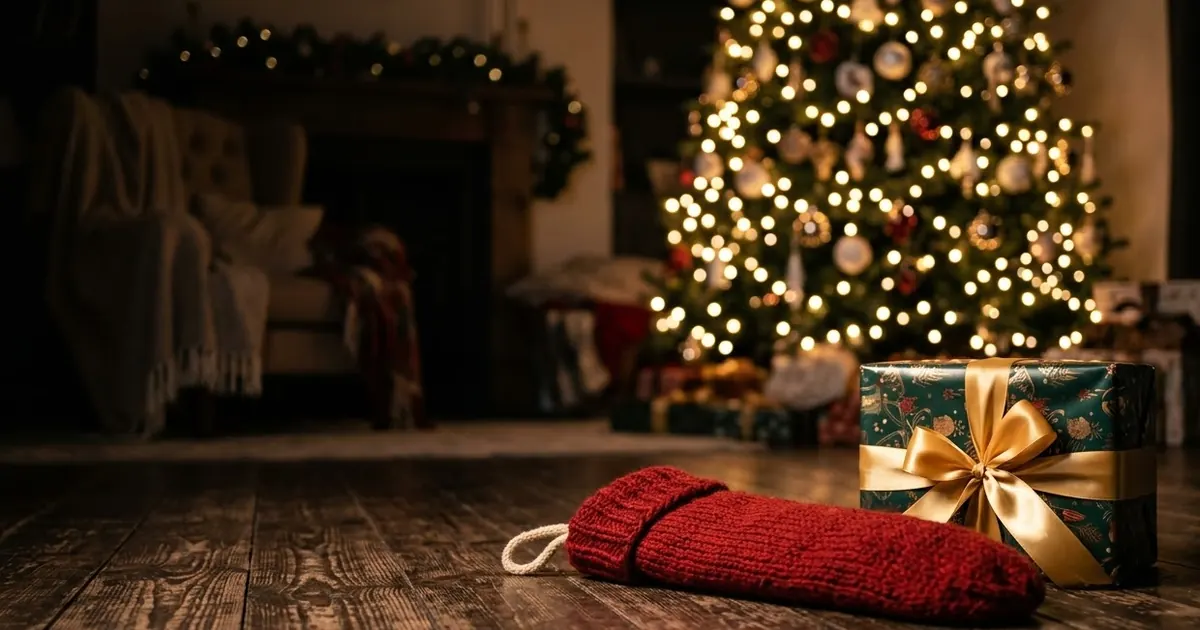
Short answerUpload a clear photo, tell the AI to keep every face exactly the same, then describe the setting, the outfit and the festive details you want, such as string lights, snow or fireworks. Leave space in the frame if you plan to add a greeting.
You don't need a photographer, a tree or even snow outside your window to send a good Christmas card this year. AI photo tools can take any recent photo and turn it into a festive card, a party portrait, or a short video, as long as you tell them exactly what to keep and what to add.
This guide gives you copy-ready prompts for the season, plus the small details that make the result look natural instead of pasted together.
The one rule that matters most
Whatever you're making, start with the same instruction: keep the face exactly the same. Festive scenes have a lot going on, string lights, snow, sparkle, and a busy prompt can quietly let the model drift on the one thing you actually care about. Say it once at the start, and again if you ask for a follow-up change.
A Christmas card from a family photo
Use a recent, clear photo. The Christmas card portrait prompt adds the setting and leaves room for your own message:
Turn this photo into a holiday card image. Keep every person's face and features exactly the same.

Add: a cosy [SETTING, e.g. living room with a decorated tree], warm string lights, soft snow outside the window and matching [COLOUR] winter outfits. Leave clear empty space at the top for the greeting text: "[YOUR MESSAGE]".
Ask for a landscape version if you're printing cards, and a portrait version if it's going straight to a phone background or a WhatsApp forward.
A New Year's Eve portrait
For a party-ready shot without the party, try the New Year party portrait prompt:
Turn this photo into a New Year's Eve party portrait. Keep my face and features exactly the same.

Outfit: [SPARKLY OUTFIT]. Background: city skyline with fireworks, gold and silver streamers, champagne glasses blurred, warm bokeh lights, festive glow. Add "Happy New Year [YEAR]" in small gold lettering.
Ask for a vertical 9:16 crop for stories, and a square or 4:5 crop for a normal feed post, since the framing that works for one rarely works for the other.
Don't forget the pet
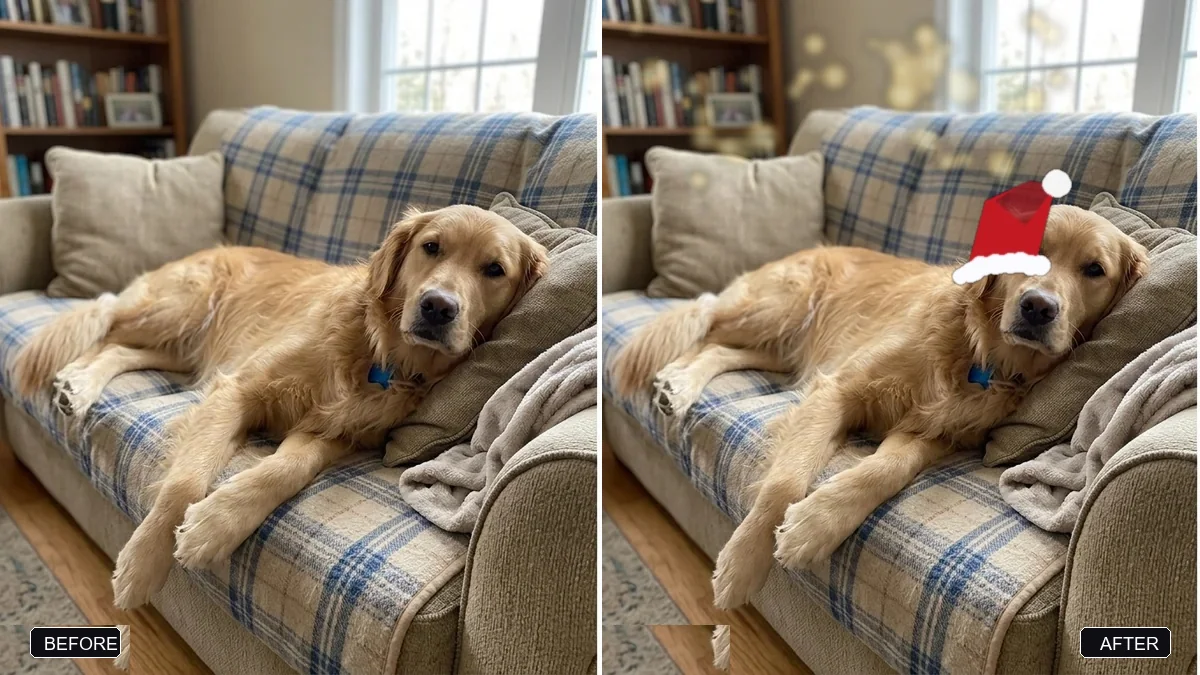
If there's a dog or cat in the house, the dress your pet for the holidays prompt usually gets more reactions than anyone's own photo:
Dress my [DOG / CAT] in a [SANTA HAT / KNITTED SWEATER / FESTIVE SCARF]. Keep the pet's face, fur colour, pose and expression exactly the same.

Add soft festive lights blurred in the background and warm lighting. A cute, natural and realistic result.
Keep the outfit to one simple item. A hat or a scarf reads as festive; three accessories at once usually starts to look odd around the ears and paws.
Turning a still photo into a short video
If you have a video tool available, two moments carry the whole season: the tree lighting up, and the countdown at midnight. Neither needs a real tree or a real party.
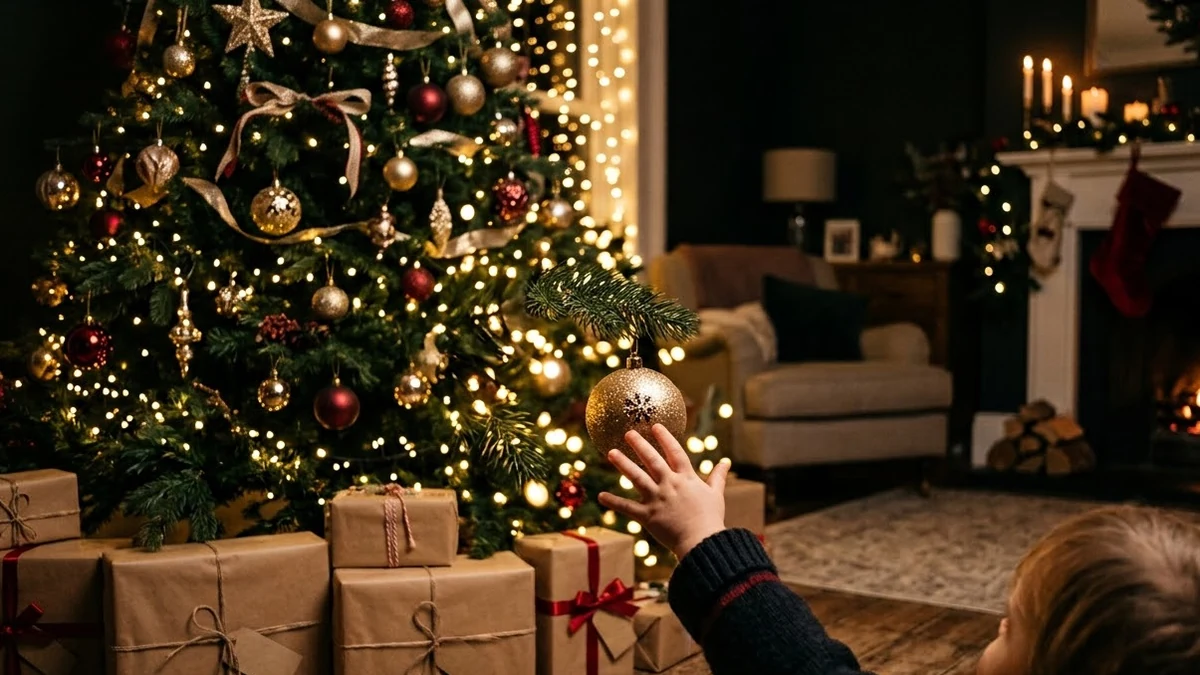
The Christmas tree lights prompt is built for a cosy, slow reveal:
A living room at night, a [GOLD-AND-RED] decorated Christmas tree, a child's hand reaching to a switch and hundreds of warm lights sparkling on, glowing ornaments, snow falling outside the window, a fireplace crackling, cosy slow push-in, soft music box melody.
And the New Year countdown fireworks prompt gives you the midnight moment without needing to be anywhere near a real fireworks display:
A crowd in a city square counting down to midnight, a giant clock ticking, then fireworks bursting in [GOLD AND SILVER] over the skyline as confetti falls, people hugging and cheering, glittering reflections, exciting camera sweep, roaring crowd.
Both work well as a short clip to open a family video call, or as the last slide in a year-in-review post.
Fixing common problems
The lighting looks fake or flat. Ask for one light source to lead: "warm string lights as the main light, everything else falls off into soft shadow" reads as more real than "add lots of lights".
The snow looks pasted on. Ask for it "falling softly and slightly out of focus in the foreground", rather than just "add snow", so it sits in the scene instead of on top of it.
Text in the image is garbled. Keep any wording short, in quotes, and expect to redo it once or twice. For anything longer than a short greeting, add the text afterwards in an editor instead.
It changed something you didn't ask about. Add "keep everything else the same" to your next message, and be specific about the one thing you do want changed.
Where to go from here
If you want the full family portrait treatment beyond the festive season, see our guide to indian wedding AI photo prompts for more on group portraits and outfit changes that keep faces consistent. You'll find more seasonal and everyday prompts in the PromptUp photo editing prompts and video prompts collections, and the prompt builder can put one together for your own photo.
Quick checklist
- Start every prompt with "keep every face exactly the same."
- Leave space in the frame if you plan to add a greeting.
- Pick one outfit or accessory for pets, not several.
- Let one light source lead, rather than listing every light at once.
- Keep any on-image text short, or add it afterwards in an editor.
- Match the crop to where the photo is going: square or 4:5 for feeds, 9:16 for stories.
Comments
No comments yet. Be the first to share what worked for you.