- Updated
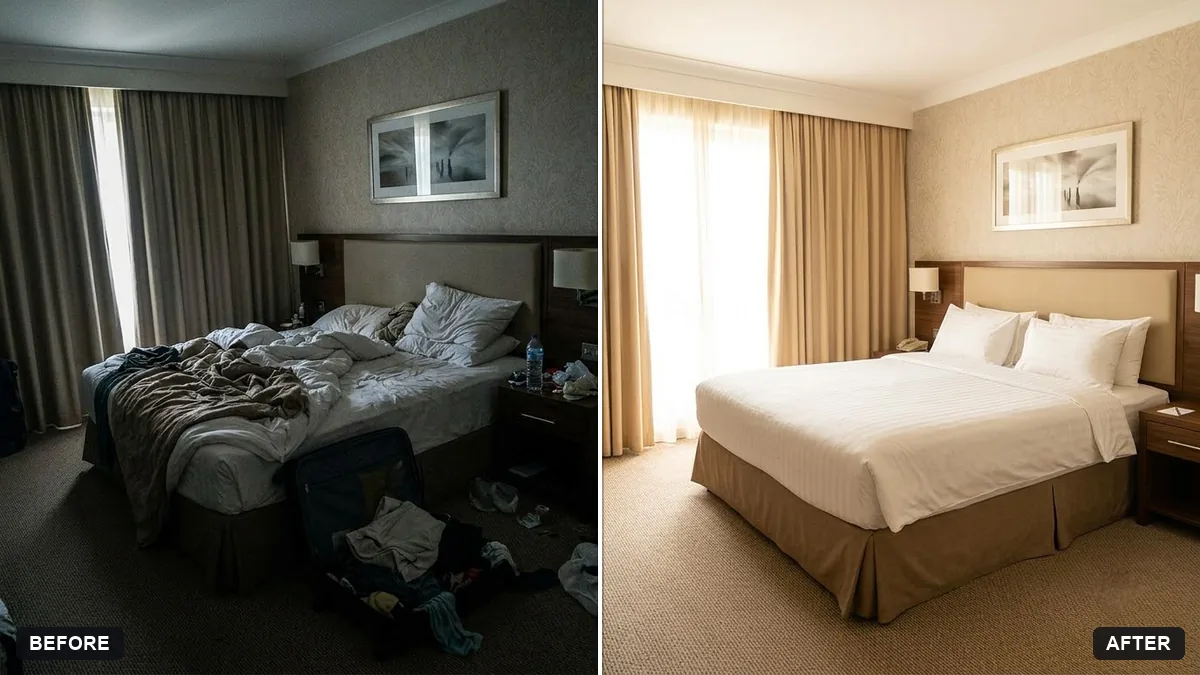
Hotel room photo for a listing
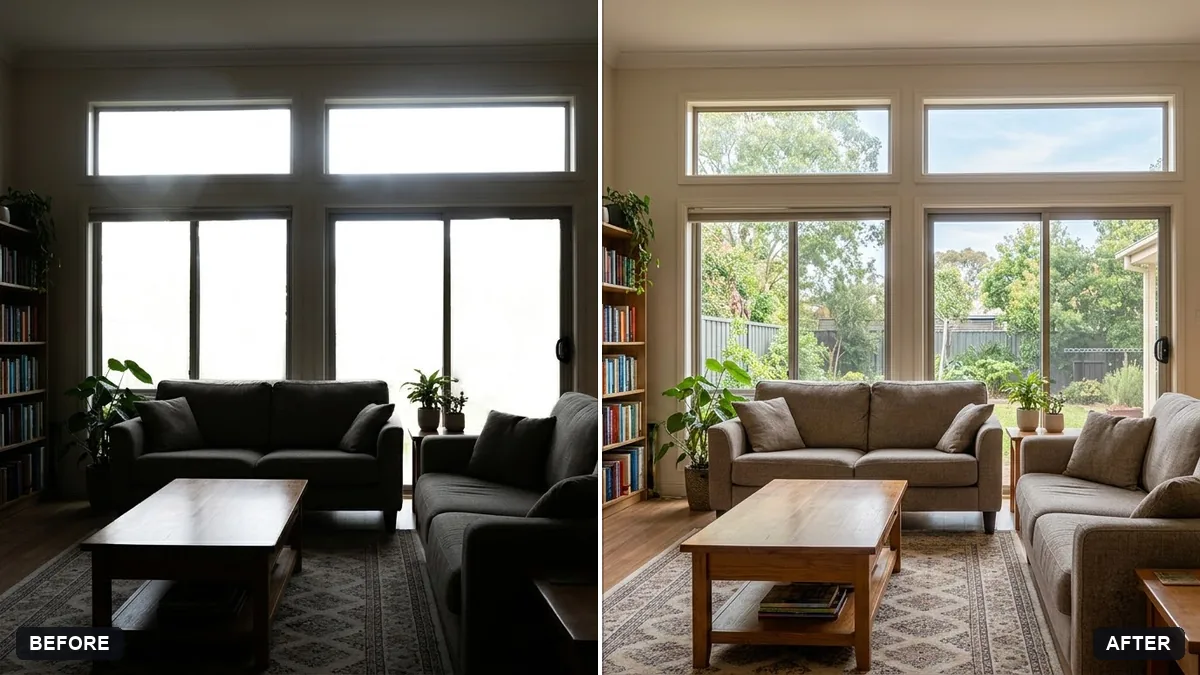
This prompt straightens lines, brightens the room with natural light, tidies the bedding and removes personal items for a listing photo. Keep the edit honest.
Enhance this hotel room photo for an online listing. Straighten lines, brighten the room with natural light, tidy the bedding, remove personal items and even out the colours.

Keep the room's real layout and furniture exactly the same. Extra instructions: [ANY DETAIL TO KEEP OR AVOID].
Take the photo from a corner at chest height for a bigger look.
Your photo goes to the AI app you choose, never to PromptUp.
Get a better result
Your hotel room photo with straightened lines, brighter natural light, tidy bedding, personal items removed and even colours, with the real layout and furniture unchanged.
Listings must be honest, so the room’s real layout and furniture stay exactly the same. The fixes are what a photographer would do: straight lines, natural light, tidy bedding and no personal items. Shooting from a corner at chest height, as the tip says, makes rooms look bigger.
The room looks bigger or different from reality.
Fix: Say “do not change the size, furniture or view”. Guests who arrive to a different room leave poor reviews.
- The bedding turns perfectly smooth and fake. Ask for “neat and lightly creased, with the pillows straight”, not “ironed flat”.
- A needed item, such as a kettle, disappears. List items to keep, like “kettle, desk lamp and welcome card”, and the items to remove, like “bags and shoes”.
Take the photo from the corner at chest height, as the tip says, then ask the AI to “keep the wide-angle look but avoid stretching the edges”. Very wide lenses can mislead guests.
Keep the layout and furniture exactly the same. Make the light more natural from the window and straighten the lines of the wardrobe.
Guides on this topic
More photo editing prompts
See all 334 →
More like this
- Virtually stage an empty room for listingsGemini · ChatGPT
- Boutique hotel room tourVeo · Kling · Seedance
- Boutique hotel lobbyMidjourney · Gemini · ChatGPT
- Real estate agent portraitGemini · ChatGPT
- Property exterior at twilightGemini · ChatGPT