- Updated
Speaker photo for a conference page
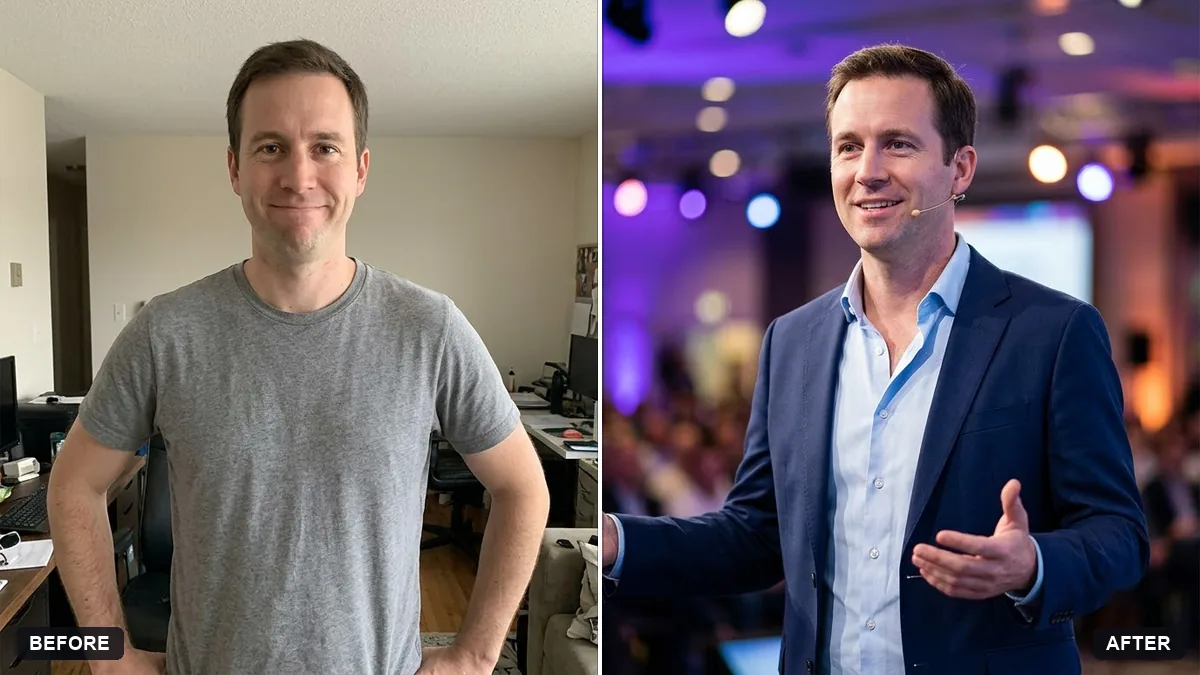
This prompt creates a confident speaker portrait for a conference page. Your face, hair and features stay exactly the same.
Create a speaker portrait from this photo for a conference website. Keep my face, hair and features exactly the same.

Look: confident, open posture, wearing [OUTFIT], a softly blurred stage-lights background in [COLOUR], crisp light on the face, half-body crop with room around the head for cropping to a square.
Send organisers the square and landscape crops they usually ask for.
Your photo goes to the AI app you choose, never to PromptUp.
Get a better result
A confident half-body speaker portrait with an open posture, a softly blurred stage-light background, crisp light on your face and space around the head for a square crop.
Organisers crop speaker photos into squares, circles and banners, so the prompt asks for a half-body shot with room around the head. A softly blurred stage background in your colour sets the scene without distraction. Crisp light on the face and an open posture make you look confident and approachable. The outfit blank lets you match what you will actually wear on stage.
The crop is too tight.
Fix: Ask for room above the head and on both sides. Organisers will need to crop it to several shapes.
- The stage lights are distracting. Make them very soft and use one colour, so the background does not pull attention from your face.
- It does not look like you. Use a recent, clear photo. A conference page should show a face attendees will recognise on the day.
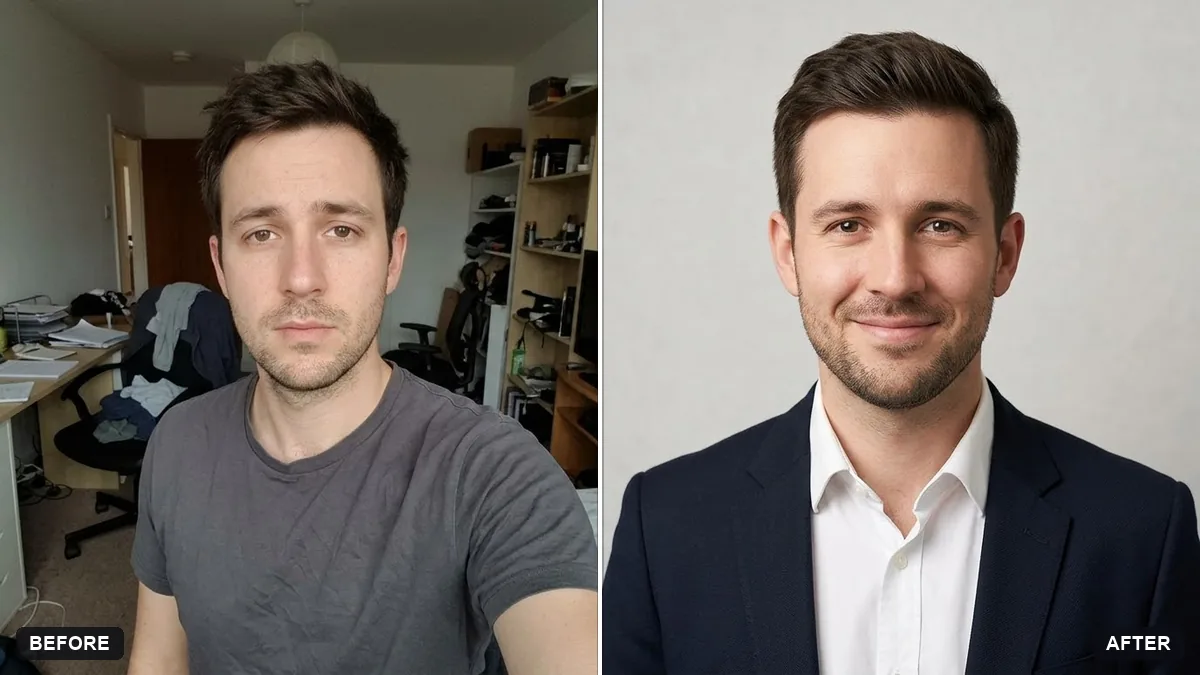
Ask for the same pose on a clean light grey backdrop, for print programmes and slides.
Keep my face. Give me the same portrait in three crops: square, landscape and tall, with my head in the same place in each.
More photo editing prompts
See all 334 →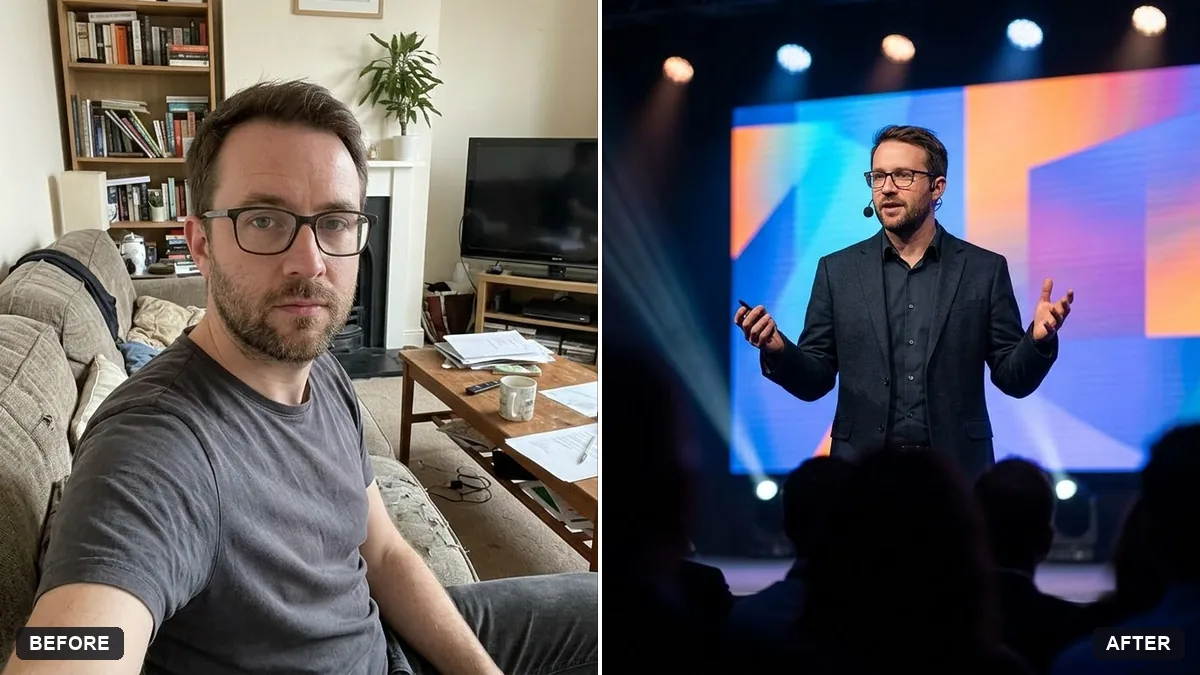
More like this
- Podcast host in the studioGemini · ChatGPT
- Smart speaker in a living roomGemini · ChatGPT · Midjourney
- Startup founder portraitGemini · ChatGPT
- Write a conference talk proposalChatGPT · Gemini · Claude
- Healthcare professional portraitGemini · ChatGPT