- Updated
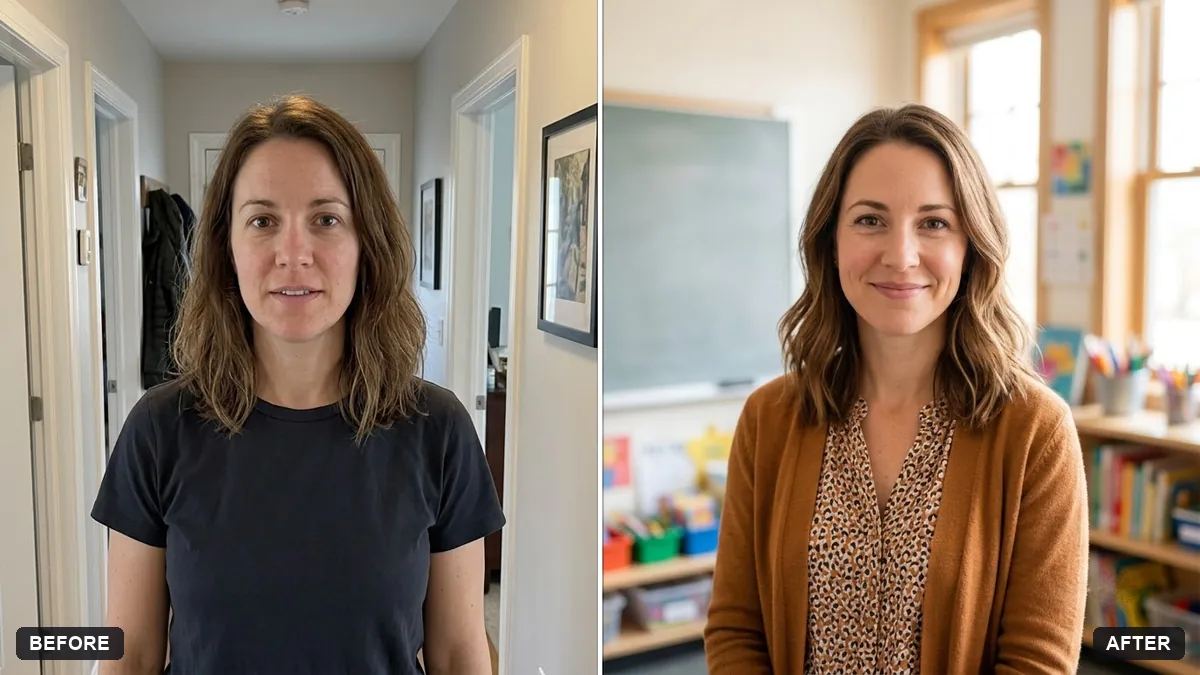
Teacher portrait in a classroom
This prompt places you in a bright classroom with a board and a friendly look, for a school website or profile. Your face and features stay unchanged.
Restyle this photo as a friendly teacher portrait. Keep my face and features unchanged.

Setting: a bright classroom with [BOARD / MAP / BOOKS] softly blurred behind me, warm natural window light, kind approachable expression, casual smart outfit. Half-body crop. No student faces in the background.
Ask for a version without a background if you need it for a school ID.
Your photo goes to the AI app you choose, never to PromptUp.
Get a better result
A friendly half-body portrait of you as a teacher in a bright classroom, with a board, map or books softly blurred behind you, warm window light and a kind smile, with no students visible.
A teacher portrait should feel kind and approachable, so the prompt asks for warm window light, a friendly expression and a casual smart outfit. A board, map or books softly blurred behind say classroom without clutter. No student faces in the background protects children’s privacy, which matters for anything shared online.
Students appear in the background.
Fix: Keep the instruction “no student faces”, and ask for “an empty classroom”. It is safer for school use.
- The board has unreadable made-up writing. Ask for “a clean blank board” or a map, and add your own text later if you need it.
- The outfit looks too formal. Say “casual smart, soft cardigan or plain shirt, no tie”, in the same line as the setting.
Ask for the same portrait on a plain light background, for a school ID, staff page or newsletter, as the tip suggests.
Keep the classroom. Soften the background more and add a small plant on the desk.
Guides that use this prompt
More photo editing prompts
See all 334 →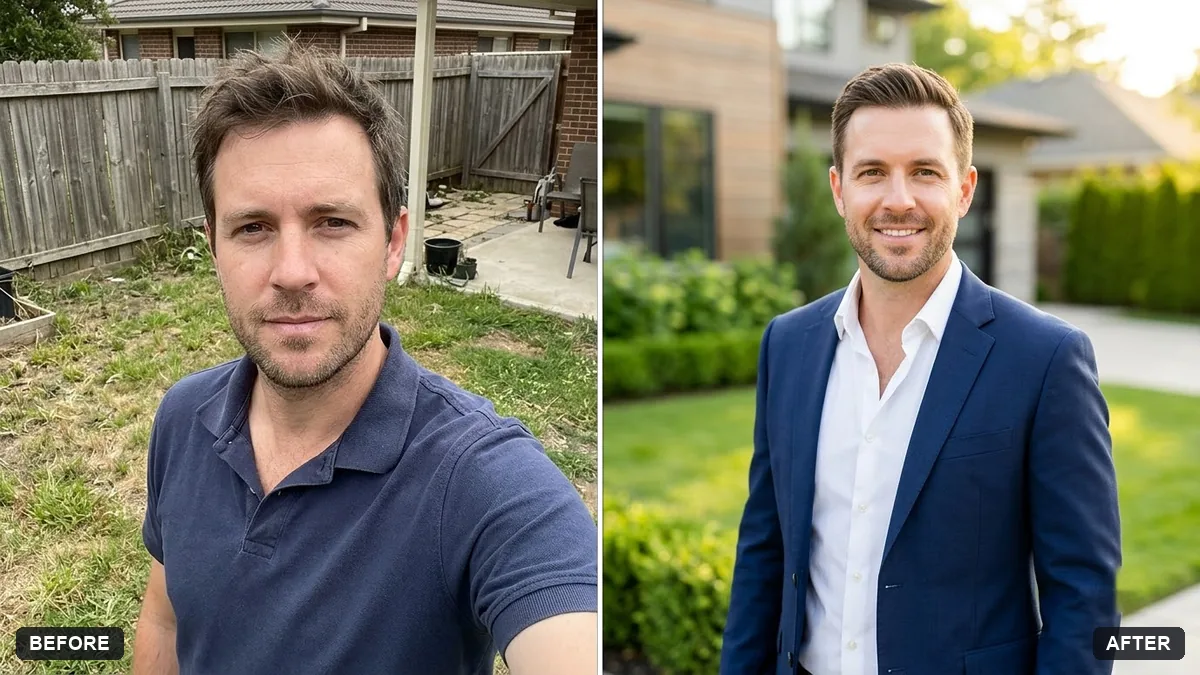
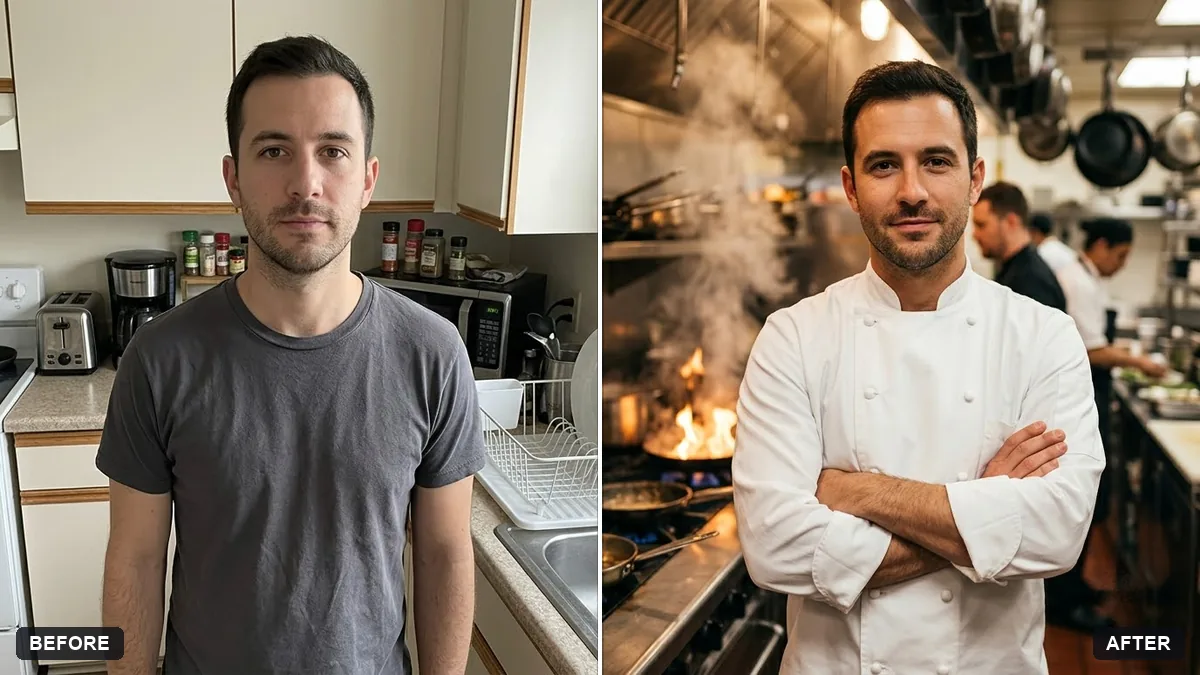
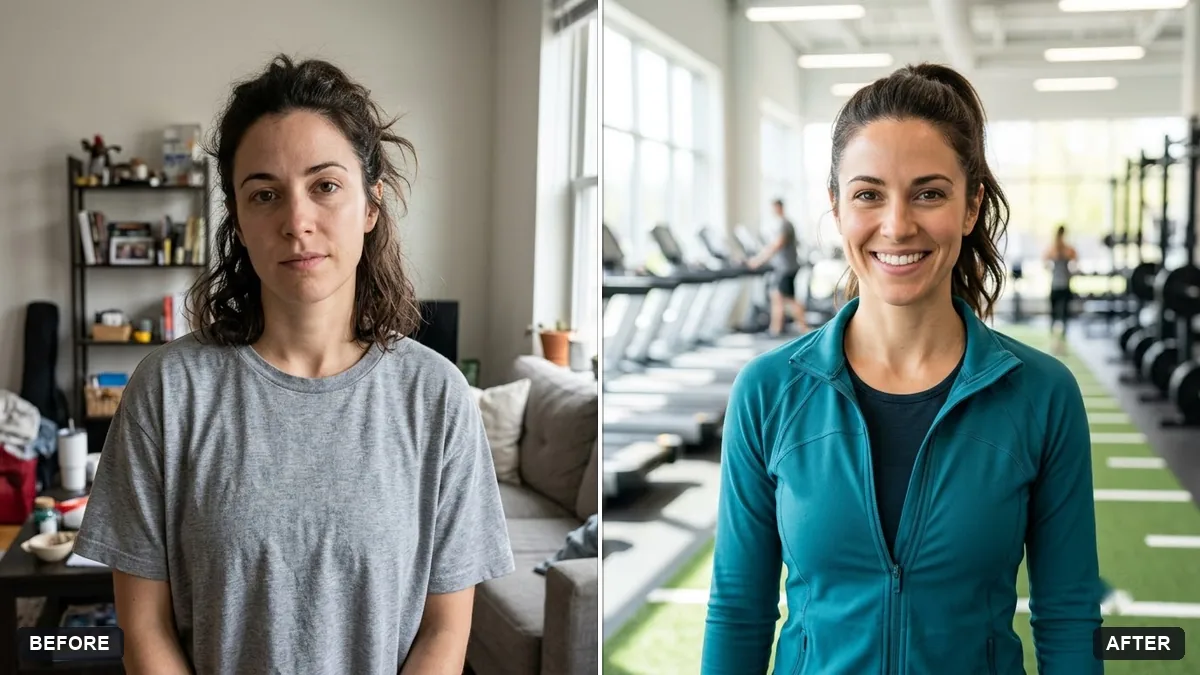
More like this
- Generate a classroom quiz with an answer keyChatGPT · Gemini · Claude
- Teachers' Day cardGemini · ChatGPT · Midjourney
- Developer workspace portraitGemini · ChatGPT
- Ask a teacher for a recommendationChatGPT · Gemini · Claude
- Healthcare professional portraitGemini · ChatGPT