AI prompts to preview a home renovation before you spend anything
Published
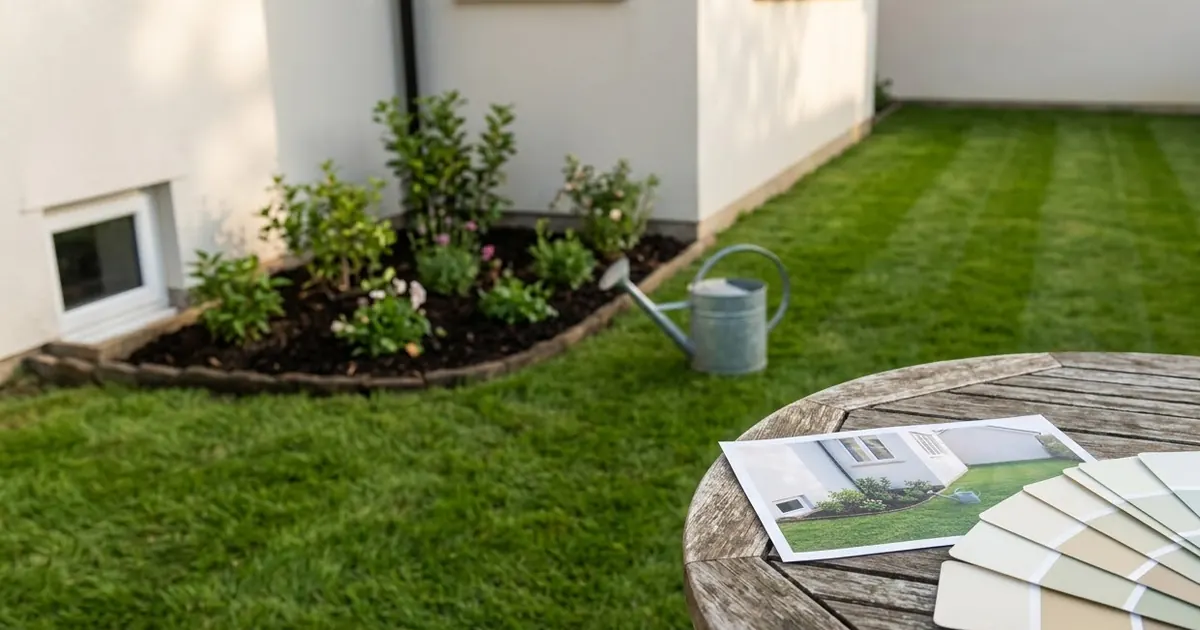
Short answerUpload one photo of the room or exterior, tell the AI exactly what to change (colour, cabinets, plants) and exactly what to keep (the layout, the walls, the windows), and ask for one change at a time so you can compare options side by side.
Full collectionAI room makeover and interior design prompts18 prompts with examples, steps and fixes →A kitchen remodel, a repainted exterior or a garden overhaul is expensive to get wrong, and a swatch card or a single tile sample rarely shows you what the whole space will actually look like. You can now get a realistic preview from a single photo of your own home, before you buy a single tin of paint.
This is a different job to redesigning one room indoors, which the room makeover guide already covers. This one is for the bigger, pricier jobs: the garden, the kitchen, the exterior, and where a new piece of art might actually go.
The one rule that matters most
Whatever you're previewing, the result only looks real if you tell the AI what must stay exactly as it is. Say that before you describe the change:
Keep the [HOUSE SHAPE / ROOM LAYOUT / WINDOWS / BOUNDARY WALLS] exactly as they are in this photo. Change only [THE ONE THING].

[DESCRIBE THE CHANGE].

Same camera angle, realistic lighting and shadows, no other changes.
Models are far more likely to leave something alone when you name it directly than when you simply don't mention it. If the walls shift or a window moves position in the result, add it to the "keep exactly as they are" list and try again.
Preview a garden makeover
Upload a clear daytime photo of the garden, in a style you can describe simply:
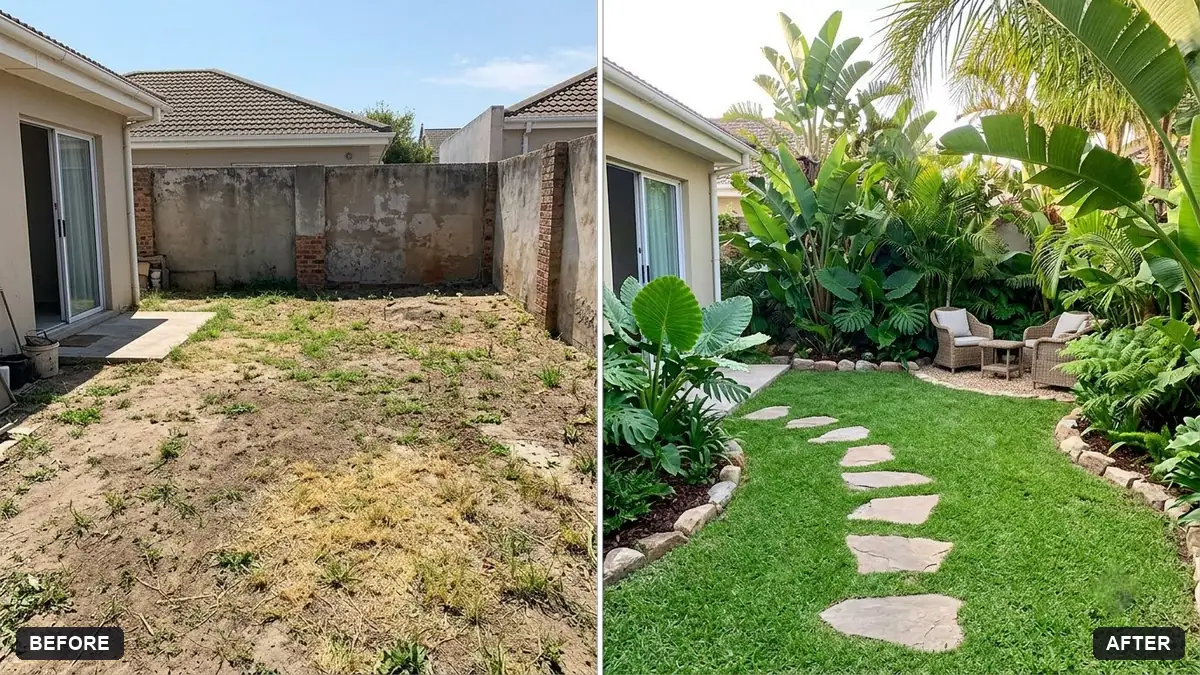
Redesign the garden in this photo in a [STYLE, e.g. tropical / cottage / modern minimal] style. Keep the house, the boundary walls and the overall layout exactly the same.

Add [FEATURES, e.g. a lawn, a seating area, flower beds, string lights], realistic plants that suit [YOUR CLIMATE], soft evening light, a natural finish. Same camera angle as the original.
This is the garden makeover prompt. It works well as a mood image to bring to an actual gardener or landscaper, not as a guarantee of the final result; real soil, light and budget will all shape what's possible.
Preview a kitchen remodel
Kitchens are one of the most expensive rooms to get wrong, which makes a preview especially worth doing before you commit to cabinets or a colour:
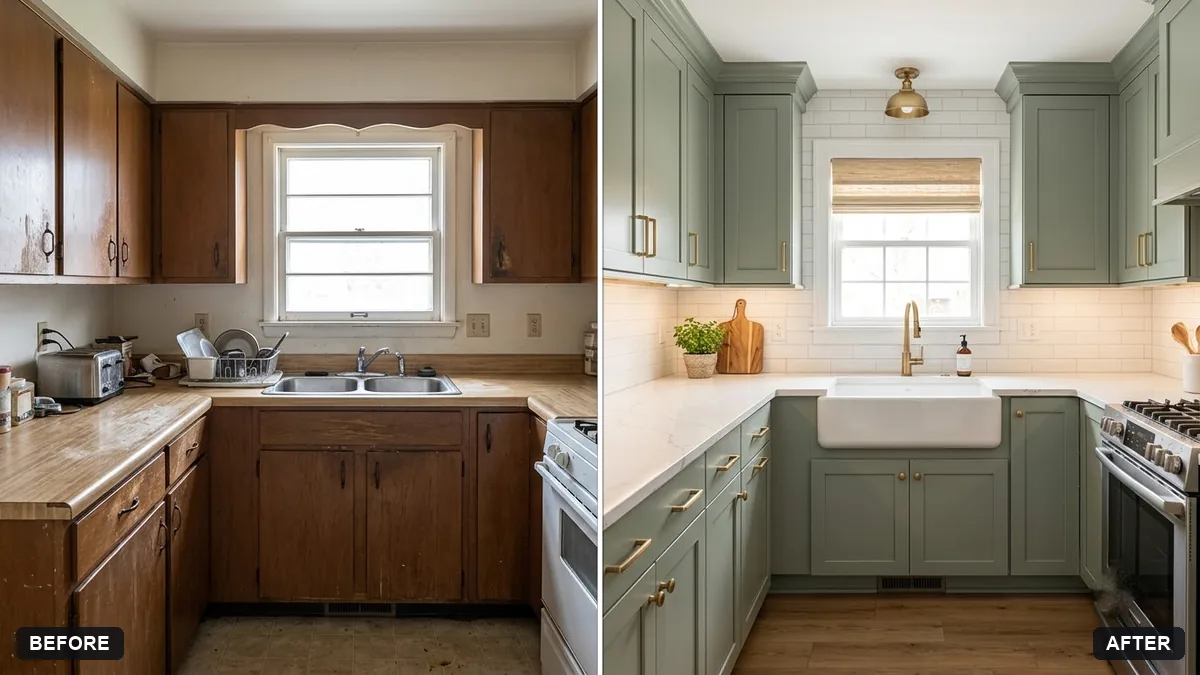
Show this kitchen after a remodel in a [STYLE, e.g. modern farmhouse] style. Keep the room shape, windows, doors and layout exactly the same.

Update the cabinets to [COLOUR], the countertops to [MATERIAL], the backsplash to [TILE], and the lights and handles. Bright natural light, realistic materials and proportions, same camera angle.
The kitchen remodel prompt is worth running two or three times with different colours or materials, so you can line the results up side by side instead of deciding from memory.
Preview a repainted exterior
Paint looks different on a 2-inch swatch than it does across an entire wall in real daylight. A full-photo preview closes that gap, at least roughly:
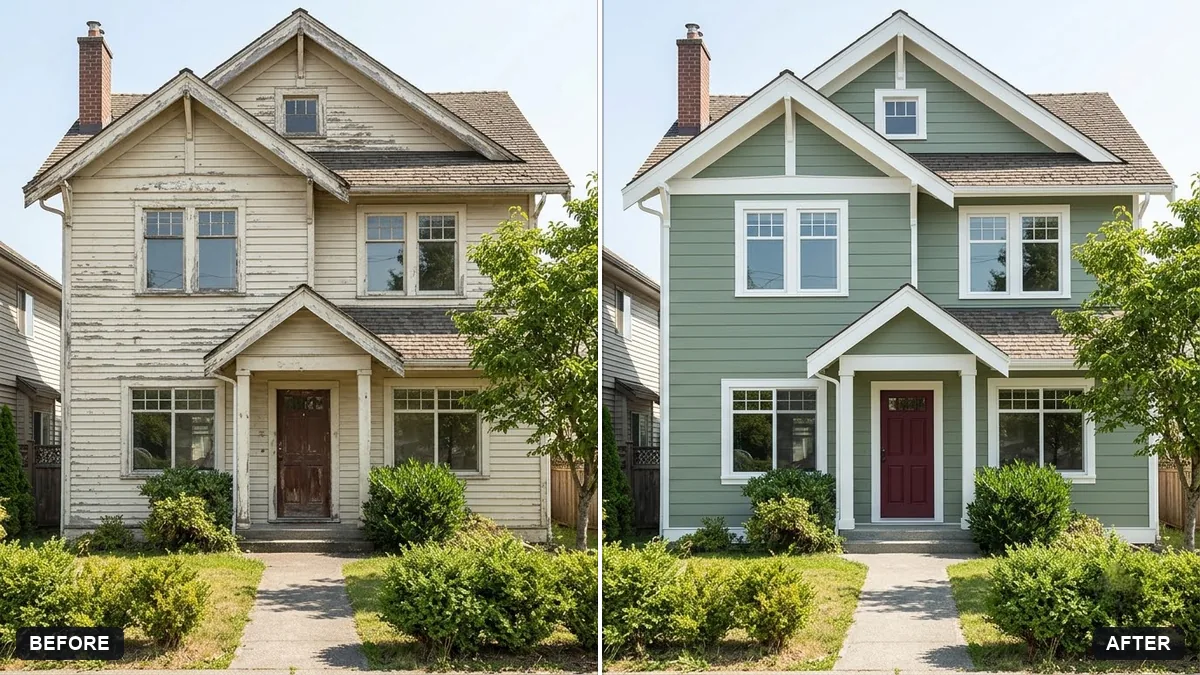
Repaint the exterior walls of this house in [COLOUR] with [TRIM COLOUR] trim and a [DOOR COLOUR] front door. Keep the building shape, roof, windows and garden exactly the same.

Match the lighting and shadows realistically, keep the existing wall textures, and show the paint colour as accurately as you can.
This is the exterior repaint prompt. Still test the real paint sample on an actual wall in daylight before you buy in bulk; screen colours and real paint under your specific light are never a perfect match.
Preview where a piece of art will actually hang
This one is smaller in cost but still useful, especially for an oversized print you can't easily return:
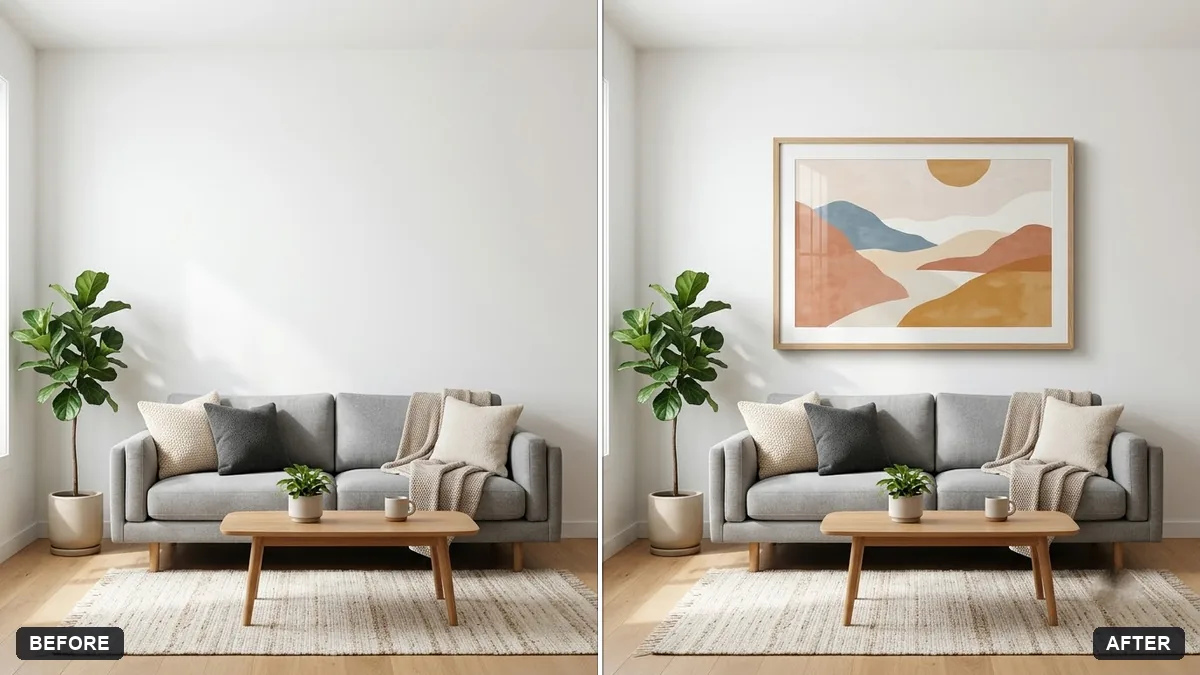
Place my artwork (the first photo) as a framed print on the wall above the [SOFA / BED / DESK] in the room photo (the second photo). Keep the room exactly as it is.

Frame: [BLACK / WOOD / WHITE], size around [SIZE], correct perspective, matching light and shadow, realistic scale.
The wall art mockup prompt is worth running at two or three different sizes. A print that looks right in the preview at one size can look surprisingly small, or overwhelming, once it's actually framed and hung.
Bring the whole look together first
Before any of this, it can help to get all your ideas for colours, materials and furniture into one place, so you're choosing from a coherent set rather than picking separately and hoping they match:
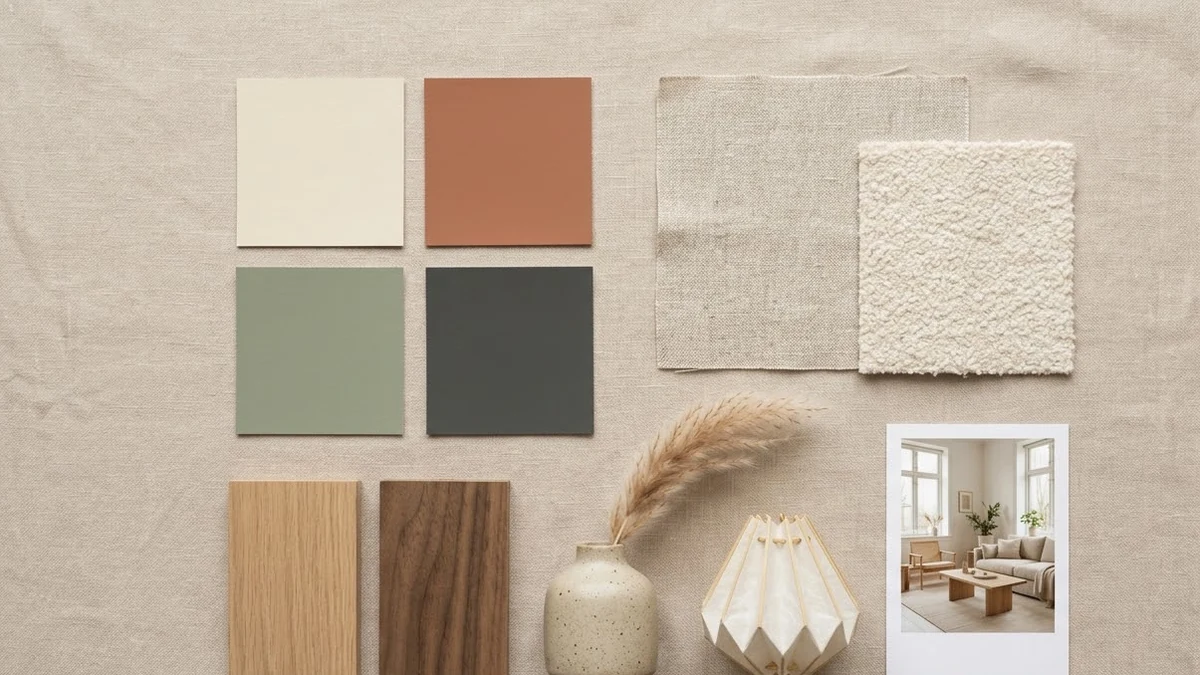
A neat interior design mood board for a [ROOM] in [STYLE, e.g. warm Japandi] style, laid out as a flat collage: colour swatches, fabric textures, wood samples, [FURNITURE PIECES], lighting, plants, and a small reference photo of the finished look. Soft light beige background, tidy grid, labelled swatches.
The mood board prompt is a useful first step before you run any of the room-specific previews above, and a good thing to bring to a designer or a shop.
A few honest limits
- These are previews, not architectural plans. They won't catch plumbing, wiring or structural issues a real tradesperson would.
- A low-light or blurry source photo will produce a vague, blurry preview. Start with a clear, well-lit shot taken straight on.
- Change one thing per preview. Asking for a new colour, new cabinets and new flooring all at once makes it harder to judge whether you actually like any one of them.
Where to go from here
For the indoor equivalent of this guide, see the room makeover prompts. Browse the full room makeover and interior design prompts collection for more ready-made ideas, or use the prompt builder to adapt any of these to your own home.
Quick checklist
- Say what must stay exactly the same before you describe the change.
- Use a clear, well-lit, straight-on photo as your starting point.
- Change one thing at a time so you can compare options.
- Try two or three colours or materials side by side before deciding.
- Treat the result as a mood image, not a guarantee of the finished job.
- Still test real paint and material samples in your own light before buying.
Prompts to try
More prompts on this topic
- Preview a new kitchen cabinet colourGemini · ChatGPT
- Garden flower bed previewGemini · ChatGPT
- Preview new bathroom tilesGemini · ChatGPT
- Preview new floor tilesGemini · ChatGPT
- Preview artwork on your wallGemini · ChatGPT
- Preview outdoor evening lightingGemini · ChatGPT
Comments
No comments yet. Be the first to share what worked for you.