Adobe Firefly Boards prompts: moodboards and concept ideas that actually help
Published
Short answerAsk for a labelled grid of swatches, materials and reference images, not one finished scene, since a board is meant to be shown to someone else and discussed. Generate a few variations of the mood before you lock in a direction.
Adobe Firefly Boards is a moodboard and ideation surface built into Firefly, separate from the single-image generator most people know Firefly for. According to Storyboard18's coverage, Adobe has taken Boards out of beta and made it available worldwide, pairing Firefly's own models with partner models from Black Forest Labs, Google, Luma AI, Moonvalley, Pika and Runway, so a single board can mix styles and media from more than one model. AppleInsider's earlier coverage described the format from its first rollout: a flexible, idea-first surface for moodboarding, storyboarding and exploring directions before committing to one.
The useful bit for prompting is right there in the name: a board is for showing someone else a direction, not for finishing a single piece of art. That changes what a good prompt asks for.
Ask for a labelled grid, not one scene
The single biggest difference between a moodboard prompt and an ordinary image prompt is structure. A moodboard needs to read as separate, labelled pieces, swatches, materials, a reference shot, not one blended scene. Say that explicitly, or you'll get a single pretty image that nobody can actually discuss piece by piece.
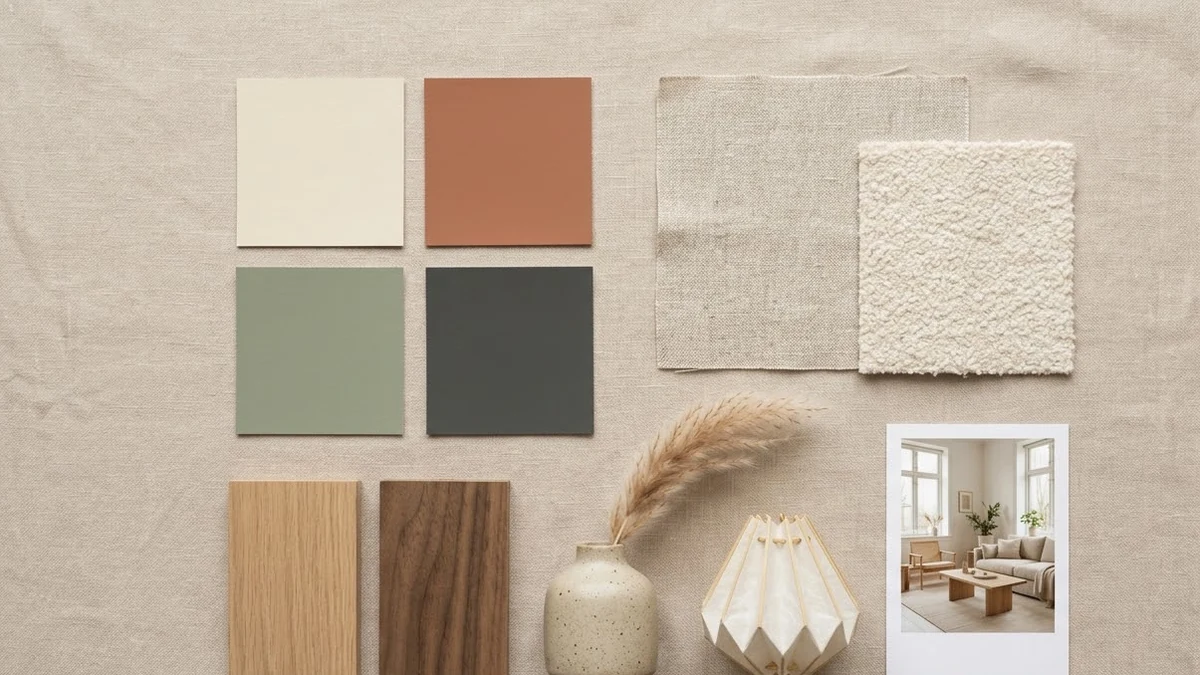
A neat interior design mood board for a [ROOM] in [STYLE, e.g. warm Japandi] style, laid out as a flat collage: colour swatches, fabric textures, wood samples, [FURNITURE PIECES], lighting, plants and a small reference photo of the finished room. Soft light beige background, tidy grid, labelled swatches.
This is the interior design mood board prompt. Notice it lists out the individual pieces a real moodboard contains, rather than describing a finished room. That list is what makes the result usable: a client or a designer can point at one swatch and say "more like this one," which they can't do with a single rendered scene.
Generate a few directions before you commit
Boards are meant for exploring, so don't settle for the first mood. Ask for the same brief in a couple of different directions and put them side by side before choosing one to develop further.
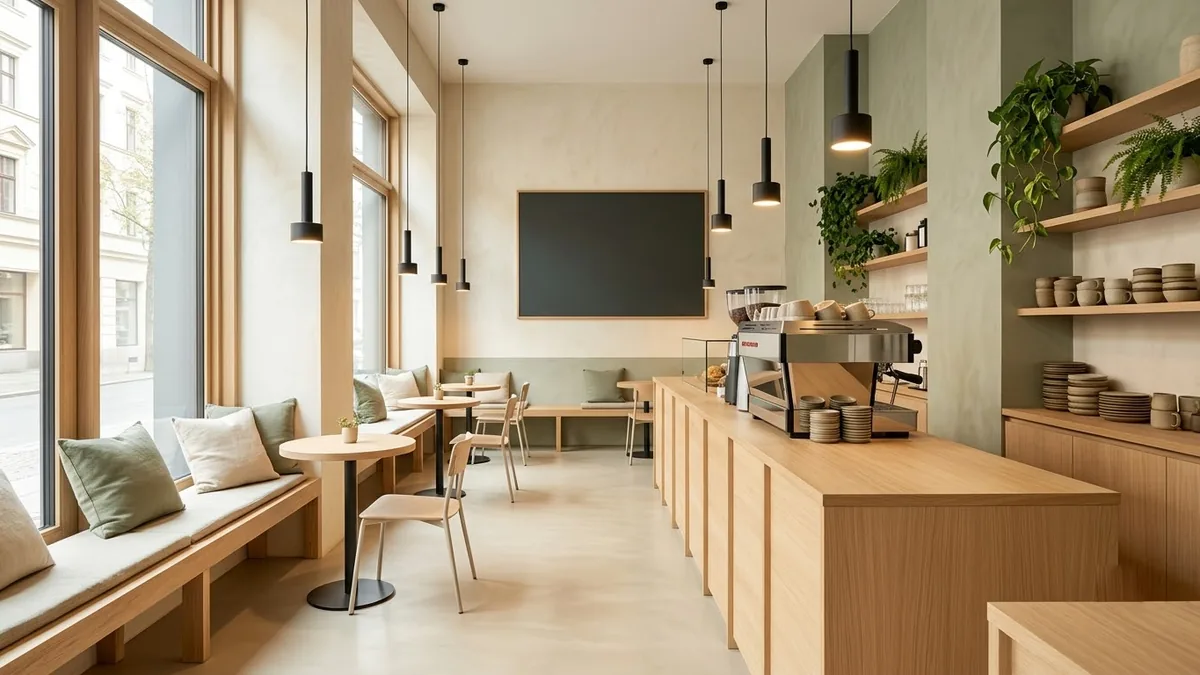
Interior of a modern [MINIMAL / VINTAGE] cafe with a wooden counter, pendant lights, mixed seating with window benches, an espresso machine, shelves with plants and cups, warm ambient light, a chalkboard menu, architectural visualisation.
Run the cafe interior concept prompt twice, once for each bracketed style, and keep both results on the board next to each other. Comparing two real options side by side is a much faster way to find the right direction than trying to describe the perfect one in a single, longer prompt.
Concept art for a feel, not a final design
For early-stage ideas, especially anything speculative, a game setting, a brand world, a pitch, concept art is meant to set a mood rather than show a buildable design. Ask for atmosphere and scale over detail.
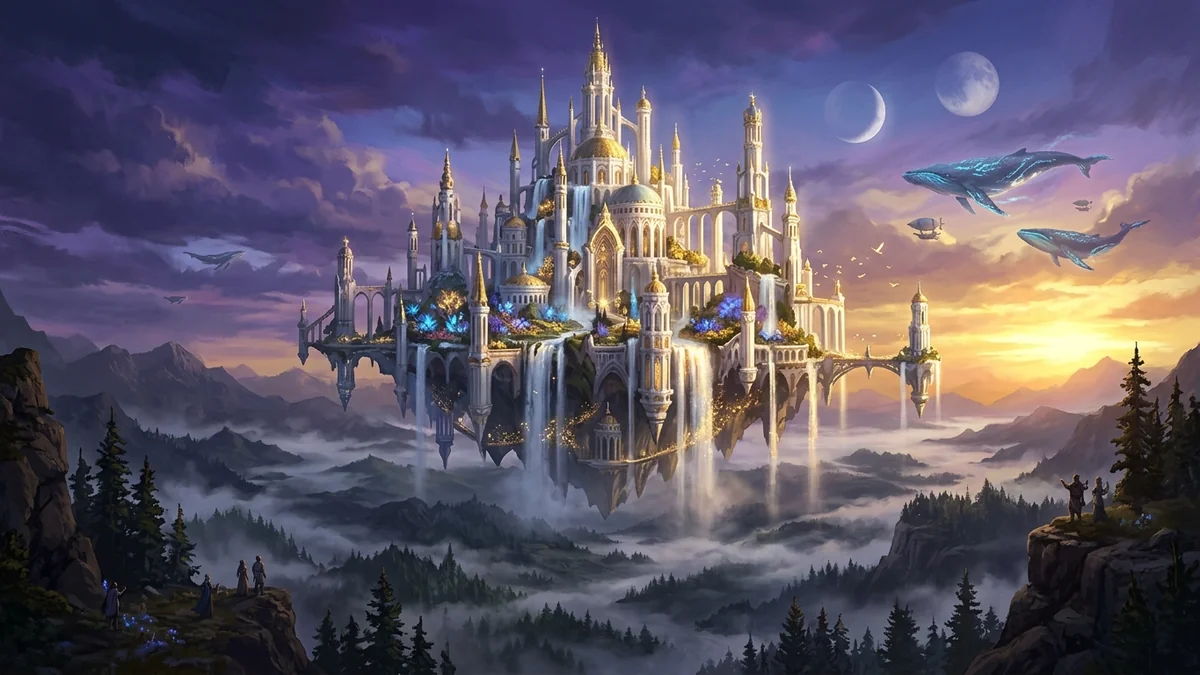
Breathtaking concept art of [LANDSCAPE, e.g. floating islands connected by ancient rope bridges covered in glowing flora]. Sunset golden hour, clouds swirling beneath the peaks, matte painting style, intricate detailing, majestic scale
The fantasy landscape concept art prompt leans on words like "matte painting" and "majestic scale" rather than naming specific objects to get right. That's deliberate: at the concept stage, the feeling the board gives someone matters more than any one detail being correct, and those details are exactly what changes once a direction is picked.
Pair the board with a written structure
A moodboard shows the feel, but it won't tell a collaborator how the ideas connect. For anything with more than a handful of pieces, pair the visual board with a short written outline of how the pieces relate, which travels better in a meeting than images alone.
Help me understand how the ideas in [TOPIC] connect.

Level: [e.g. first pitch / early concept]
My notes (optional):
[PASTE]

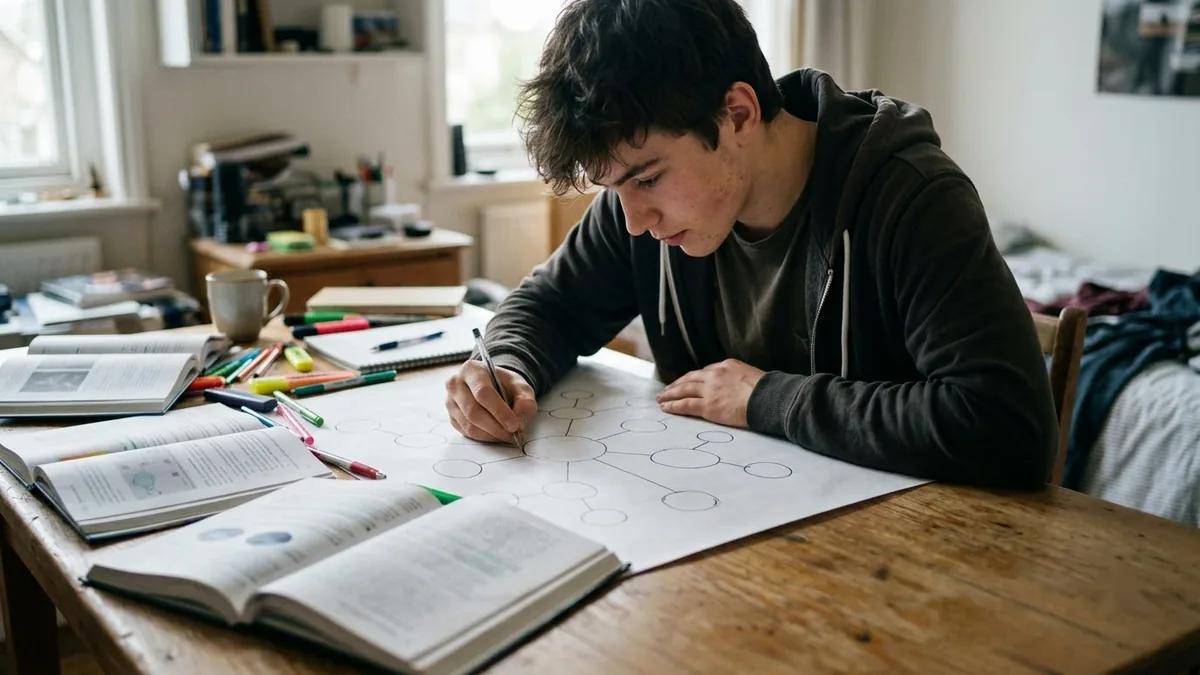
Create a concept map as an indented outline: the central idea, the main branches and the key terms under each. Label how the ideas link (causes, is a type of, leads to, opposes).
The concept map prompt was written for studying, but the same structure works for a creative brief: it forces you to name the central idea and how everything else relates to it, which is often the part a moodboard alone leaves implicit.
Finish with a cover slide
If the board is heading into a deck or a client email, a single clean cover slide gives it a front page worth opening.
Pitch deck cover slide for "[COMPANY NAME]" with the tagline "[TAGLINE]", a striking abstract [COLOUR] gradient shape on the right, clean bold sans-serif title on the left, small logo placeholder and date at the bottom, modern startup design.
The pitch deck cover slide prompt keeps the text short on purpose. A cover's job is to set the tone in a glance, and a long title or tagline undercuts that before anyone has read a word of the actual pitch.
Where to go from here
If you're editing a specific photo rather than building an ideas board, see the Adobe plugin in ChatGPT, which covers Adobe's edit-focused tools. Browse more layout and concept ideas in image generation prompts, or use the prompt builder to adapt any of the prompts above to your own brief.
Quick checklist
- Ask for a labelled grid of separate pieces, not one blended scene.
- Generate a couple of directions before picking one to take further.
- At the concept stage, ask for mood and scale over fine detail.
- Pair the visual board with a short written outline of how the ideas connect.
- Finish with a short, clean cover slide if the board is going into a deck.
Prompts to try

More prompts on this topic
- Fireflies over a night meadowVeo · Kling · Seedance
Comments
No comments yet. Be the first to share what worked for you.