- Updated
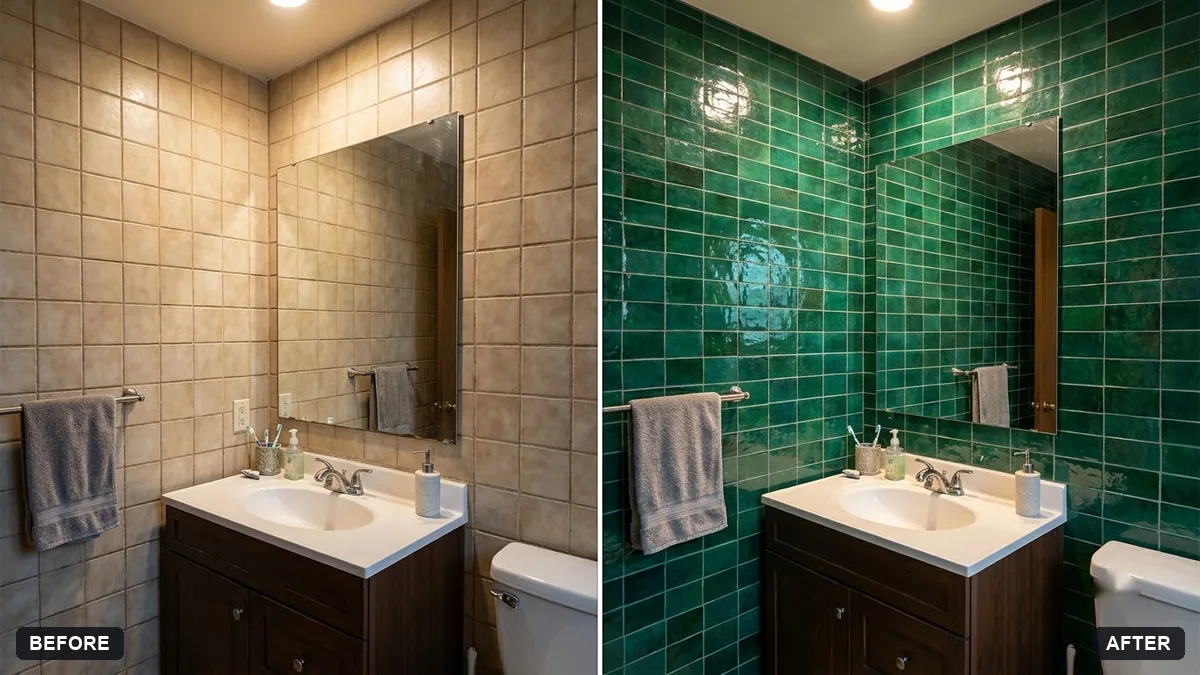
Preview new bathroom tiles
This prompt replaces the tiles on the walls or floor with a colour and style you choose, keeping perspective, grout lines, reflections and lighting.
Replace the tiles on the [WALLS / FLOOR] in this bathroom photo with [COLOUR AND STYLE] tiles, keeping correct perspective, grout lines, reflections and lighting.

Do not change the fixtures or anything else in the room.
Use a photo showing both wall and floor to preview a matching set.
Your photo goes to the AI app you choose, never to PromptUp.
Get a better result
Your bathroom photo with new wall or floor tiles in the colour and style you named, correct perspective, grout lines, reflections and lighting, and the fixtures untouched.
The tile size looks wrong for the room.
Fix: Give real sizes, such as “30 by 60 cm tiles laid horizontally with thin grout”. Size changes how big the room feels.
- The tiles stop at the fixtures or flow over them. Say “tiles stop neatly at the bath, basin and door frame, and the fixtures stay as they are”.
- Colour looks different from the real tile. Treat the preview as a guide only. Check a physical sample under your bathroom’s own light before you buy.
Ask for “plain white tiles everywhere and a patterned feature wall behind the basin only”. Compare how much pattern you can live with.
Keep the fixtures and the lighting exactly the same. Use larger tiles with thinner grout and show a lighter, warmer shade.
Guides on this topic
More photo editing prompts
See all 334 →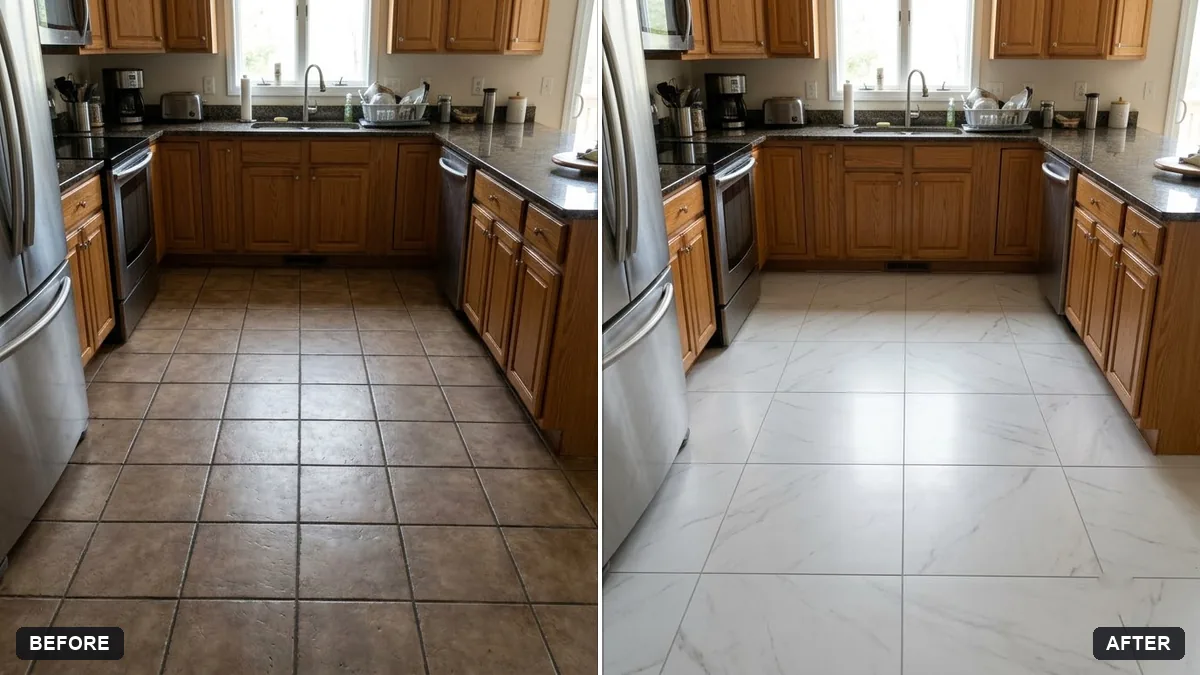
More like this
- Spa-style bathroomMidjourney · Gemini · ChatGPT
- Preview artwork on your wallGemini · ChatGPT
- Preview a rug in your roomGemini · ChatGPT
- Garden makeover previewGemini · ChatGPT
- Preview a house on an empty plotGemini · ChatGPT