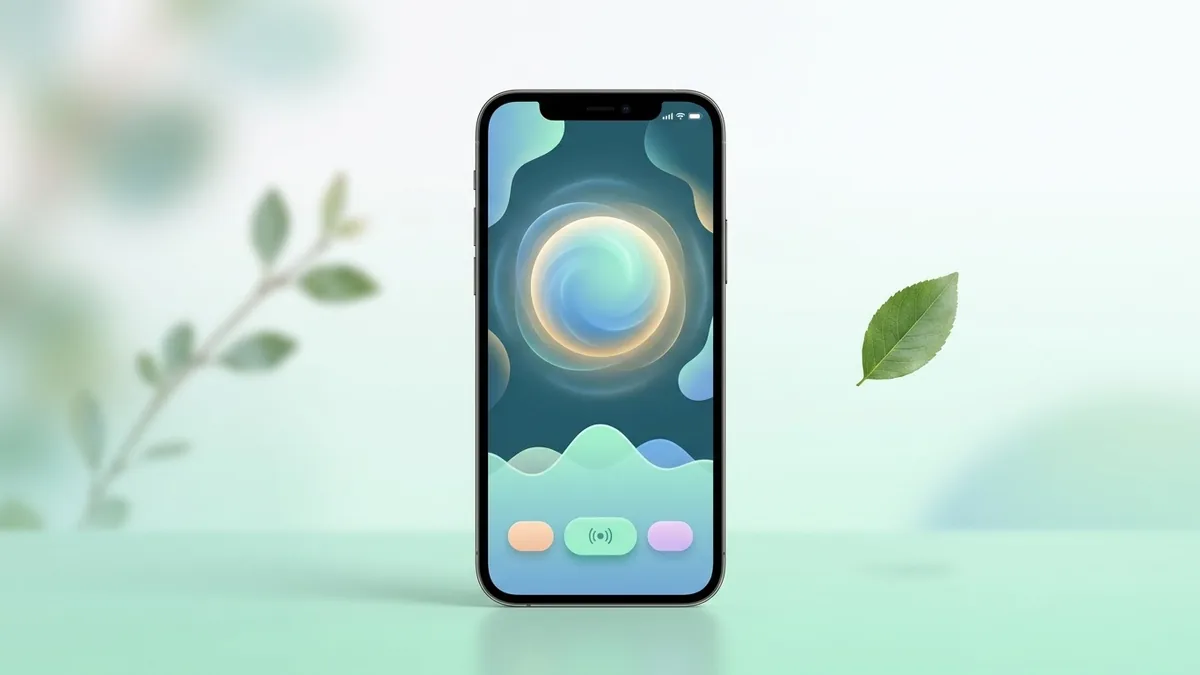
- Updated
App store screenshot with caption
This prompt creates a store-style screenshot with a smartphone showing your app screen, such as a clean habit tracker, and a large benefit caption above it.
A polished app store screenshot: a smartphone showing a [TYPE] app screen with [KEY FEATURE, e.g. a clean habit tracker], above it a big caption "[CAPTION, max 5 words]", [COLOUR] gradient background, soft shadow under the device, minimal decoration, vertical 9:19.5 ratio, consistent style for a set of five.
Ask for the other four screenshots with the same background and caption style.
Get a better result
An app store screenshot with a phone showing your app screen below a big short caption, on a colour-gradient background with a soft shadow, in a tall shape and a style you can repeat across five.
The caption has spelling errors.
Fix: Keep it to five words or fewer, check each letter, or add the caption yourself afterwards.
- The phone screen shows garbled interface text. Use the generated image as a background only, and place your real app screenshot on the phone in a design tool.
- The sizes do not meet the store rules. Check the current screenshot sizes and rules in the store’s guidelines, and export at the required dimensions.
As the tip says, ask for the other four with the same background and caption style, and change only the caption and the feature on each.
Keep the gradient and the phone. Make the caption larger, use a simpler device frame and leave space for my real screenshot.
Guides on this topic
More image generation prompts
See all 347 →
More like this
- App store listing copyChatGPT · Gemini · Claude
- Screenshot on a laptop mockupGemini · ChatGPT
- Fix a layout bug from a screenshotClaude · ChatGPT · Claude Code
- Favicon and app icon conceptsGemini · ChatGPT · Midjourney
- High-engagement Instagram captions with hooksChatGPT · Gemini · Claude