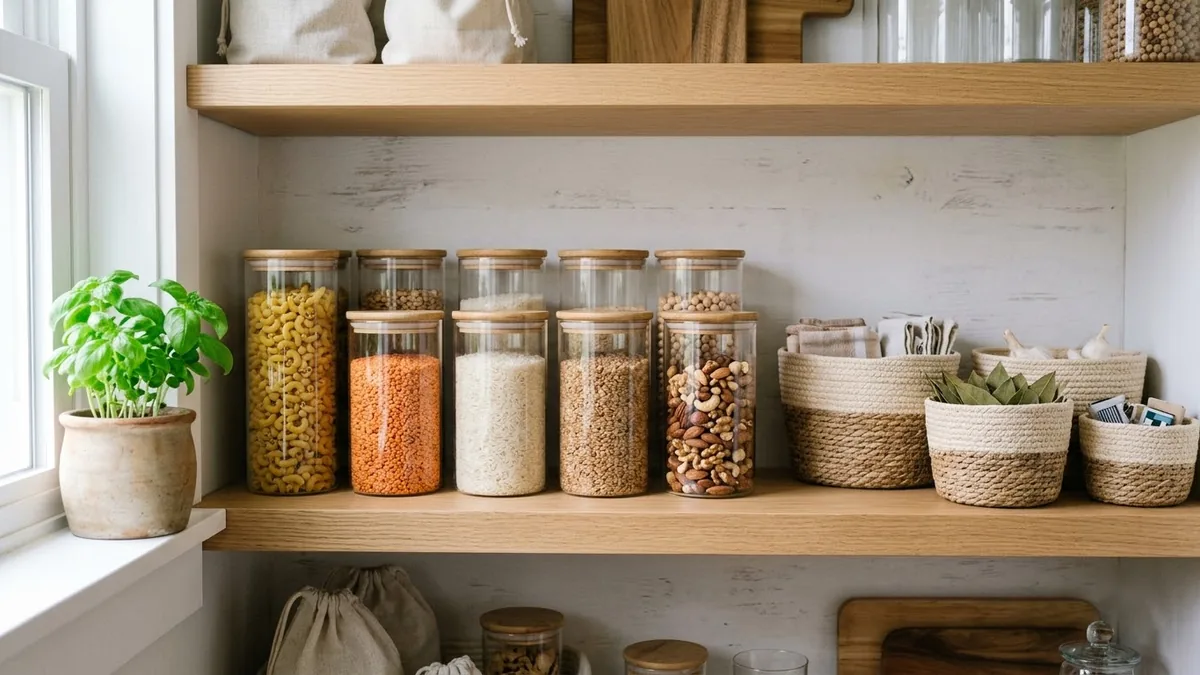
- Updated
Pinterest pin that gets saved
This prompt makes a tall Pinterest pin about your topic: the top half is a bright, styled photo, and the bottom half is a solid colour block with a bold headline.
A tall 2:3 Pinterest pin about "[TOPIC]": top half a bright, styled photo of [SCENE], bottom half a solid [COLOUR] block with bold headline "[HEADLINE, max 8 words]" and small text "[SITE URL]". Warm inviting look, easy-to-read fonts, aspirational lifestyle style.
Use a number in the headline, like "7 ideas for…", to get more saves.
Get a better result
A tall 2:3 pin with a bright styled photo of your scene in the top half and a solid colour block below with your bold headline of eight words or fewer and your site address in small text.
The 2:3 shape is the one Pinterest recommends for pins, so it fills the feed column. Splitting photo and text means the image draws the eye while the headline says why to save it. The eight word limit keeps the headline readable at the size most people see it.
The headline has a typo.
Fix: Keep it short and check it. If it keeps failing, make the pin without text and add the headline in Canva.
- The photo and the colour block clash. Pick the block colour from something in the photo, such as a cushion or a flower, and name that colour.
- The text is too small on a phone. Ask for fewer words in larger type. Most people see pins on a phone at a small size.
Ask for a pin that shows a numbered list of five short tips in the bottom half, with the photo smaller on top.
fewer words in larger type, block colour picked from the photo, headline readable at phone size
More image generation prompts
See all 347 →
More like this
- Push notification copy that gets tappedChatGPT · Gemini · Claude
- Write a GitHub Actions workflowChatGPT · Gemini · Claude
- Formal complaint letter that gets actionChatGPT · Gemini · Claude
- E-commerce sale bannerIdeogram · ChatGPT · Gemini