- Updated
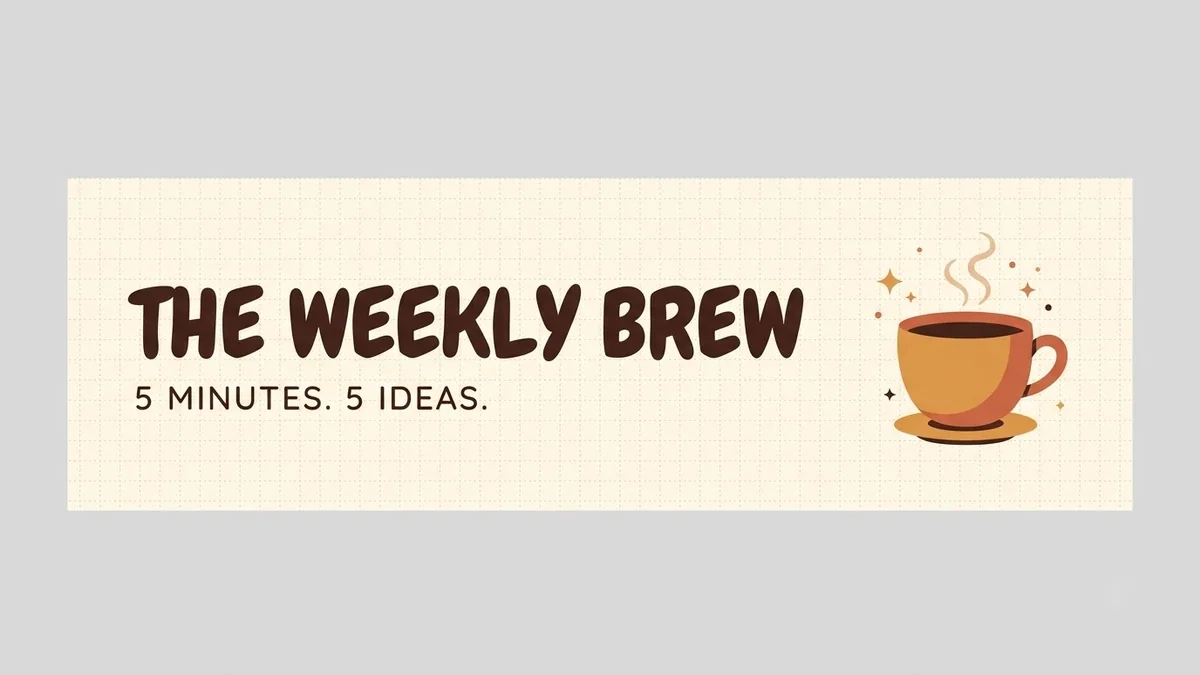
Email newsletter header banner
This prompt designs a wide header about 600px in feel for your newsletter, with a logo-style title on the left and a simple illustration of your theme.
A wide email newsletter header banner (600px wide feel) for "[NEWSLETTER NAME]". Logo-style title text on the left, a simple illustration of [THEME] on the right, [COLOUR] background with subtle pattern, tagline "[TAGLINE]", clean and lightweight, looks good when scaled down on mobile.
Export at 2x width so it stays sharp on high-resolution screens.
Get a better result
A wide newsletter header with the title on the left, a simple illustration of your theme on the right, a tagline, a subtle pattern and a colour background that stays clear when it is scaled down on a phone.
Email headers are seen small and fast, so the prompt asks for a wide, lightweight banner with the title on the left, a simple illustration on the right and a short tagline. A subtle pattern adds character without clutter. Designing it to look good when scaled down matters because most people open newsletters on a phone, and exporting at double width, as the tip says, keeps it sharp.
The title or tagline is misspelt.
Fix: Use a short name and a short tagline in quotes. If letters break, regenerate or add the text in an editor.
- Small details disappear when the banner shrinks. Check it at phone width. Ask for “bold shapes and large text, nothing smaller than the title letters’ stroke”.
- The file is blurry in the email. Follow the tip and export at twice the display width. Keep the file size low so the email loads fast.
Change the theme and colours to a season or festival, and keep the layout the same so readers still recognise your newsletter.
Keep the same layout but make the title larger, reduce the pattern and simplify the illustration to two shapes.
Guides that use this prompt
More image generation prompts
See all 347 →
More like this
- Draft a newsletter in your own voiceChatGPT · Gemini · Claude
- Clean business letterheadGemini · ChatGPT · Midjourney
- Welcome email sequence for new subscribersChatGPT · Gemini · Claude
- Diwali offer banner for a shopGemini · ChatGPT · Midjourney
- Propose a partnership by emailChatGPT · Gemini · Claude