- Updated
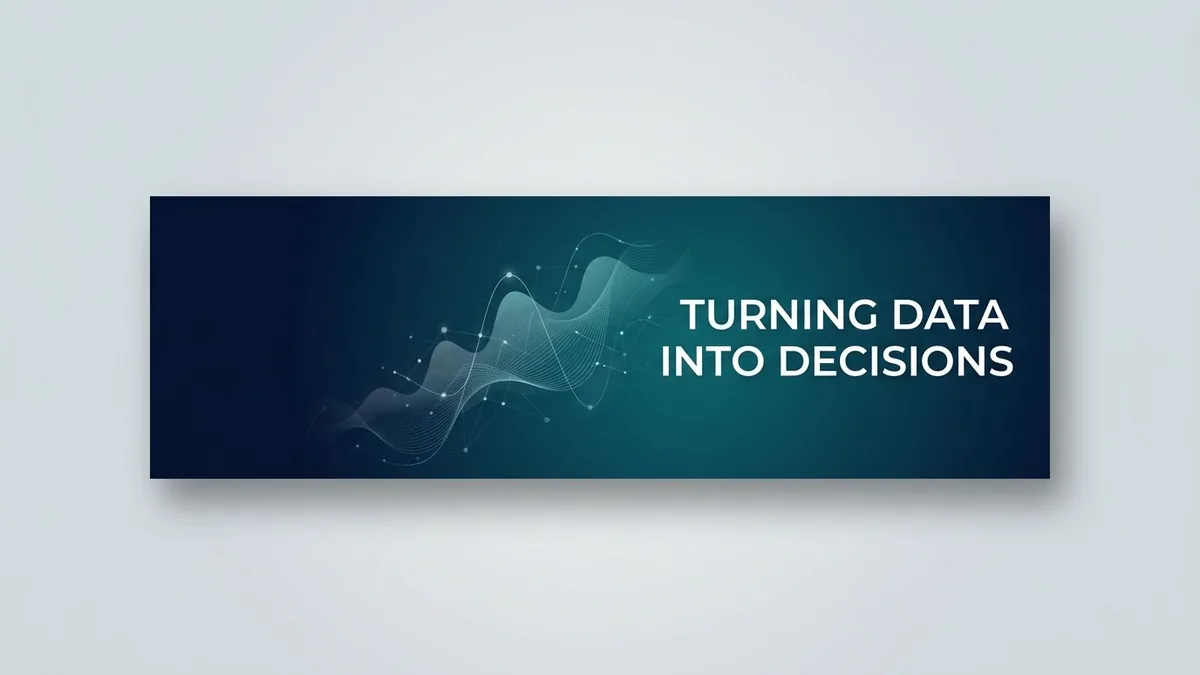
YouTube channel banner
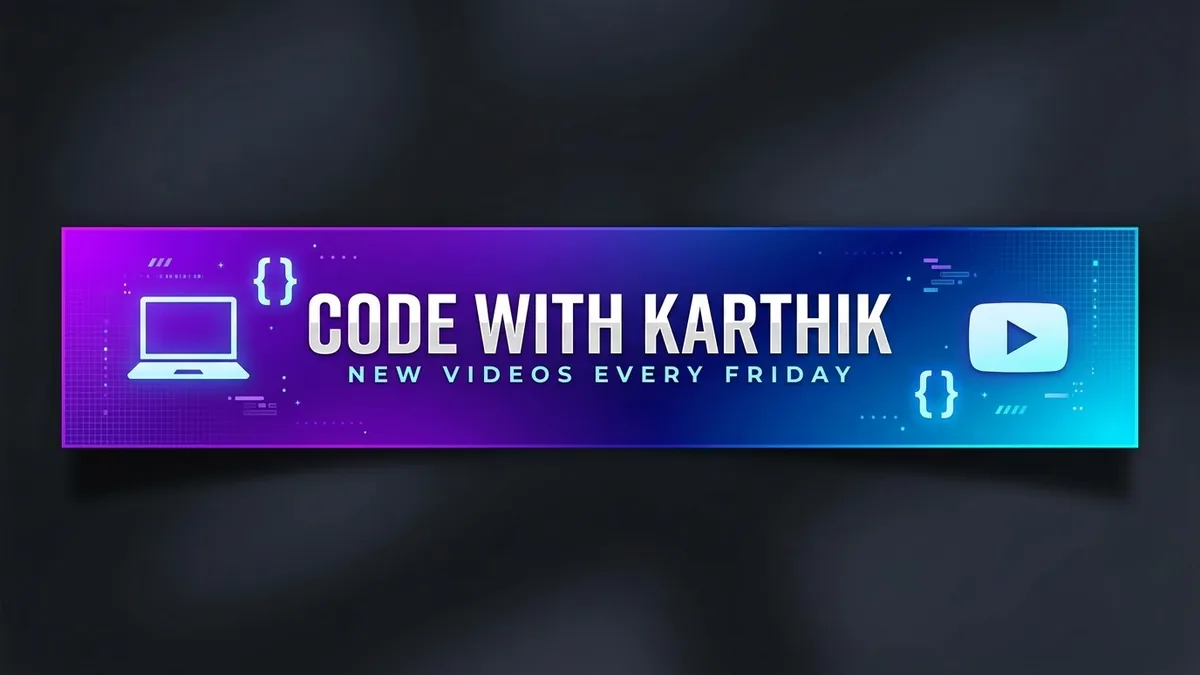
This prompt designs a wide 16:9 channel banner with the important content centred in the safe area so it is not cut off on phones or TVs. You give the channel name and topic.
A YouTube channel banner for "[CHANNEL NAME]", a channel about [TOPIC]. Wide 16:9 design with the important content centred in the safe area, bold logo text, tagline "[TAGLINE]", [STYLE, e.g. clean modern gradient] background in [COLOURS], simple icons of [THEMES] on both sides, no clutter.
Keep all key text in the centre. Phones and TVs crop the edges.
Get a better result
A wide 16:9 channel banner with your channel name as bold logo text, a tagline, a clean gradient background in your colours and simple icons on both sides, with the important content kept in the centre safe area.
The name or tagline gets cropped on a phone or TV.
Fix: Use the tip and keep every key word in the centre. Say “all text within the central third, nothing important near the edges”.
- The channel name is misspelt. Keep it short and in quotes. If a letter is wrong, make the background only and add the name in a design tool.
- The icons and the text compete for attention. Ask for “small, simple, low-contrast icons at the far left and right, with the name as the clear focus”.
Change the style to “dark charcoal gradient with one bright accent colour” and make the text white. Check how it looks on a phone before you upload it.
clean, simple lettering, spelled exactly as written in quotes
Guides that use this prompt
More image generation prompts
See all 347 →
More like this
- YouTube thumbnail from your photoGemini · ChatGPT
- Write a YouTube video script with a hookChatGPT · Gemini · Claude
- High-CTR YouTube thumbnailGemini · ChatGPT
- Black Friday sale bannerGemini · ChatGPT · Midjourney
- Diwali offer banner for a shopGemini · ChatGPT · Midjourney