How to write an AI prompt for a YouTube thumbnail
Published
Short answerA good thumbnail prompt asks for one clear subject, room left for 3 to 4 bold words, strong contrast that reads on a phone, and (if it is you) an instruction to keep your face unchanged.
Viewers decide in a moment whether to click a video, and the thumbnail and title do most of that work. AI image tools can make a thumbnail in minutes, but only if the prompt describes the things a thumbnail needs. "Make a YouTube thumbnail about saving money" gives you a busy, generic picture.
This guide shows what to put in the prompt, with examples from the content creator prompts in the library.
What makes a thumbnail work
Thumbnails are shown small, often on a phone. That shapes everything:
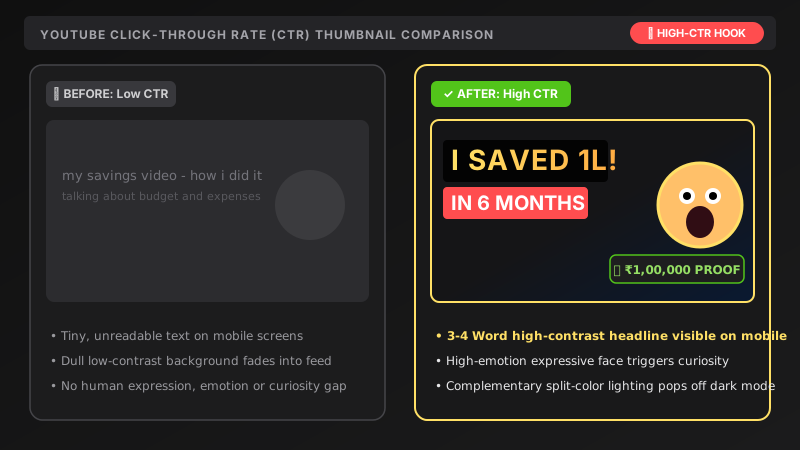
- One focal point. A single clear subject, not a collage.
- A readable face or object. Close-up, large, with a clear emotion if it is a person.
- Few words. Three or four bold words, not a sentence.
- Strong contrast. The subject must stand out from the background, and the text from both.
- Empty space. Leave an area where the text can go.
Your prompt should ask for each of these directly.
A prompt that covers them
The YouTube thumbnail prompt is built this way:
Create an eye-catching YouTube thumbnail for a video about [TOPIC]. Show [MAIN VISUAL] on the right side, large and close-up.

Bright high-contrast colours ([COLOURS]), clean blurred background. Leave the left side open for bold headline text. 16:9, sharp.
Look at what each part does:
| Part of the prompt | What it does |
|---|---|
| "on the right side, large and close-up" | Fixes the position and size of the subject |
| "Bright high-contrast colours" | Makes it stand out in a crowded feed |
| "clean blurred background" | Removes clutter behind the subject |
| "Leave the left side open for bold headline text" | Reserves space for the words |
| "16:9" | Matches the shape of a video thumbnail |
Use your own face, without changing it
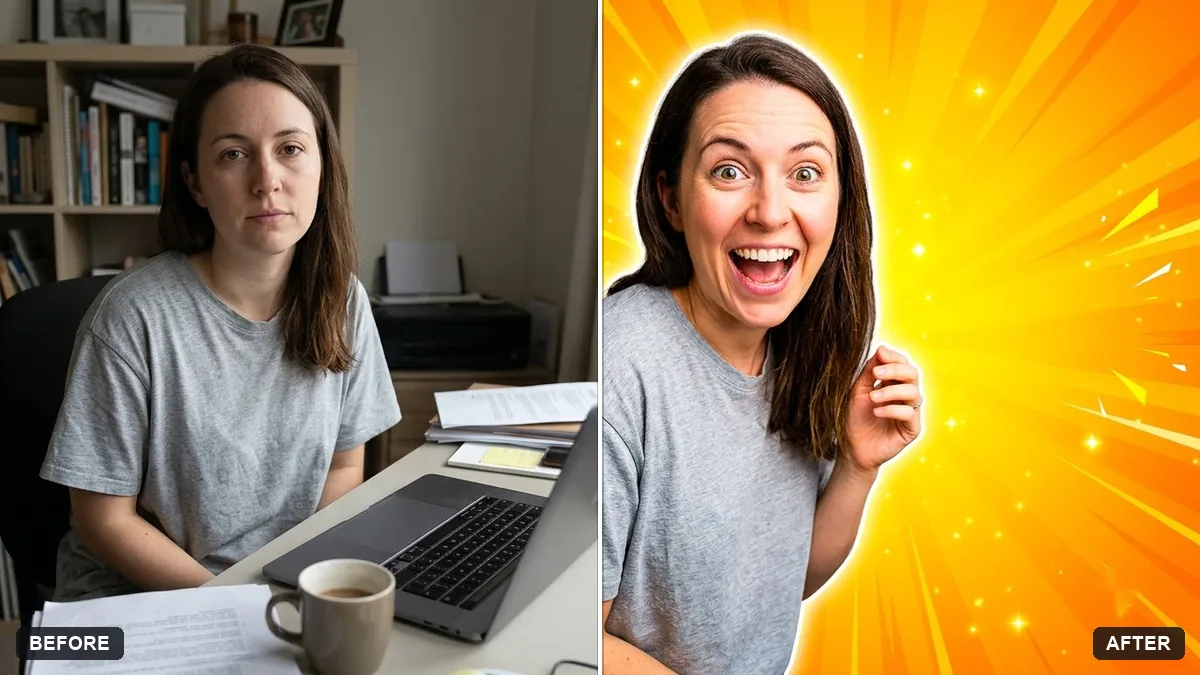
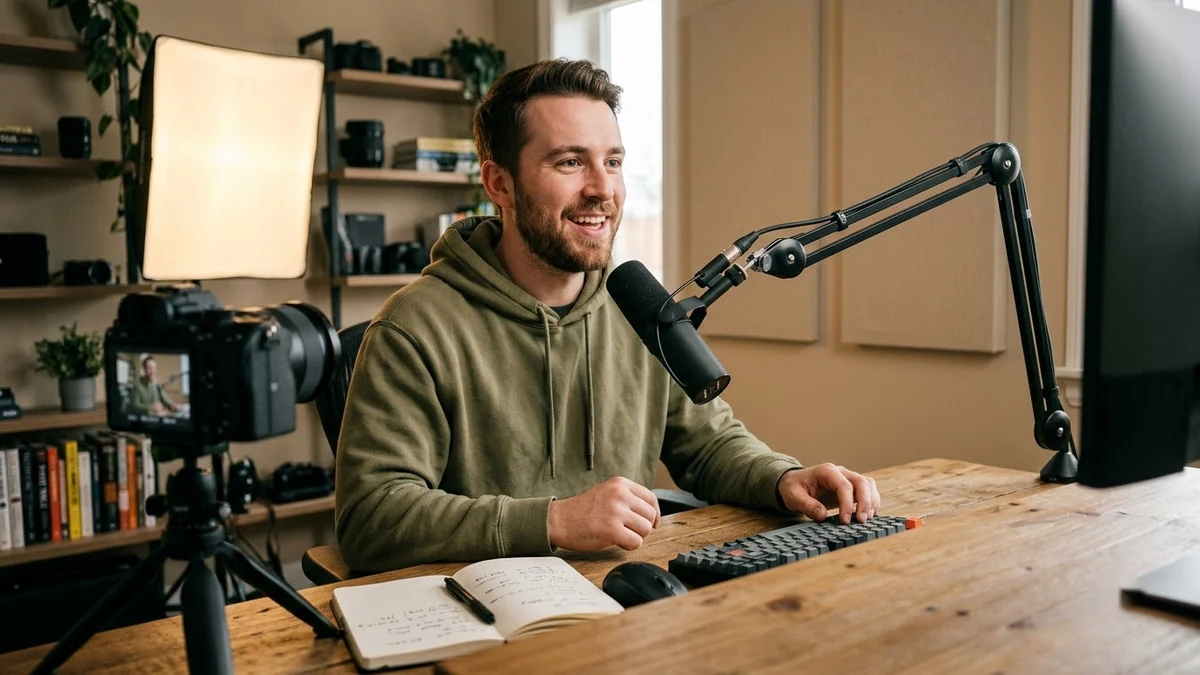
If you want yourself in the thumbnail, start from a real photo. The thumbnail from your photo prompt tells the AI to keep your face and expression exactly the same, cut you out with a clean edge, and place you on one side with a bright gradient behind you.
Tips for the photo:
- Use a clear, well-lit photo with a strong expression: surprise, excitement, curiosity.
- If the face drifts, reply with "Keep my face identical to the original."
- Only use photos of yourself, or of people who have agreed to appear.
Put the text in last, or keep it very short
Image tools often misspell words, especially long ones. To reduce problems:
- Keep the text to 3 or 4 words, in quotes in the prompt.
- Say where it goes: "bold white text on the left".
- If the letters still come out wrong, remove the text from the prompt and add it yourself in an editor such as Canva or Photoshop. That also lets you change it later.
The text should add to the title, not repeat it. The video title ideas prompt asks for a separate 3-word thumbnail text for each of the best titles.
Match the thumbnail to the video
A thumbnail is a promise. If it shows something the video doesn't deliver, viewers leave, and they may not come back. Avoid misleading imagery, and make sure the thumbnail, the title and the first seconds of the video tell the same story. The script prompt helps you write a hook that delivers on it.
An editing routine for thumbnails
- Generate 3 or 4 versions from the same prompt.
- Shrink each one to about the size of a phone thumbnail. Can you still tell what it is?
- Pick the clearest, and change one detail: the colour, the crop or the expression.
- Test it. If your channel has YouTube's thumbnail testing feature, try two versions on the same video and see which one performs better. Otherwise, compare how the video does with each.
See how to edit a prompt for more on changing one thing at a time.
Channel branding
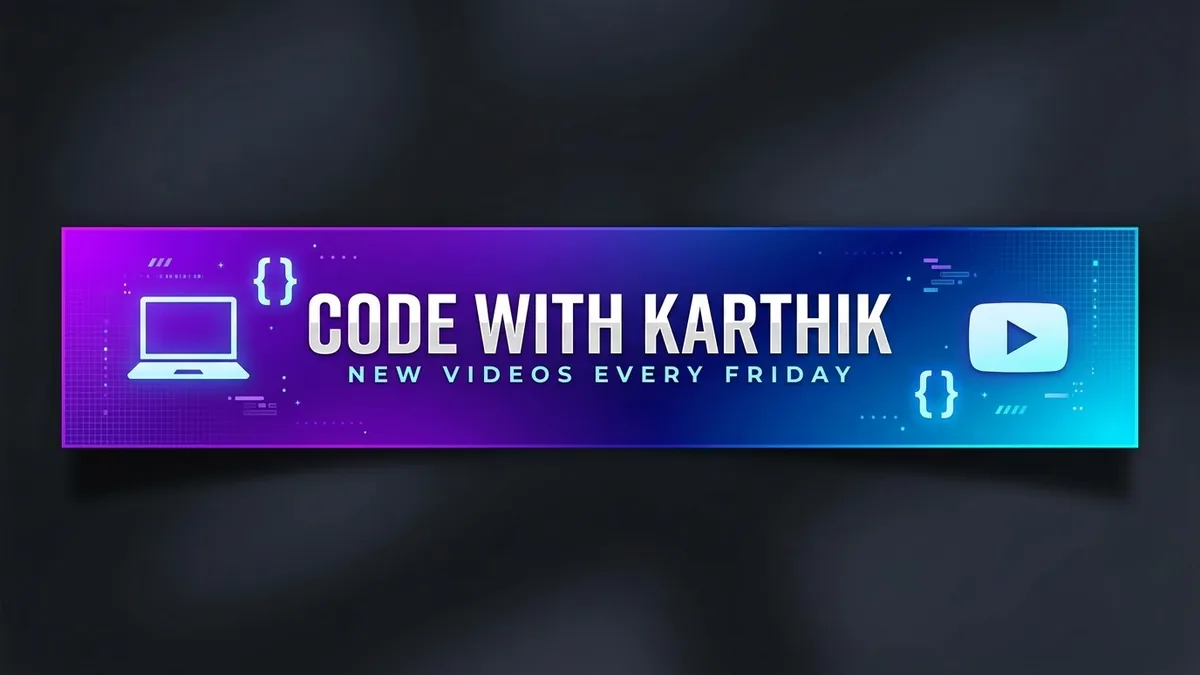
Once your thumbnails work, keep a consistent look, such as the same colours, the same font and the same side for your face. The channel banner prompt helps you create a banner that matches. Keep the key text in the centre, because phones and TVs crop the edges of a banner.
Prompts to try
More prompts on this topic
- Online course cover thumbnailGemini · ChatGPT · Midjourney
- Podcast / channel cover artGemini · ChatGPT · Ideogram
- Professional book coverIdeogram · Midjourney · ChatGPT
Comments
No comments yet. Be the first to share what worked for you.