Blog
PromptUp vs ChatGPT: what's the difference?
Short answer: ChatGPT is the AI assistant that does the work; PromptUp is the free, private tool that helps you write a clear prompt before you paste it in.
Published
It's a fair question, since PromptUp's prompt cards have "ChatGPT" written right on them. To be clear from the start: PromptUp is not a ChatGPT alternative. It doesn't chat with you, answer questions, or generate anything itself. It's a free builder and library that writes the prompt you then paste into ChatGPT.
What ChatGPT is
ChatGPT is OpenAI's general-purpose AI assistant. You type a prompt, it replies, and you can go back and forth to refine the answer. Depending on your plan, it can browse the web, read files you upload, generate images, and remember details across chats. It's the tool that does the actual work: writing, coding, explaining, creating an image.
What PromptUp is
PromptUp doesn't do any of that. It's an in-browser tool with two parts: a step-by-step builder that turns a vague goal into a structured prompt, and a library of over 1,400 ready-made prompts for photo editing, image generation, video and writing. Pick a category, fill in a few options, and it hands you a finished prompt to copy — for ChatGPT, or for Gemini, Claude, Midjourney and other tools that take the same kind of prompt.
Where the two meet
They don't compete, because they solve different problems. ChatGPT turns a prompt into an answer. PromptUp turns a vague idea, like "make my resume sound better," into a specific instruction, like "rewrite these resume points ATS-friendly, keep each under 20 words, and quantify results where possible." A better prompt going into ChatGPT tends to produce a better answer coming out.
What ChatGPT can do that PromptUp can't
- Actually write the essay, fix the code, or generate the image you asked for
- Hold a multi-turn conversation and refine an answer based on your feedback
- Browse the web, read uploaded files, and (with memory on) recall earlier chats
- Run as its own app on desktop, mobile and in the browser
What PromptUp can do that ChatGPT doesn't
- A searchable library of 1,400+ prompts, so you're not starting from a blank box
- A guided builder that fills in the structure — role, task, format, limits — without you needing to learn prompt-writing yourself
- Runs entirely in your browser: no account, no login, nothing saved to a server
- The same prompt library works with Gemini, Claude and several image and video tools too, not only ChatGPT
Using them together
- Open the PromptUp builder and pick what you're trying to do.
- Fill in the bracketed details — your resume, your topic, your niche.
- Copy the finished prompt.
- Paste it into ChatGPT and read the answer.
Which one do I actually need?
Both, but for different moments. If you already know exactly what to type, go straight to ChatGPT. If you're staring at an empty chat box unsure how to phrase the request, that's what PromptUp is for. Browse the ChatGPT prompts library, or read how to write an AI prompt if you'd rather learn the underlying technique yourself.
Prompts to try
 Text & chat · TrendingRewrite resume points (ATS-friendly)ChatGPT · Gemini · Claude
 Text & chatTailored cover letter that gets interviewsChatGPT · Gemini · Claude
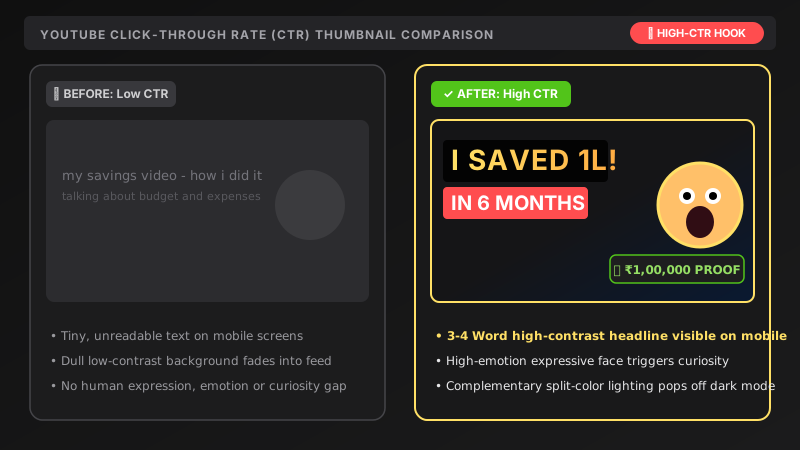 Image · TrendingHigh-CTR YouTube thumbnailGemini · ChatGPT
 Photo edit · TrendingPro LinkedIn headshot from a selfieGemini · ChatGPT
 Text & chatExplain any complex topic simplyChatGPT · Gemini · Claude