ChatGPT vs Claude vs Gemini: do you need different prompts?
Published
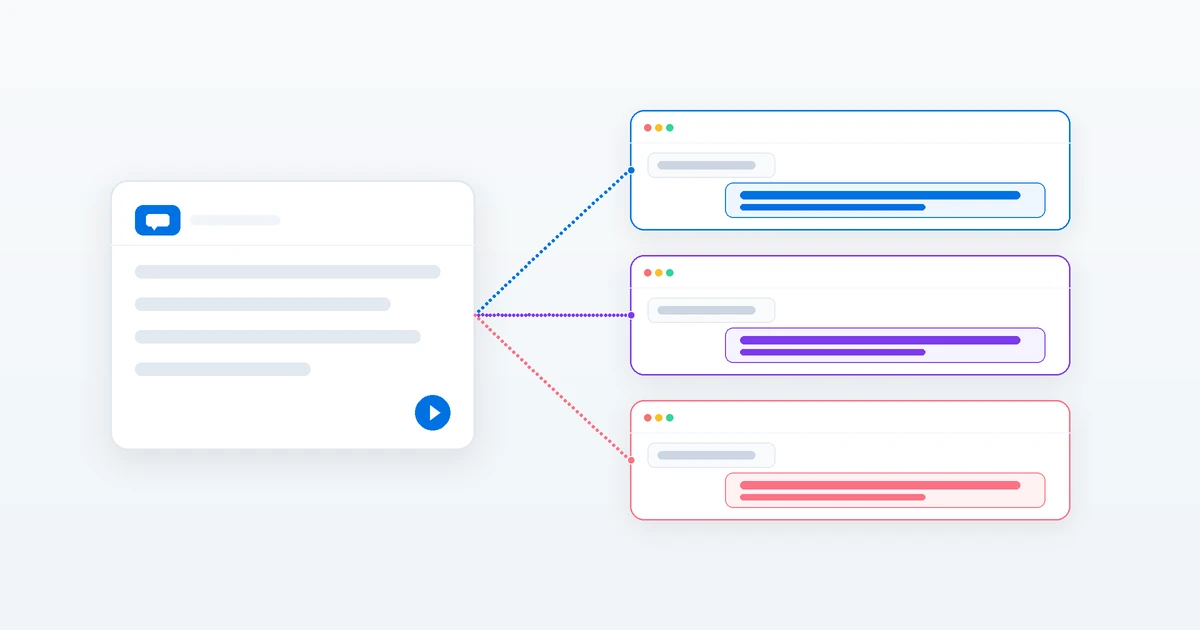
Short answerFor most text tasks, the same prompt works in all three, because a clear role, task, context, format and limits help every model. The differences are in the tool's features and small style details, not in a different way of writing.
A common question is whether you need to learn a separate way of prompting for each AI tool. For everyday writing and thinking tasks, you don't. Most of the prompts in the PromptUp library for text are written for ChatGPT, Claude and Gemini at the same time, and the same prompt works in each of them.
What changes between tools is smaller than people expect. This guide covers what stays the same, what to check, and how to test a prompt in all three.
What stays the same everywhere
These habits improve the result in any chat model:
- A clear task. One thing to do, stated plainly.
- Context. Paste the job description, the draft or the facts instead of describing them.
- A format. "5 bullets, each under 20 words" or "a table with three columns".
- Limits. Word count, tone, and things to avoid.
- A role when it helps. "Act as a senior recruiter" sets the point of view.
The 5-part prompt formula covers all of these. If your prompt has them, it will usually work in any of the three tools.
What to check for each tool
Prompts travel well. Features don't. Before you paste a prompt, check the things that depend on the tool and your plan. They change often, so look at the tool itself rather than relying on a list.
| Check | Why it matters |
|---|---|
| Can it search the web? | A prompt asking for recent news needs web search switched on, or the answer may be out of date. The company research prompt tells you to turn it on. |
| Can it read your files? | Some prompts say "paste your text". If your tool accepts file uploads, you can attach the document instead. |
| Can it make images? | Image and photo-edit prompts need a tool that generates or edits images. Not every chat tool does. |
| How long can the input be? | A long document may not fit in one message in every tool. Split it and say so. |
| Does it remember earlier chats? | If memory is on, old context can leak into a new task. Start a fresh chat when that happens. |
Small style differences
You may notice differences in how each tool answers the same prompt. Treat these as things to test, not rules:
- Length and tone. One tool may answer more briefly and another more fully. State the length you want.
- Structure. Some tools lean on headings and bullets by default. Ask for "plain paragraphs, no headings" if you don't want them.
- Following limits. If a tool ignores a rule such as a word limit, repeat it at the end of the prompt, or reply with "shorten this to 200 words".
For long prompts with several pasted parts, it helps in any tool to separate the parts clearly. You can use labels like Job description: and My resume: on their own lines, or wrap each part in tags such as <job_description> and </job_description>. Anthropic's own guidance for Claude recommends tags like these, and they cause no problems in ChatGPT or Gemini.
How to test a prompt in all three
If a task matters, such as a cover letter or a difficult email, run it in more than one tool and compare.
- Fill in every [BRACKETED] field with your real details.
- Paste the exact same prompt into each tool, in a new chat.
- Compare the three answers against what you asked for: the length, the tone, whether the facts are right.
- Pick the best one, or take the best parts of each.
- Reply with one specific edit, such as "make the first paragraph shorter", rather than rewriting the prompt.
Keep the prompt unchanged between tools for the first test. If you edit it for each tool, you can't tell whether a difference came from the tool or from your edit.
When to change the prompt for a tool
Change the prompt when the tool itself works differently:
- Image and video tools each have their own settings and syntax. For example, Midjourney uses parameters such as
--arfor the aspect ratio. See why a Midjourney prompt isn't working. - Tools without web access need you to paste the facts.
- Tools with a small input limit need the content split into parts.
Always check the facts
Whichever tool you use, it can state wrong things with confidence. For anything with names, numbers, dates or advice you will act on, add a line like the one in the company research prompt: "If you are unsure about a fact, say so instead of guessing." Then check the important facts yourself.
Prompts to try
 Trending
Rewrite resume points (ATS-friendly)ChatGPT · Gemini · Claude
Trending
Rewrite resume points (ATS-friendly)ChatGPT · Gemini · Claude
 Explain any complex topic simplyChatGPT · Gemini · Claude
 Trending
Research a company before your interviewChatGPT · Gemini · Claude
Trending
Research a company before your interviewChatGPT · Gemini · Claude
 Summarise anything in 3 bulletsChatGPT · Gemini · Claude
 Proofread without changing your voiceChatGPT · Gemini · Claude


Comments
No comments yet. Be the first to share what worked for you.