Collection · 9 prompts
AI prompts for content creators
Creators repeat the same jobs every week: a thumbnail, a hook, a caption, a cover. These prompts turn each into a copy-paste starting point for Gemini, ChatGPT and the AI video tools.
Keep thumbnail headlines to three or four words so they stay readable on a phone, and put any on-image text in quotes so the AI spells it correctly.
Last updated
Free Instagram caption generatorCaptions and hashtags in four moods · bio maker · checks your own caption
Free reel hook generatorFive hooks, a timed script, scene prompts and a hook card · Hinglish too
All 9 prompts
 Trending
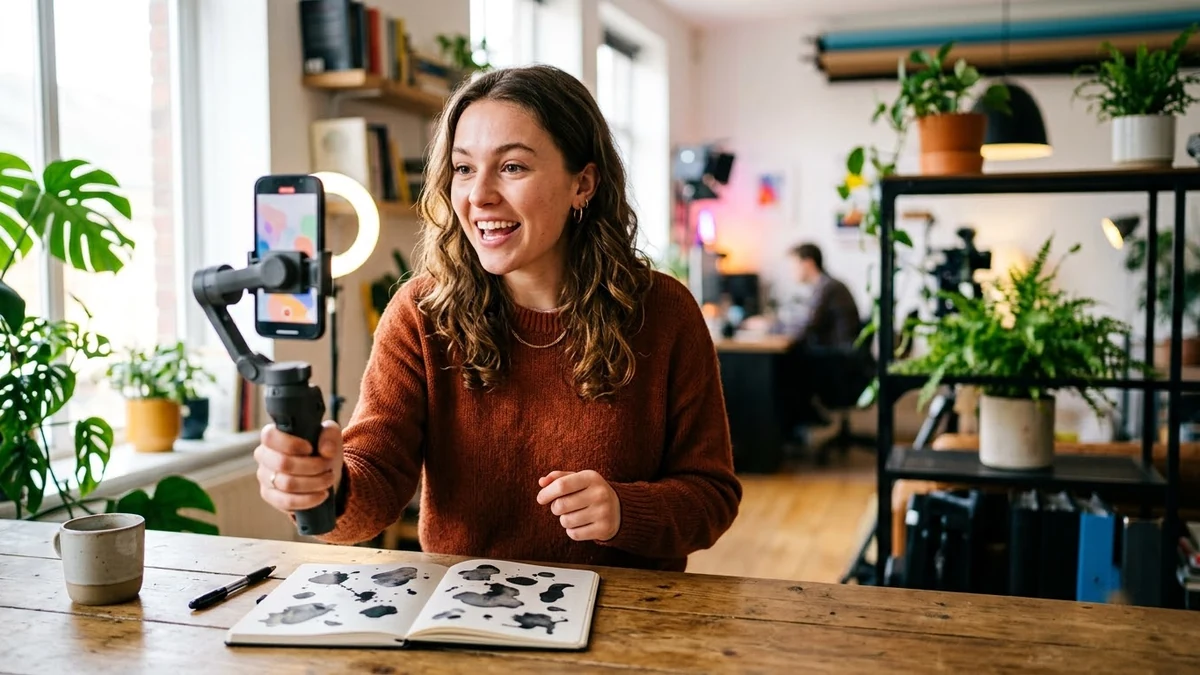
Scroll-stopping Reel / Shorts script with a hookChatGPT · Gemini · Claude
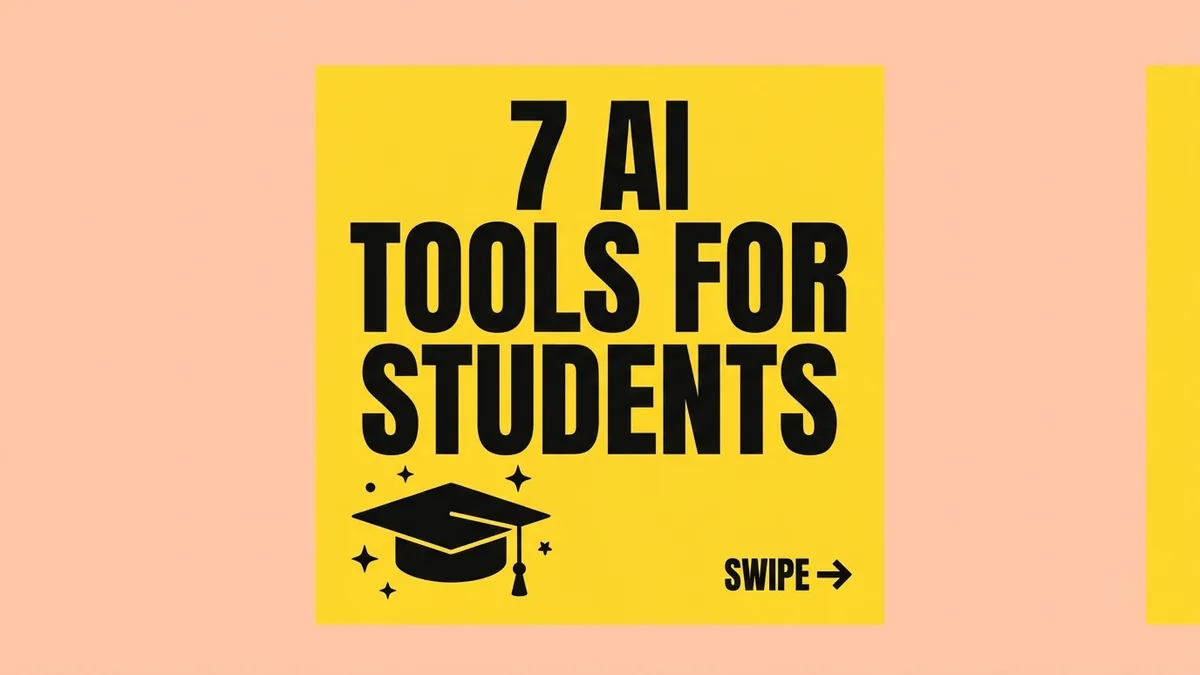 Instagram carousel cover slideGemini · ChatGPT · Ideogram
 Scroll-stopping Reel openerVeo · Kling · CapCut
 Trending
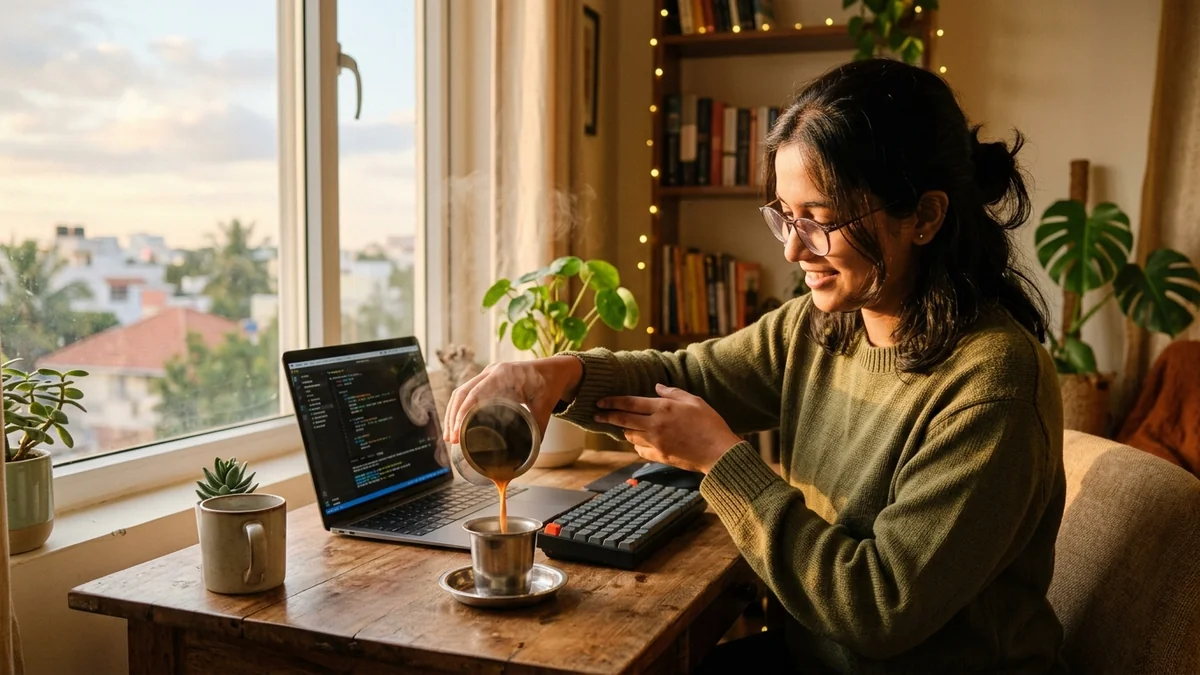
Aesthetic Day-in-the-Life vlogVeo · Kling · Seedance · CapCut
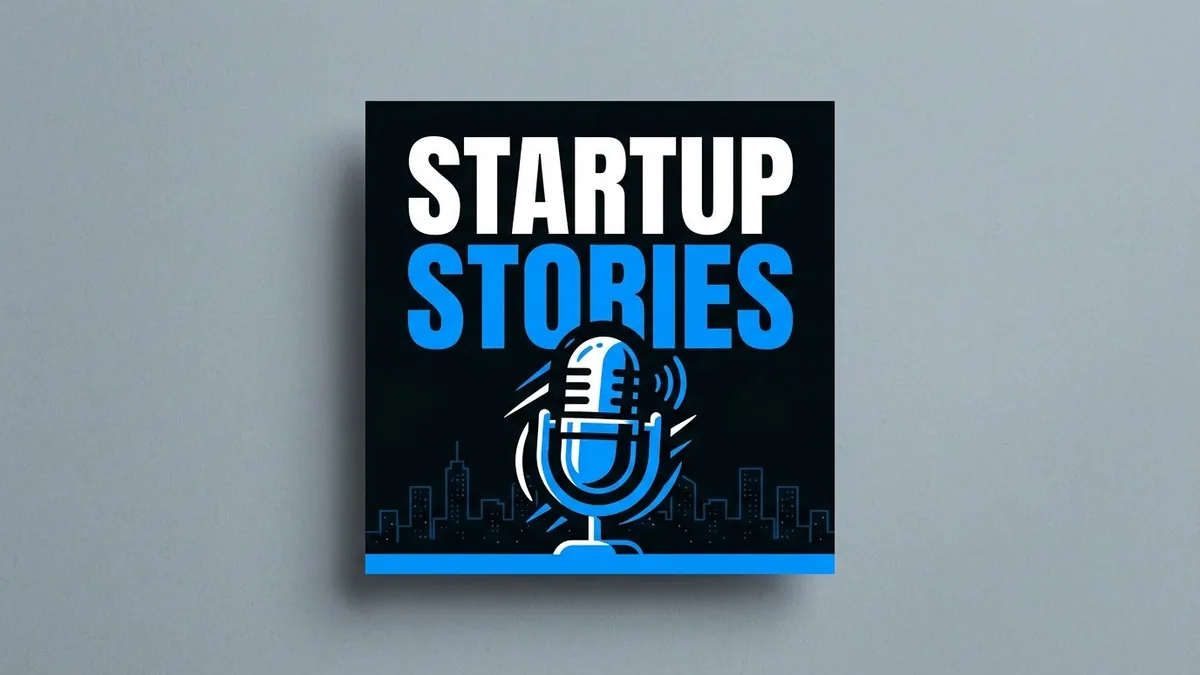 Podcast / channel cover artGemini · ChatGPT · Ideogram
 Trending
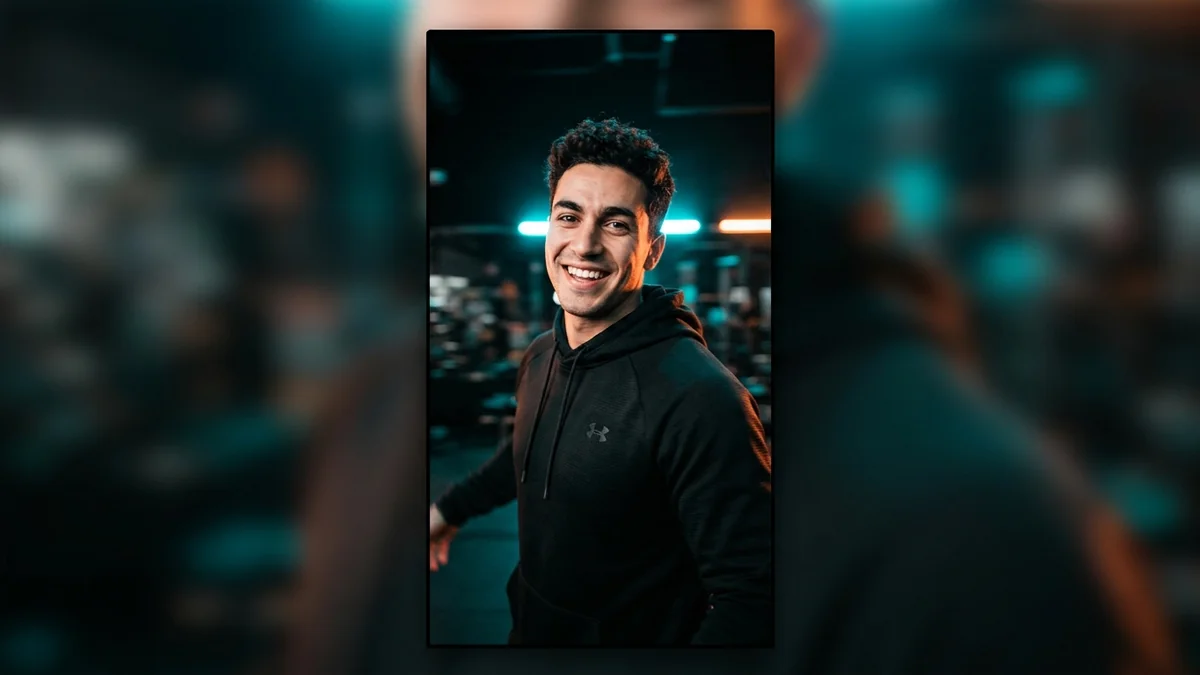
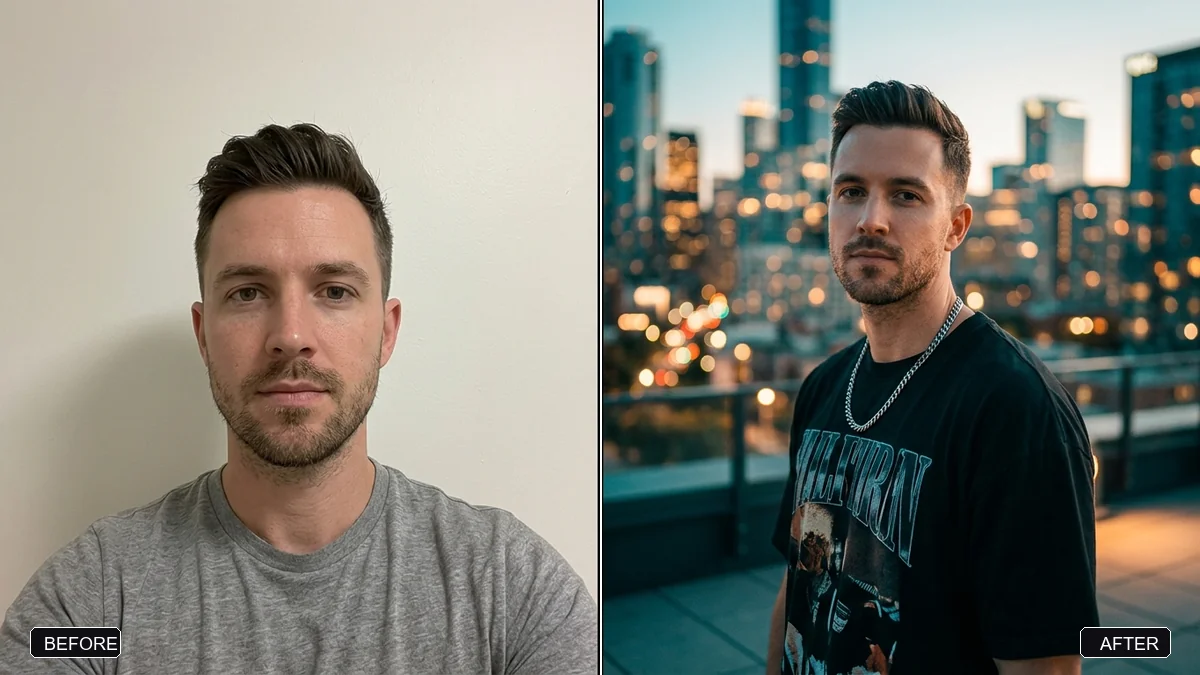
Stylish Instagram story photo (9:16)Gemini · ChatGPT
 Trending
AI street interview (vox pop)Veo · Kling
No prompts match that search. Build your own in the builder →
2 more prompts without a picture yet
- High-CTR YouTube thumbnailGemini · ChatGPT
- High-engagement Instagram captions with hooksChatGPT · Gemini · Claude
How to use AI for thumbnails, hooks and captions without sounding generic
Content creation repeats the same few jobs: a thumbnail that gets a click, an opening line that stops the scroll, a caption that fits your voice and a cover that matches the rest of your feed. These prompts give each job a structure, so you spend your time on the idea and not on a blank page.
AI is fast at producing options, which is exactly what creators need. Generate several, choose the one that feels like you and change a few words. The pieces that people remember are the specific ones: your topic, your joke and your point of view.
How to use these prompts
- 1
Start with the idea in one sentence: the topic, who it is for and the one thing the viewer should feel or do.
- 2
Paste the matching prompt, fill in the topic and audience, and ask for five options in different tones.
- 3
Pick the strongest option and rewrite one line in your own words so it sounds like you.
- 4
Check the result on a phone screen before you publish, since most people will see it there.
Get better results
- Keep thumbnail words short. Three or four words stay readable at a small size. Put any on-image text in quotes so the AI spells it correctly.
- Hook in the first line. Say the result or the problem first and the setup second. Test two hooks on similar posts and keep the better one.
- Match your feed. Reuse the same colours, fonts and layout across covers so your page looks consistent.
- Write captions in your voice. Paste one caption you like and ask the AI to follow its length and tone.
- Be honest. Do not use AI to invent testimonials, results or experiences you did not have.
If the answer is not right
- The thumbnail text is misspelt. Shorten it, check each letter, or add the words in an editor after generating the picture.
- The script sounds robotic. Read it aloud, cut every line you would not say to a friend, and add one small story from your own life.
- Every caption starts the same way. Ask for ten different opening lines and pick one that is not on your last five posts.
- The face in the picture changes. Use a clear photo of yourself and add “keep my face exactly the same”.
Some platforms ask you to label AI-generated or edited content. Check the current rules of the platform you post on.
Guides for ai
Questions, answered
How do I make a YouTube thumbnail with AI?
Describe the topic, the main visual, the colours and the short headline text in one prompt, and ask for a 16:9 image with space left for the headline. The thumbnail prompt does this for you.
Can AI write Reel scripts?
Yes. The Reel script prompt asks for a hook in the first line, a short body and a call to action. Add your topic and audience for a better result.
Need something that isn’t here?
Describe it in one line and get a AI prompt built for you.
Explore more prompts
- Photo editing prompts
- Image generation prompts
- Video generation prompts
- Chat & writing prompts
- ChatGPT prompts
- Gemini prompts
- Veo prompts
- Midjourney prompts
- Higgsfield prompts
- Claude prompts
- Kling prompts
- Ideogram prompts
- Claude Code prompts
- Seedance prompts
- Stable Diffusion prompts
- Cursor prompts
- 1980s retro photo prompts for Gemini & ChatGPT
- Viral AI photo trend prompts
- Old photo restoration and enhancement prompts
- AI prompts for your job search
- AI product photo and ad prompts
- AI coding prompts you can copy and paste
- AI marketing prompts you can copy and paste
- AI prompts for students
- AI travel planning prompts
- AI prompts for small business owners
- AI workout and meal plan prompts
- AI productivity and planning prompts
- Viral AI video effect prompts for Reels
- AI portrait and headshot prompts
- AI couple photo prompts
- AI profile picture prompts
- Black-and-white photo prompts
- AI photo enhancer prompts
- Remove objects and people from photos with AI
- Change photo background prompts
- AI photo filter and colour grade prompts
- Sky replacement and weather effect prompts
- AI saree photo prompts
- Indian wedding photo prompts
- AI festival photo prompts
- Cinematic portrait prompts
- Vintage photo prompts by decade
- Photo to cartoon and anime prompts
- Photo to painting and sketch prompts
- AI pet photo prompts
- Baby and family photo prompts
- AI Instagram photo prompts
- AI room makeover and interior design prompts
- AI real estate and rental listing photo prompts
- AI mockup prompts for your designs
- AI food photo prompts for restaurants and home cooks
- AI virtual try-on prompts
- How to write AI prompts