Collection · 12 prompts
AI prompts for your job search
A job search has repeatable tasks that AI can speed up: tailoring resume bullets to a job description, drafting a cover letter, practising interview questions, researching a company and negotiating an offer.
These prompts work in ChatGPT, Gemini and Claude. Paste your real job description and real achievements where asked, and never let the AI invent numbers or claim experience you do not have.
Last updated
Download 10 prompts as a free PDF81 KB · no sign-up · all prompt packs
Free resume builderUpload your old resume · free ATS check · clean PDF · no sign-up
All 12 prompts
 Trending
Mock interview practice (one question at a time)ChatGPT · Gemini · Claude
 Answer "Tell me about yourself"ChatGPT · Gemini · Claude
 Trending
Research a company before your interviewChatGPT · Gemini · Claude
 Thank-you email after an interviewChatGPT · Gemini · Claude
 LinkedIn About section that stands outChatGPT · Gemini · Claude
 Negotiate a better salary offerChatGPT · Gemini · Claude
 Write a professional resignation letterChatGPT · Gemini · Claude
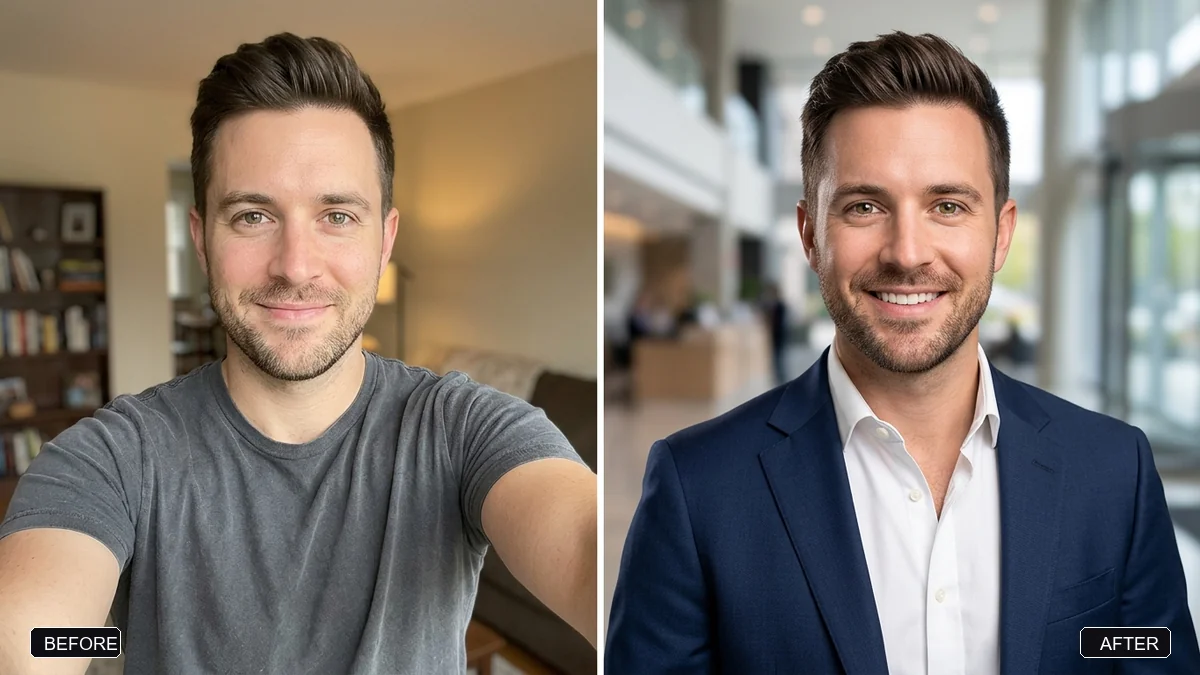 Trending
Pro LinkedIn headshot from a selfieGemini · ChatGPT
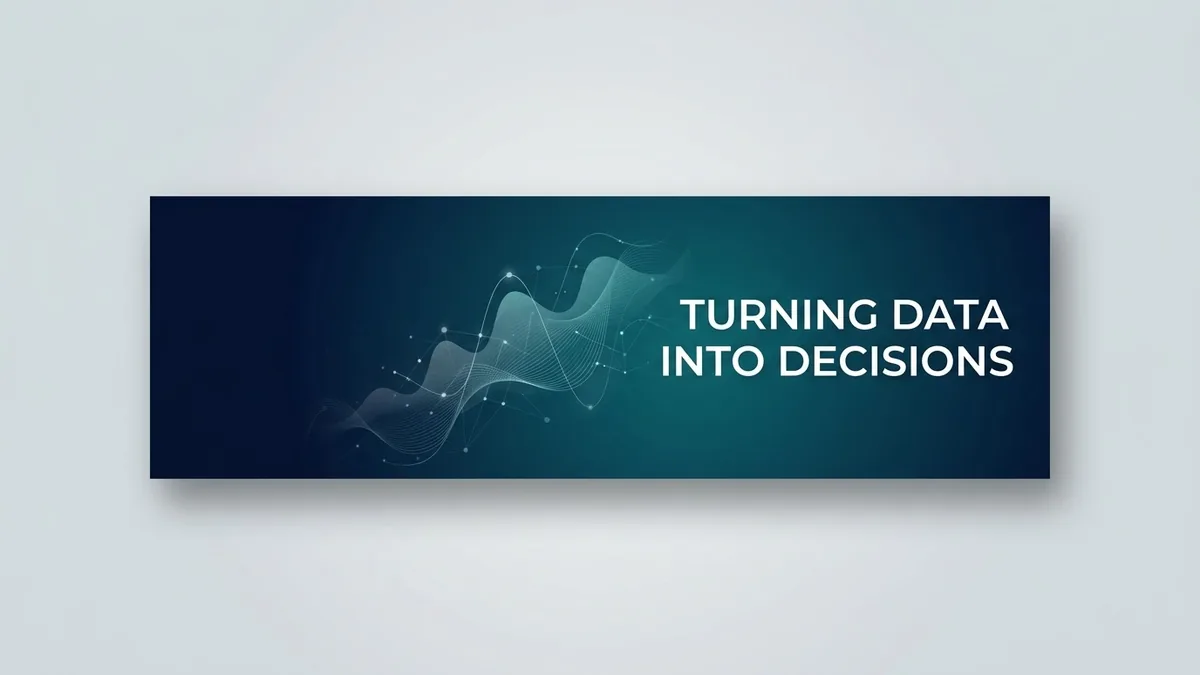 LinkedIn banner for your profileGemini · ChatGPT · Canva AI
No prompts match that search. Build your own in the builder →
3 more prompts without a picture yet
- Rewrite resume points (ATS-friendly)ChatGPT · Gemini · Claude
- Tailored cover letter that gets interviewsChatGPT · Gemini · Claude
- Leave request email to your managerChatGPT · Gemini · Claude
How to use AI in a job search without losing your voice
A job search is a series of small writing and thinking tasks: tailoring a resume to one advert, writing a cover letter, practising answers, researching a company, saying thank you and, if you are lucky, negotiating. AI is useful for each of them, but the facts must come from you. A recruiter will notice invented achievements, and an interviewer can ask about any line on your page.
The prompts here are arranged roughly in the order a search happens. Start with the resume and cover letter prompts, move to mock interviews and “tell me about yourself”, and keep the salary and resignation prompts for later.
How to use these prompts
- 1
Collect the raw material first: the job description, your real achievements with any numbers you can prove, and your current resume.
- 2
Paste the job description and your bullets into the resume or cover letter prompt, and ask for wording that matches the role without adding anything untrue.
- 3
Practise with the mock interview prompt, answering out loud if your AI app has a voice mode, and ask for feedback on one answer at a time.
- 4
Edit everything into your own voice before you send it, and read each line asking whether you could talk about it for two minutes.
Get better results
- Keep a master list of achievements. Write down what you did, the result and how you know. Reuse it for every application.
- Use the job description’s words. Applicant tracking systems and recruiters scan for the terms in the advert. Mirror them only where they are true for you.
- Ask for questions, not just answers. The mock interview prompt asks one question at a time. Answer before you read the sample.
- Research with sources. Use the company research prompt as a checklist, then read the company’s own site and recent news yourself.
- Follow up. A short thank-you note after an interview is easy to write with the prompt and often remembered.
If the answer is not right
- The resume sounds like everyone else’s. Replace general phrases with one concrete result, such as what you changed and what happened next.
- The AI added numbers you never gave it. Delete them, and add “use only the facts I provided; do not add numbers or tools” to the prompt.
- The cover letter is too long. Ask for three short paragraphs: why this role, what you bring, what happens next.
- Your answers sound rehearsed. Keep your own outline, not the AI’s script, and practise the points rather than the words.
Remove your address, phone number and other private details before you paste a resume into any AI tool. If you want a clean document, the free resume builder on this site works without an account.
Guides for ai

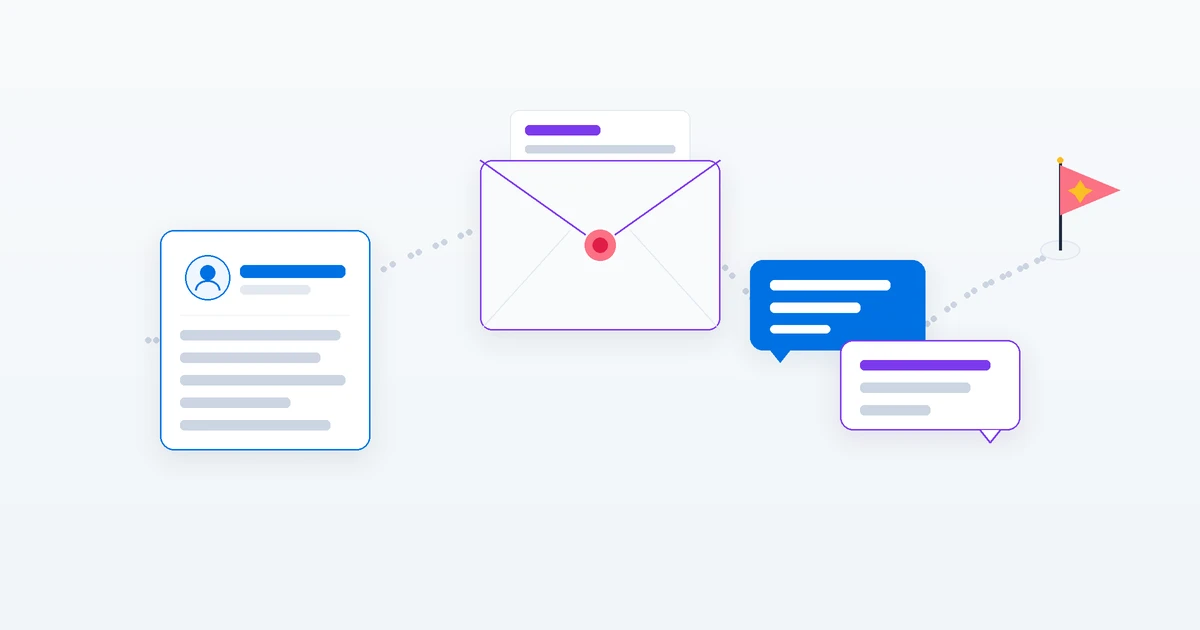
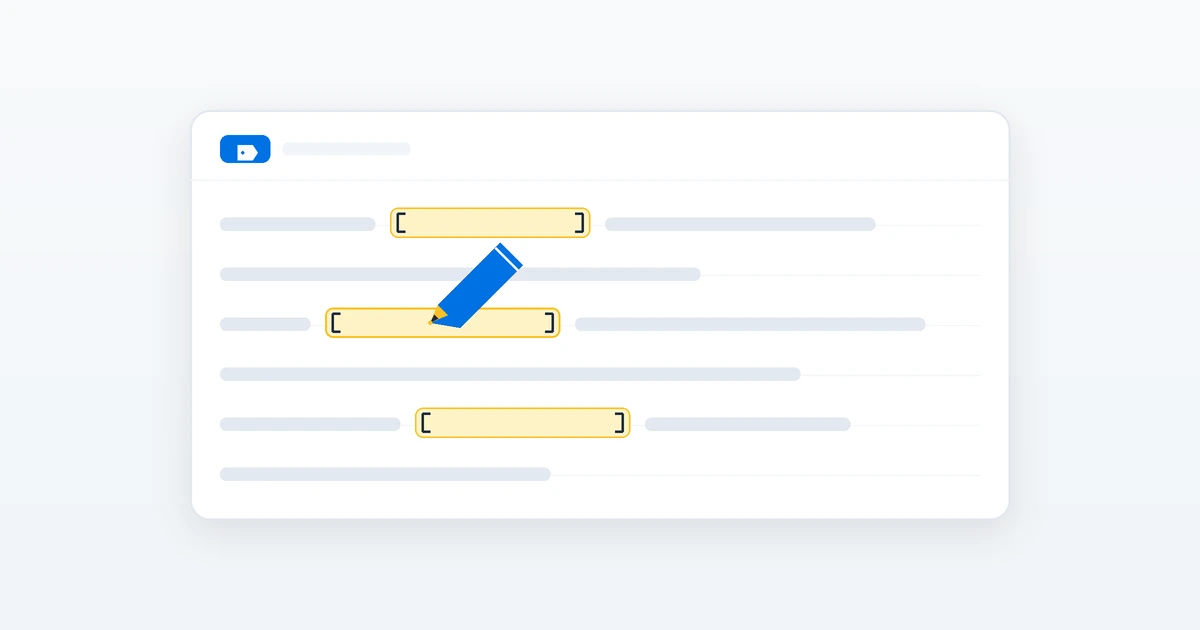
Questions, answered
Can ChatGPT write my resume?
It can rewrite your bullets to be clearer and more keyword-aware, but you should supply the facts and check every number. The ATS resume prompt asks for your real bullets and the job description.
How do I practise interviews with AI?
Use the mock interview prompt. It asks one question at a time, scores each answer and gives a stronger sample answer. Voice mode in ChatGPT or Gemini Live lets you answer out loud.
Need something that isn’t here?
Describe it in one line and get a AI prompt built for you.
Explore more prompts
- Photo editing prompts
- Image generation prompts
- Video generation prompts
- Chat & writing prompts
- ChatGPT prompts
- Gemini prompts
- Veo prompts
- Midjourney prompts
- Higgsfield prompts
- Claude prompts
- Kling prompts
- Ideogram prompts
- Claude Code prompts
- Seedance prompts
- Stable Diffusion prompts
- Cursor prompts
- 1980s retro photo prompts for Gemini & ChatGPT
- Viral AI photo trend prompts
- Old photo restoration and enhancement prompts
- AI product photo and ad prompts
- AI prompts for content creators
- AI coding prompts you can copy and paste
- AI marketing prompts you can copy and paste
- AI prompts for students
- AI travel planning prompts
- AI prompts for small business owners
- AI workout and meal plan prompts
- AI productivity and planning prompts
- Viral AI video effect prompts for Reels
- AI portrait and headshot prompts
- AI couple photo prompts
- AI profile picture prompts
- Black-and-white photo prompts
- AI photo enhancer prompts
- Remove objects and people from photos with AI
- Change photo background prompts
- AI photo filter and colour grade prompts
- Sky replacement and weather effect prompts
- AI saree photo prompts
- Indian wedding photo prompts
- AI festival photo prompts
- Cinematic portrait prompts
- Vintage photo prompts by decade
- Photo to cartoon and anime prompts
- Photo to painting and sketch prompts
- AI pet photo prompts
- Baby and family photo prompts
- AI Instagram photo prompts
- AI room makeover and interior design prompts
- AI real estate and rental listing photo prompts
- AI mockup prompts for your designs
- AI food photo prompts for restaurants and home cooks
- AI virtual try-on prompts
- How to write AI prompts