- Updated
Favicon and app icon concepts
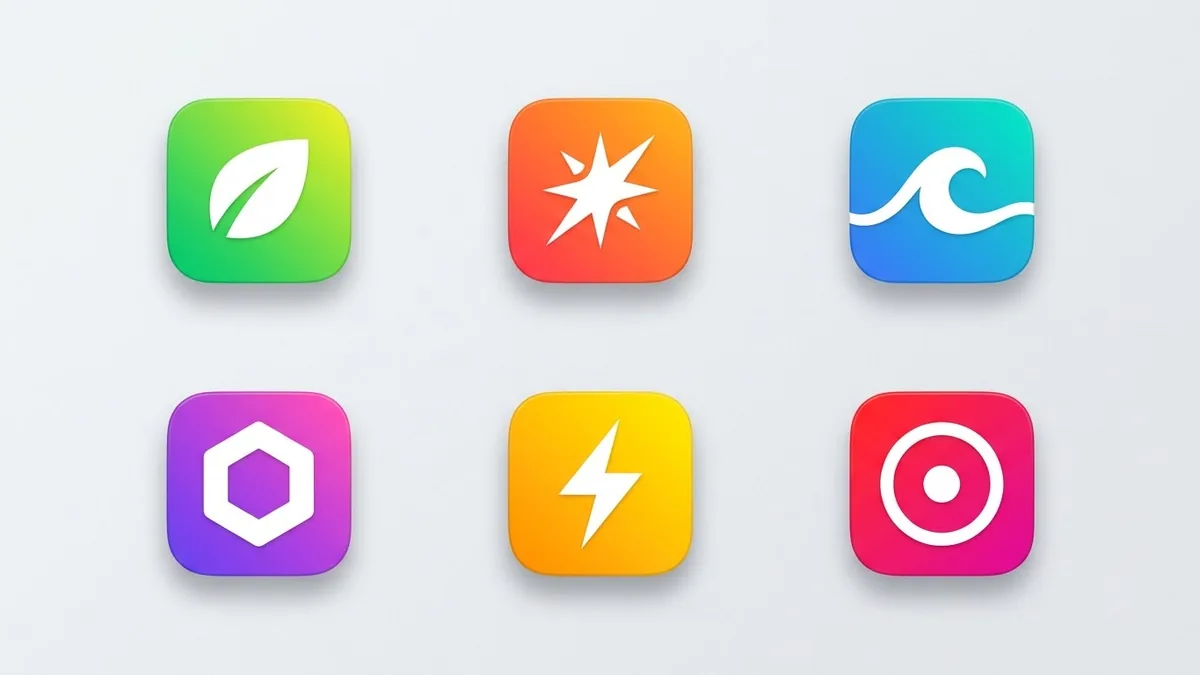
This prompt creates six bold, simple icon concepts for your app on rounded-square backgrounds, one idea per icon and no text, so they stay recognisable at very small sizes. View each concept at favicon size before choosing.
Six app icon concepts for "[APP NAME]", a [WHAT IT DOES] app. Each concept is a bold, simple symbol on a rounded-square background with a different colour scheme, one idea per icon such as [IDEA 1] and [IDEA 2], flat gradient style, no text, recognisable at very small sizes. Show them in a 3x2 grid.
View each concept at 32 pixels wide to see whether it stays recognisable.
Get a better result
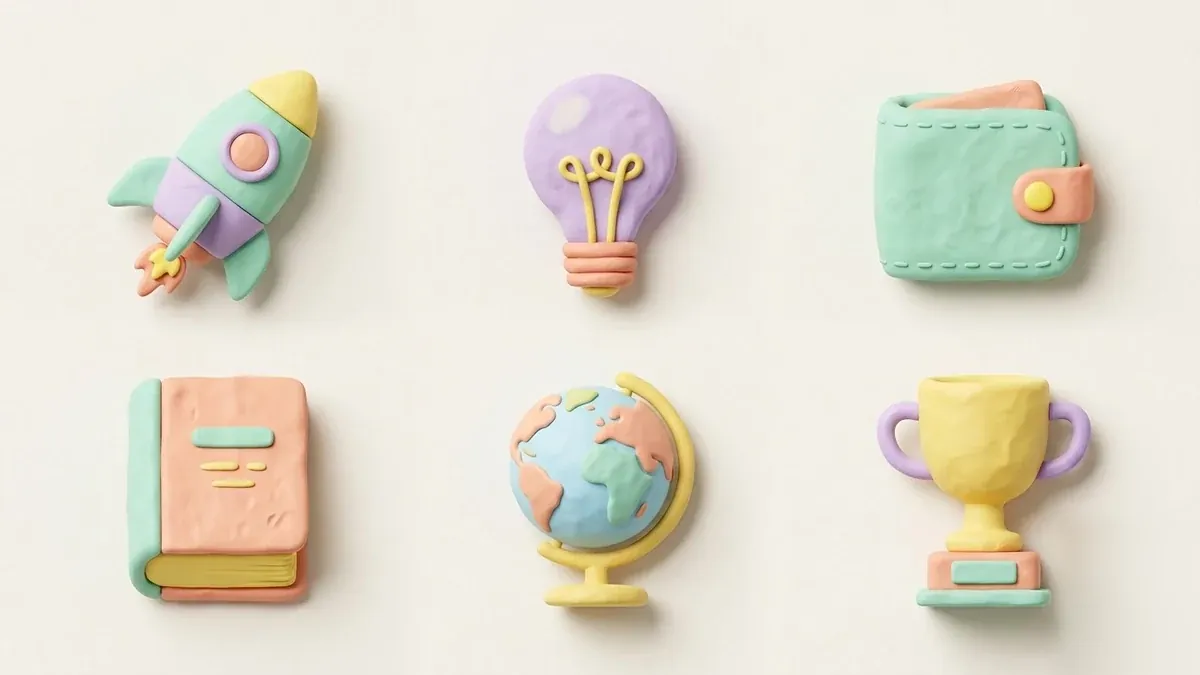
Six app icon ideas on rounded squares in a 3x2 grid, each a bold simple symbol in a different colour scheme, with no text and designed to remain clear at small sizes.
Icons are too detailed.
Fix: Ask for one shape per icon with thick lines. Fine detail disappears at 32 pixels, as the tip warns.
- They all look alike. Write six different ideas in the prompt, so each icon starts from a distinct symbol.
- The icon copies a known logo. Search for similar marks before you adopt one, and avoid shapes that look like a well-known brand.
Ask for the same ideas in a single colour on a white background, for use in browser tabs and small toolbars.
Take concepts two and five and show each at 32 and 16 pixels on both a light and a dark background.
More image generation prompts
See all 347 →
More like this
- Glassy 3D icon setMidjourney · Gemini · ChatGPT
- Make a concept map of a topicChatGPT · Gemini · Claude
- Cafe interior conceptMidjourney · Gemini · ChatGPT
- Sci-fi spaceship concept artMidjourney · Gemini · ChatGPT
- Instagram highlight cover iconsGemini · ChatGPT · Midjourney