- Updated
Glassy 3D icon set
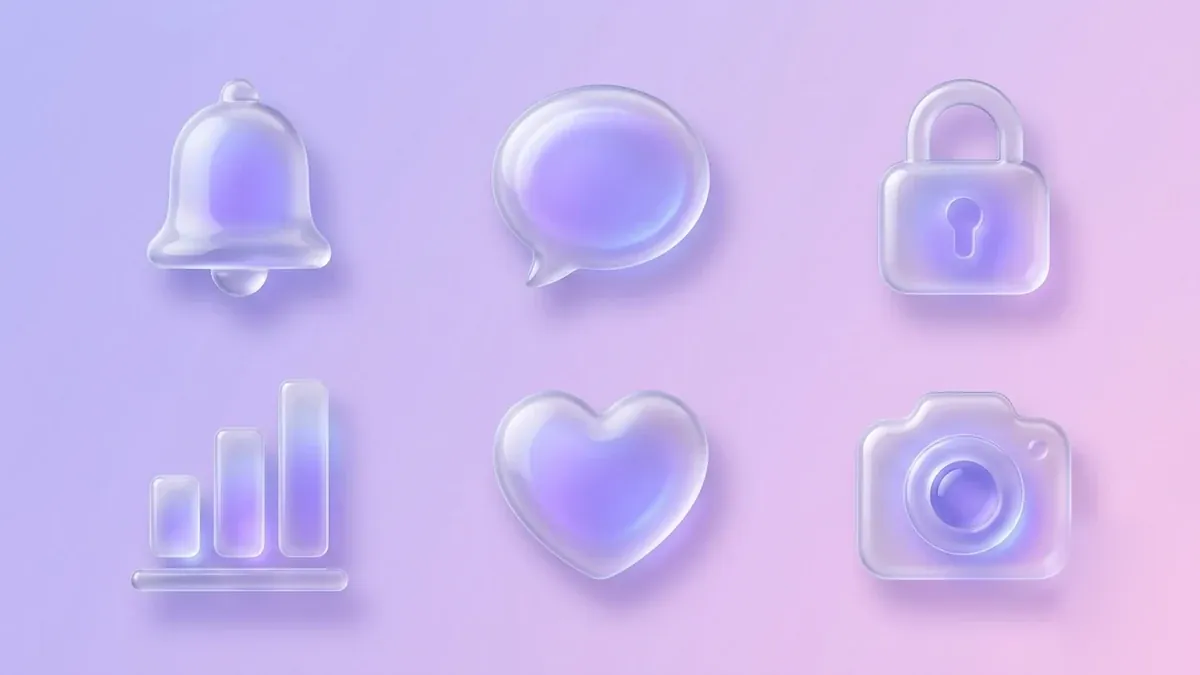
This prompt creates six 3D icons, such as a bell, chat bubble, lock, chart, heart and camera, in a frosted translucent glass material with soft coloured glow.
A set of six glossy 3D glassmorphism icons: [ICONS, e.g. bell, chat bubble, lock, chart, heart, camera], frosted translucent material with soft [COLOUR] inner glow, subtle reflections, rounded shapes, arranged in a 3x2 grid on a soft gradient background, clean UI-kit style, no text.
Use the same prompt with different icon names to grow the set.
Get a better result
A grid of six glossy, frosted-glass 3D icons with soft coloured inner glow, rounded shapes and subtle reflections on a gradient background, in a clean UI-kit style.
Glassmorphism is a frosted glass look, so the prompt asks for translucent material, a soft inner glow and subtle reflections. Rounded shapes and a 3x2 grid make the six icons a usable set. A soft gradient background lets the glass effect show, and reusing the wording, as the tip says, grows the set.
Icons are hard to recognise.
Fix: Use common objects and keep each shape simple. A bell should read as a bell at a glance.
- The glass looks like plastic. Ask for frosted, translucent glass with a light edge highlight and a soft blur of the background behind it.
- The six icons look unmatched. Keep the same wording for material and lighting and change only the icon name, as the tip suggests.
Ask for the same icons on a deep navy background, with brighter neon-edged glow and smoked glass.
each icon separate with even spacing, a plain background, readable on both dark and light screens
More image generation prompts
See all 347 →

More like this
- Instagram highlight cover iconsGemini · ChatGPT · Midjourney
- Favicon and app icon conceptsGemini · ChatGPT · Midjourney
- Marble texture setMidjourney · Gemini · ChatGPT
- Streamer overlay and panel setGemini · ChatGPT · Midjourney
- Panda emoji setMidjourney · Gemini · ChatGPT