- Updated
Modern app icon design
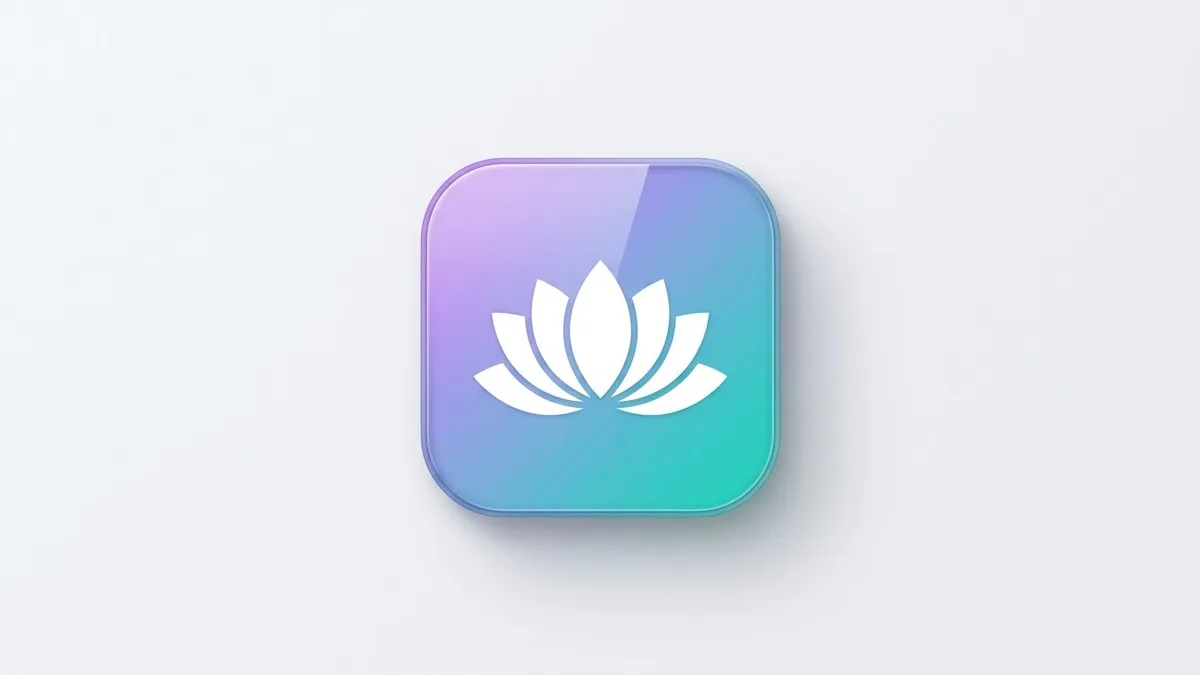
This prompt designs a mobile app icon for your app, with a single simple symbol, for example a lotus made from soft curves for a meditation app, centred on a rounded-square background.
A modern mobile app icon for [APP NAME / PURPOSE, e.g. a meditation app], single simple symbol of [SYMBOL, e.g. a lotus made from soft curves], centred on a rounded-square background with a [COLOUR] gradient. Clean flat vector style, subtle depth, no text, no border, high contrast, looks sharp at small sizes.
Ask for 4 variations, then pick the one that reads best when tiny.
Get a better result
A modern app icon with a single simple symbol centred on a rounded-square gradient background, in clean flat vector style with subtle depth, no text and good contrast that stays clear when small.
The symbol is too detailed to read when small.
Fix: Ask for one shape with a thick outline and no thin lines. Shrink the result to the size of a phone icon to test it.
- Text or a border appears. Keep the no-text and no-border lines. App stores apply their own rounded corners, so the picture should fill the square.
- The icon looks similar to a famous app. Pick an unusual symbol and colour pair, and search app stores for a similar icon before you use it.
Ask for “the same icon with a dark background and a lighter symbol”. Some phones show a dark-mode version of icons.
Keep the idea. Make the symbol bolder and slightly larger, use two colours in the gradient and remove any fine details.
More image generation prompts
See all 347 →
More like this
- Consistent line icon setGemini · ChatGPT · Ideogram
- Glassy 3D icon setMidjourney · Gemini · ChatGPT
- Mobile banking app UI conceptGemini · ChatGPT · Ideogram · Midjourney
- App store screenshot with captionIdeogram · ChatGPT · Gemini
- Soft clay 3D icon setMidjourney · Gemini · ChatGPT