- Updated
LinkedIn tips post graphic
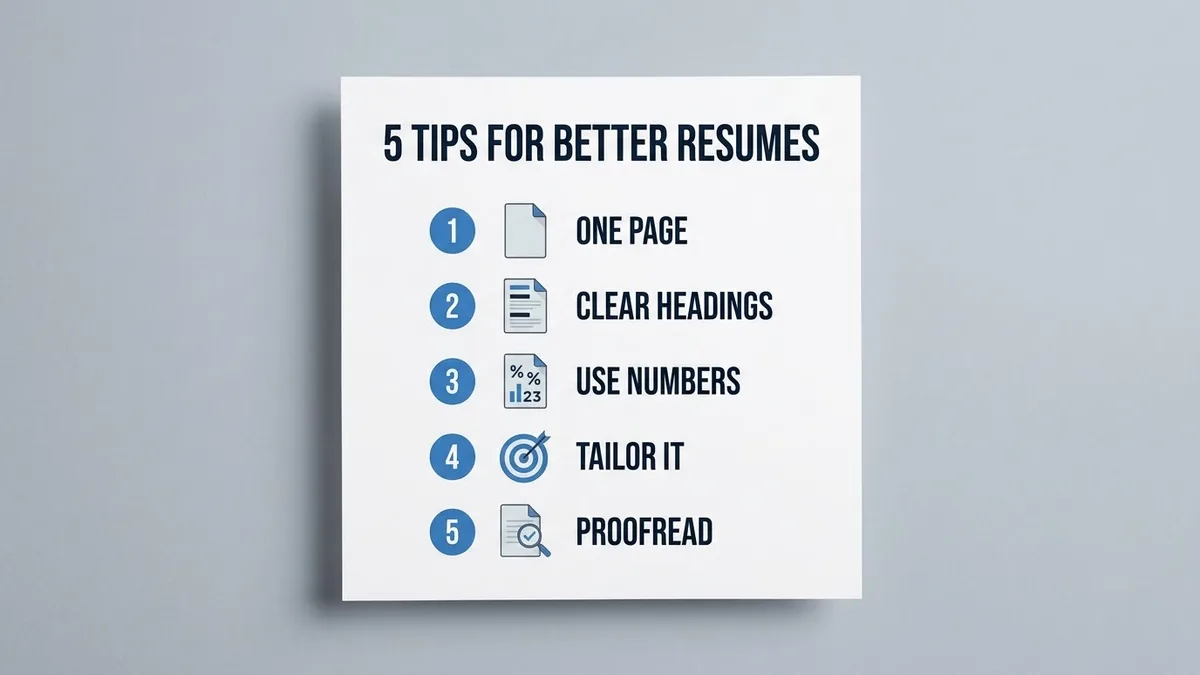
This prompt creates a square graphic with a title and a set number of tips as a numbered list, each number in a coloured circle with an icon, on a clean layout with plenty of white space. Keep each tip to one short line.
LinkedIn post graphic titled "[TITLE]" showing [NUMBER] short tips as a numbered list, clean layout with each number in a [COLOUR] circle, plenty of white space, a small icon beside each tip, professional flat design, brand colours [COLOURS]. --ar 1:1
Number the tips and keep each to one short line so the graphic stays readable in a feed.
Get a better result
A square post graphic with your title and a numbered list of short tips, each number in a coloured circle with a small icon beside it, lots of white space and your brand colours.
The tips text is garbled.
Fix: Ask for the layout with empty lines where tips go, then type your tips in a design tool. Long text in AI images often breaks.
- Too many tips cram the space. Keep to five tips at most, one short line each, as the tip says, so it reads in the feed.
- The icons do not match the tips. Name each icon, such as “calendar” and “speech bubble”, in the same order as the tips.
Ask for a bold cover slide with only the title and a big number, to open a swipe post with one tip per slide.
Keep the layout. Make the title larger, cut each tip to six words or fewer and spell every word exactly as in my prompt.
More image generation prompts
See all 347 →



More like this
- Turn an experience into a LinkedIn postChatGPT · Gemini · Claude
- T-shirt graphic for printIdeogram · Midjourney · ChatGPT
- Two-column comparison graphicGemini · ChatGPT · Midjourney
- Talking-head tips videoVeo · Kling
- LinkedIn cover from a photoGemini · ChatGPT