- Updated
WhatsApp status greeting graphic prompt
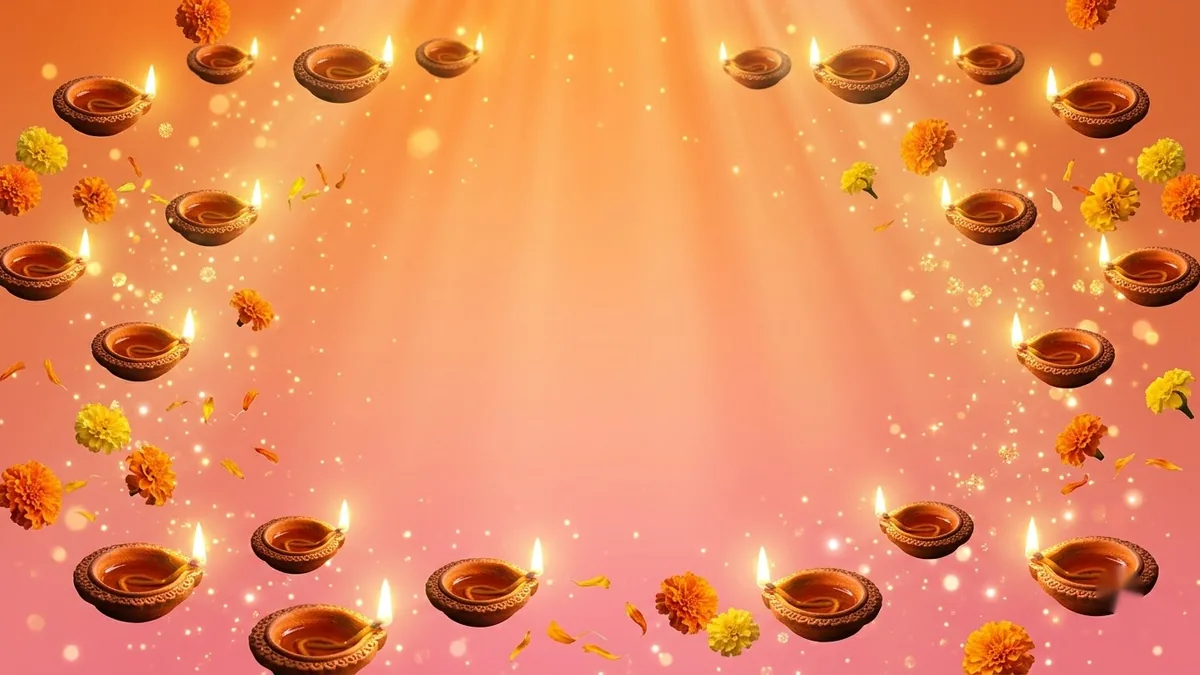
This prompt makes a vertical 9:16 greeting graphic sized for a WhatsApp status: a gradient background in your colour, an illustration of a symbol you choose, and large friendly lettering with your greeting. Fill in the occasion, colour, symbol and message, and keep the greeting short so it reads on a phone.
Vertical WhatsApp status graphic for [OCCASION]. A [COLOUR] gradient background, an illustration of [SYMBOL], large friendly lettering reading "[GREETING]", subtle sparkles, warm and cheerful, easy to read on a phone screen. --ar 9:16
Vertical 9:16 fits status perfectly; leave the top and bottom edges free of text.
Get a better result
A vertical 9:16 graphic on a colour gradient with an illustration of your chosen symbol, large friendly lettering for the greeting and subtle sparkles, kept clear of the top and bottom edges so it reads on a phone.
The greeting is misspelled or the letters run together.
Fix: Keep it to two or three words in quotes, for example “Happy Pongal”. Add longer messages in a free editor.
- The gradient makes the lettering hard to read. Pick a gradient from one hue, such as deep orange to pink, and ask for “white lettering with a soft shadow”. Contrast matters more than prettiness.
- The symbol is covered by the phone’s own buttons. Say “keep the symbol in the middle third, with empty space above and below”. Phones put controls in those areas.
Put a name in the greeting, for example “Happy Birthday Riya”. A personal greeting feels warmer than a generic one.
Fix the greeting so it reads exactly as in my prompt. Make the lettering larger, white with a soft shadow, and keep the top and bottom free.
Guides that use this prompt
More image generation prompts
See all 347 →

More like this
- One-on-one agenda beyond status updatesChatGPT · Gemini · Claude
- Eid celebration portraitGemini · ChatGPT
- Personal WhatsApp sticker packGemini · ChatGPT
- Write a weekly status report for your managerChatGPT · Gemini · Claude
- Crop a photo for a WhatsApp or Instagram DPGemini · ChatGPT