AI pet photo prompts: make your dog or cat look incredible
Published
Short answerUpload a clear, well-lit photo of your pet, tell the AI to keep its face, fur colour and markings exactly the same, then describe the backdrop, outfit or motion you want. Treat your pet like the subject of a real photoshoot, not a costume to draw over.
Pets are one of the easiest subjects for AI photo prompts, because most people already have dozens of phone photos to start from, and a slightly imperfect result is still charming. The trick is the same as with a human portrait: say clearly what must stay the same, so the result is recognisably still your pet.
What to say every time
Before anything else, tell the AI to keep your pet's face, fur colour, fur pattern and expression exactly the same. Skip this and you'll sometimes get a good-looking dog or cat that isn't quite yours, especially with distinctive markings or a coat with a lot of colour variation.
A clear, well-lit photo helps more than a clever prompt. Side-on or slightly angled shots with the eyes visible give the best results; a photo where the pet is mid-motion and blurry gives the AI less to work with.
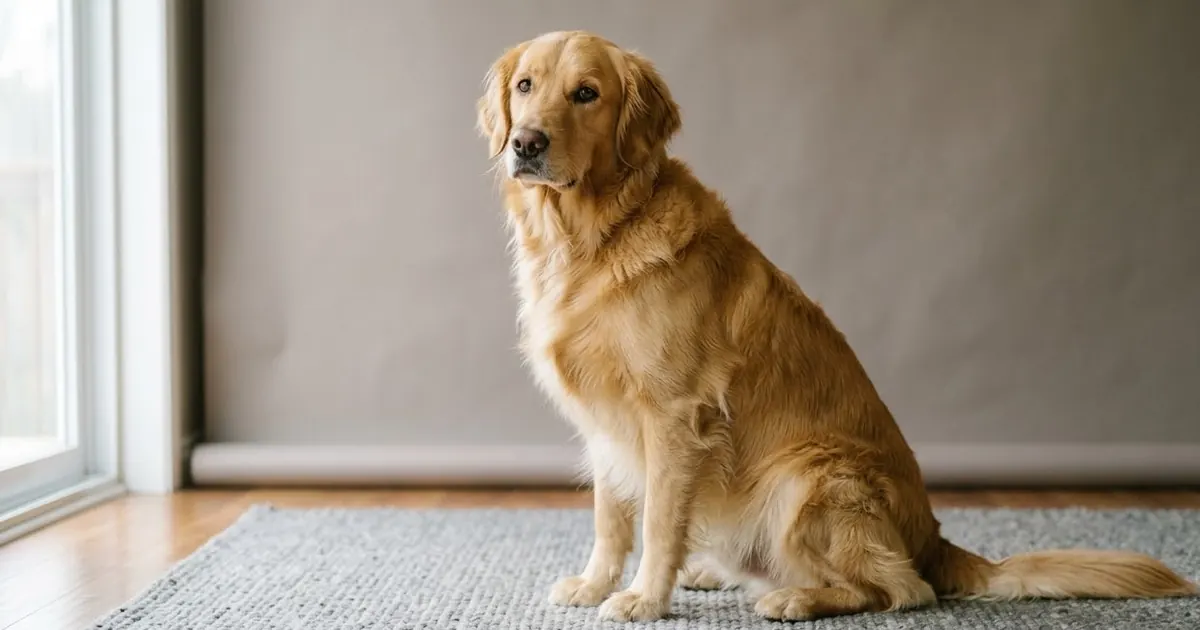
A studio portrait
For a clean, professional-looking shot with no fuss, the pet studio backdrop prompt works for almost any breed:
Place my [DOG / CAT] on a clean studio backdrop in [COLOUR], as if in a professional pet photo session. Keep the pet's face, fur pattern and expression exactly the same.

Soft even lighting, a gentle shadow on the floor, sharp focus on the eyes, catalogue quality.
Choose a backdrop colour that contrasts with the fur. A pale grey or cream backdrop usually flatters darker coats, and a deeper colour helps a light-coloured pet stand out.
The corporate headshot
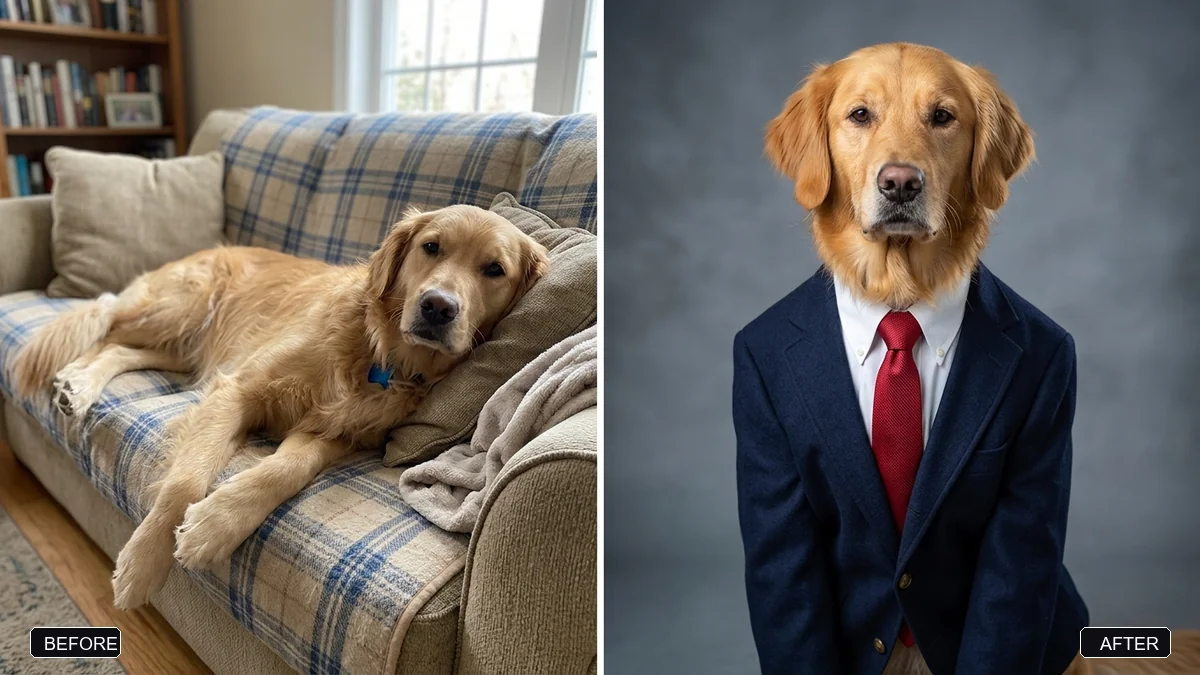
This is the one that tends to get shared the most. The corporate pet headshot prompt turns a photo into a mock LinkedIn-style portrait:
Turn my [PET, e.g. golden retriever] from this photo into a professional corporate headshot. Keep its face, fur colour, and markings exactly the same so it's clearly my pet.

Dress it in [OUTFIT, e.g. a navy blazer, white shirt, and red tie], sitting upright and facing the camera with a confident expression, in front of a soft grey studio backdrop.

LinkedIn-style studio lighting, sharp detail, natural fur texture, shoulders-up framing, square 1:1.
Add a made-up job title afterwards in an editor, such as "Head of Snacks" or "Chief Walking Officer", for the version you actually post.
A short video: movement suits pets well
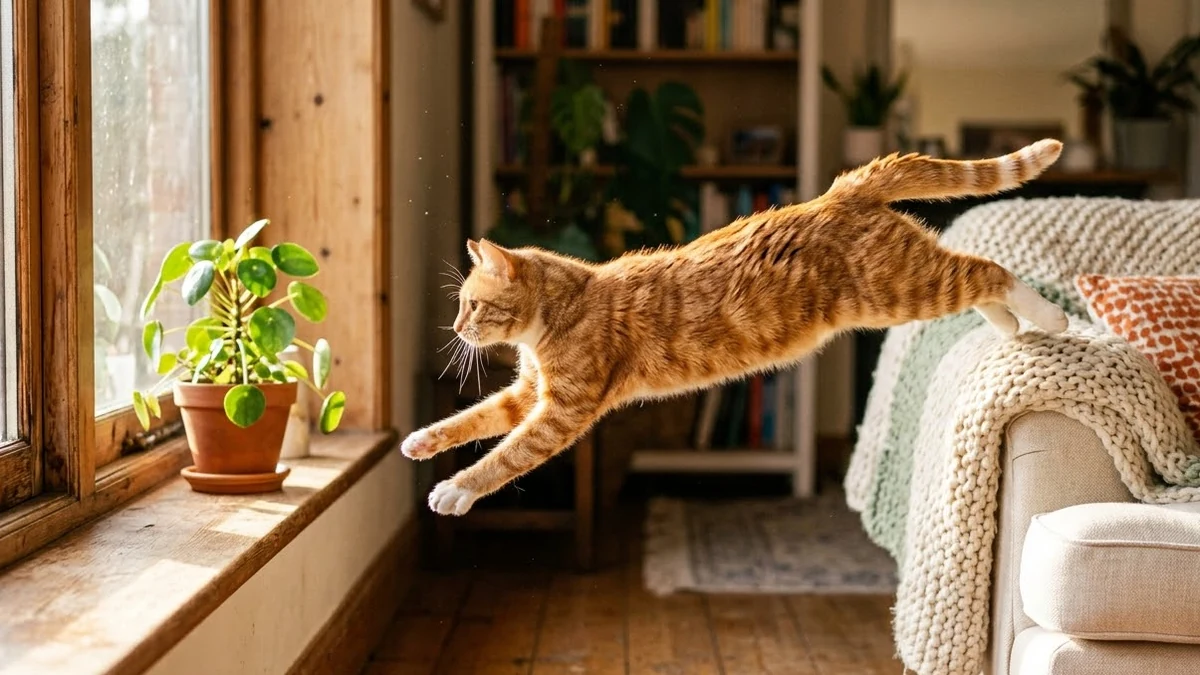
Pets move in ways that are genuinely fun to watch, which makes them a good subject for AI video, even from a single reference photo. The cat jump in slow motion prompt is built for exactly that kind of movement:
Slow-motion of a [CAT COLOUR] cat leaping gracefully from a windowsill to a sofa, whiskers and fur rippling, paws stretching, sunlight streaming across the room, dust motes floating, soft landing with a small bounce, cozy home setting, side camera angle, ultra smooth.
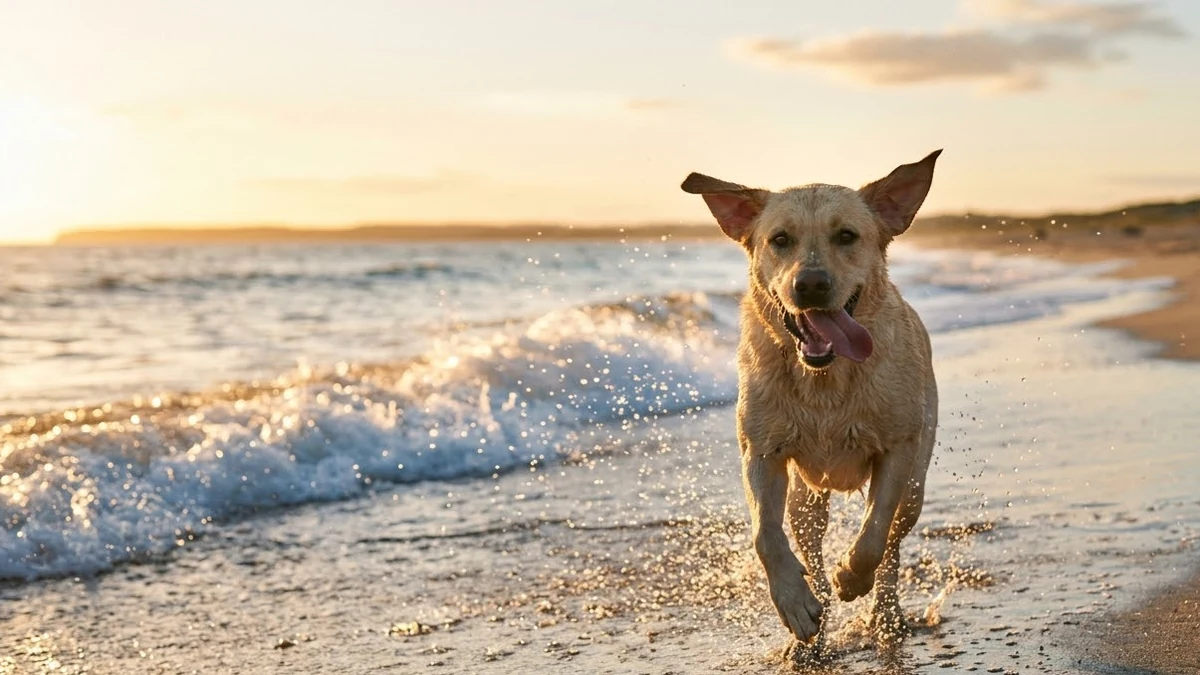
For dogs, the dog running on the beach prompt captures the same kind of joyful motion outdoors:
A happy [DOG BREED] runs along the water's edge at golden hour, ears flapping, sand and water spraying, tongue out, a wave chasing it, tracking shot at dog height, warm sunset glow, joyful energy, crashing waves and light barking.
If your video tool supports uploading a reference photo, use one of your own pet so the result actually looks like them, rather than a generic dog or cat of that breed and colour.
Fixing a blurry action shot
Most people's best pet photos are also their blurriest, taken mid-jump or mid-zoom around the living room. The sharpen a blurry pet photo prompt is worth trying before you give up on one:
Reduce the motion blur in this photo of my [DOG / CAT] running or jumping. Restore sharp fur, eyes and paws while keeping the sense of movement in the background.

Keep the pet's pose, colours and markings exactly the same.
This works best when the eyes are at least partly visible in the original, even if the rest of the frame is a blur.
Fixing common problems
The markings or coat pattern changed. Say exactly what the markings are: "a white patch over the left eye, black ears, otherwise golden fur" gives the model something specific to match, rather than "keep the pattern the same".
An outfit looks stiff or fake. Ask for "the fabric following the pet's shape naturally, slightly loose" rather than a perfectly tailored fit, which tends to look odd on an animal.
The eyes look glassy or wrong. Mention the real eye colour directly in the prompt, and ask for "natural, slightly reflective eyes", not "sparkling" or "glowing", which push the result too far.
It's a breed mix and the AI picked one parent. Describe the specific features you see rather than naming the mix: "long floppy ears, a curly coat, medium build" works better than "labradoodle".
Where to go from here
If you'd like your pet in a festive scene, see our guide to Christmas and New Year AI photo prompts, which includes a prompt for dressing pets for the season. You'll find more ready-made prompts in the PromptUp photo editing prompts and video prompts collections, and the prompt builder can adapt any of these to your own pet.
Quick checklist
- Start with a clear, well-lit photo, ideally not mid-blur.
- Say exactly what markings and fur colour to keep.
- Match the backdrop colour to the fur for contrast.
- Keep outfits to one simple item.
- Name real features instead of a breed mix name.
- For video, upload a reference photo of your own pet if the tool allows it.
Comments
No comments yet. Be the first to share what worked for you.