Stadium fan-cam AI video prompts, just in time for India's cricket season
Published
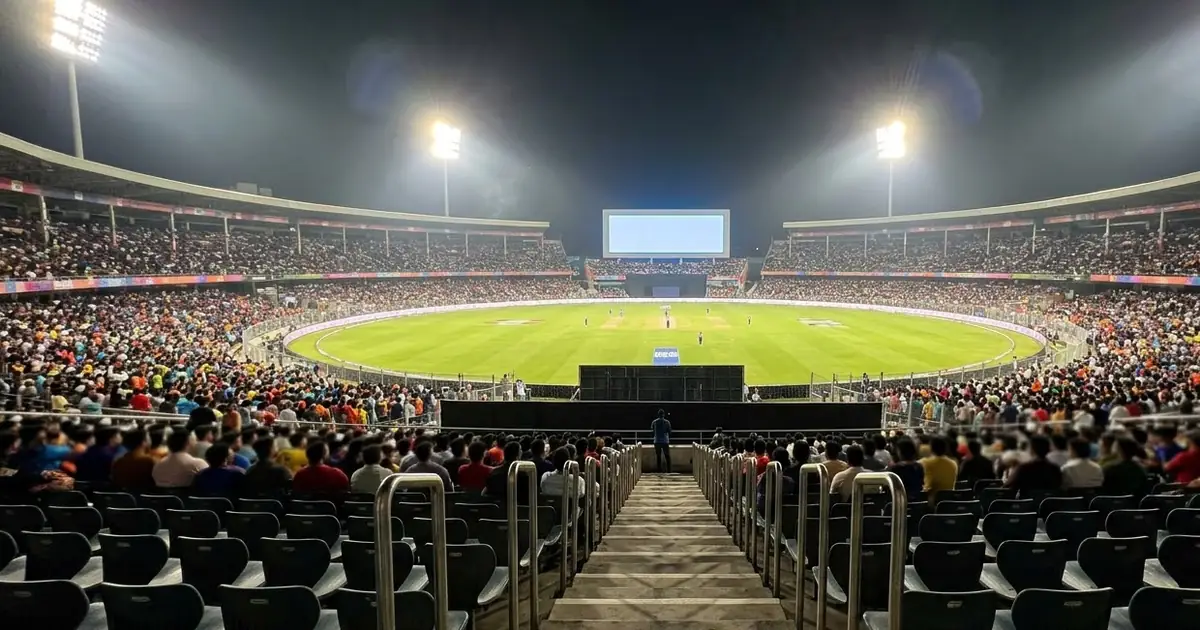
Short answerDescribe the reaction in steps, notice, look shocked, then cheer, name the sport and the crowd, and ask for a giant screen graphic in the background. Write the steps in that exact order, because video models follow a sequence better than a vague "gets excited".
India's cricket calendar barely pauses. The home series against West Indies wrapped up on 17 October, and India's tour of New Zealand starts straight after: a five-match T20I series opens in Christchurch on 22 October, followed by five ODIs from 4 to 15 November and two Tests from 19 November, according to cricket schedules from ESPN and RevSportz. That's weeks of match days, and the "I made the big screen" fan-cam clip is one of the easiest AI video trends to join, whether or not you're actually at the ground.
What the fan-cam clip is
Stadiums use giant screens to show fans reacting during breaks in play. The internet version of this is a short clip: you're in the crowd, you spot yourself on the big screen, and you react. It works for cricket, football, basketball, a concert, anything with a crowd and a screen.
The core prompt
Start from the stadium fan cam prompt:
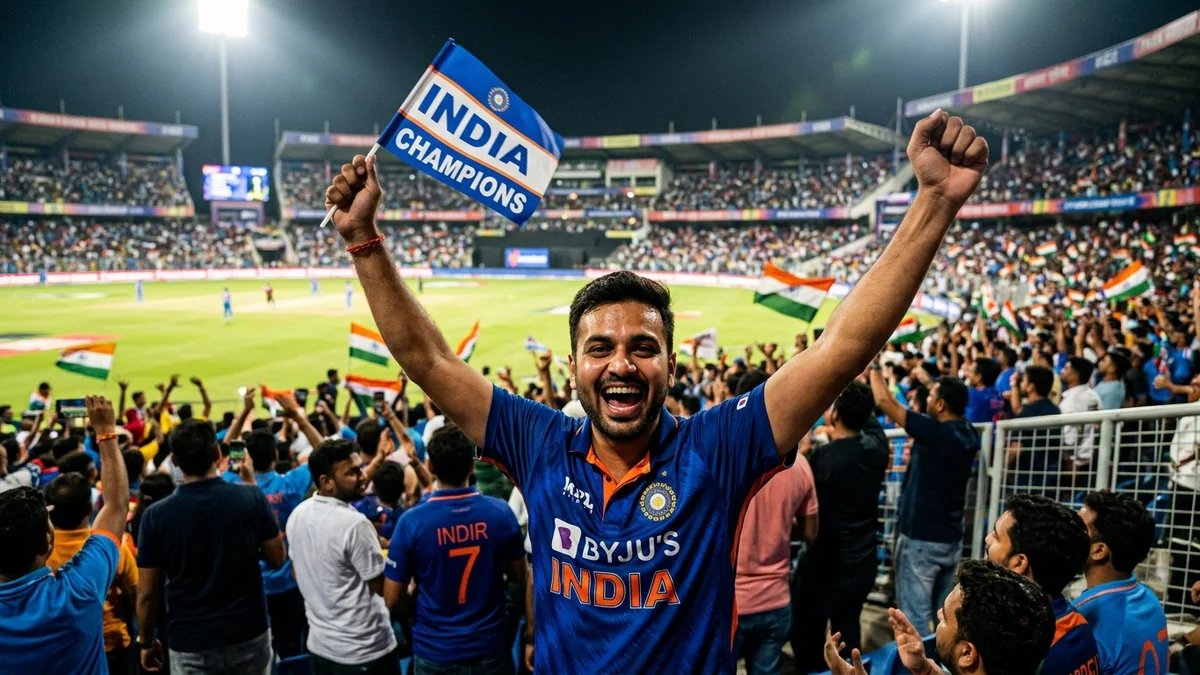
TV-broadcast telephoto shot of [SUBJECT, e.g. me in a blue team jersey] in a packed cricket stadium at night. I notice I'm on the giant screen, react with shock, then jump up cheering and pointing at the camera.

Cut to the stadium big screen showing the same moment with a "[CAPTION, e.g. FAN CAM]" graphic. Floodlights, waving flags, a roaring crowd, and excited commentary.

16:9, 8 seconds.
Swap the sport and the jersey colour for whatever match you're watching. The structure underneath stays the same.
Write the reaction in order
This is the one detail that makes or breaks the clip. Video models follow a clear sequence of actions far better than a single vague emotion. Instead of "gets excited," break it into steps, the way the prompt above does:
- Notices. A beat where the person looks up or around.
- Reacts with shock. Hands to the face, wide eyes, mouth open.
- Celebrates. Jumping, cheering, pointing at the camera.
Three short steps, in that order, read much more naturally than one word trying to cover all three.
Swap the sport
The same shape works for any crowd:
- Football or basketball: "a packed football stadium" or "a packed basketball arena," with the crowd and lighting adjusted to match.
- A concert: swap the floodlights for stage lighting and the caption for something like "CROWD CAM."
- A graduation or a wedding: the same beat works for a hall screen too, just change the caption and the setting.
Keep team names and logos out of it
Real team crests, sponsor logos and player names tend to come out garbled or wrong, and they can cause other problems if you post them. Every prompt here works better with an invented design instead:
- Describe the jersey by colour, not by team name: "royal blue with a thin gold stripe," not an actual kit.
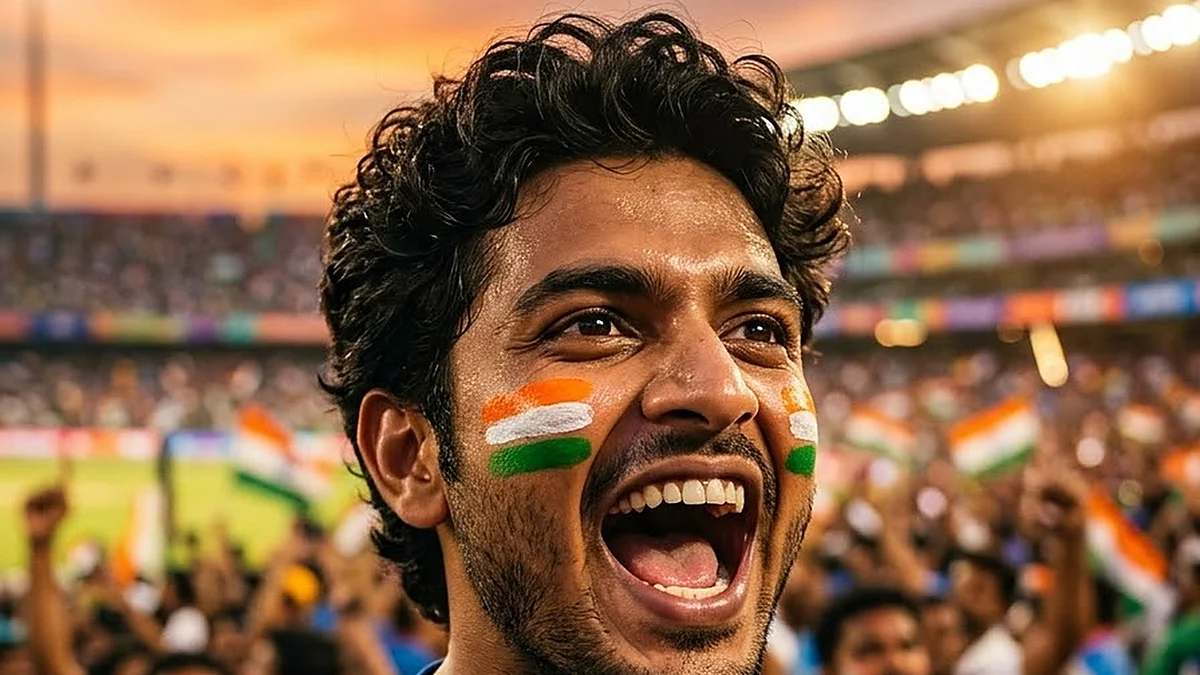
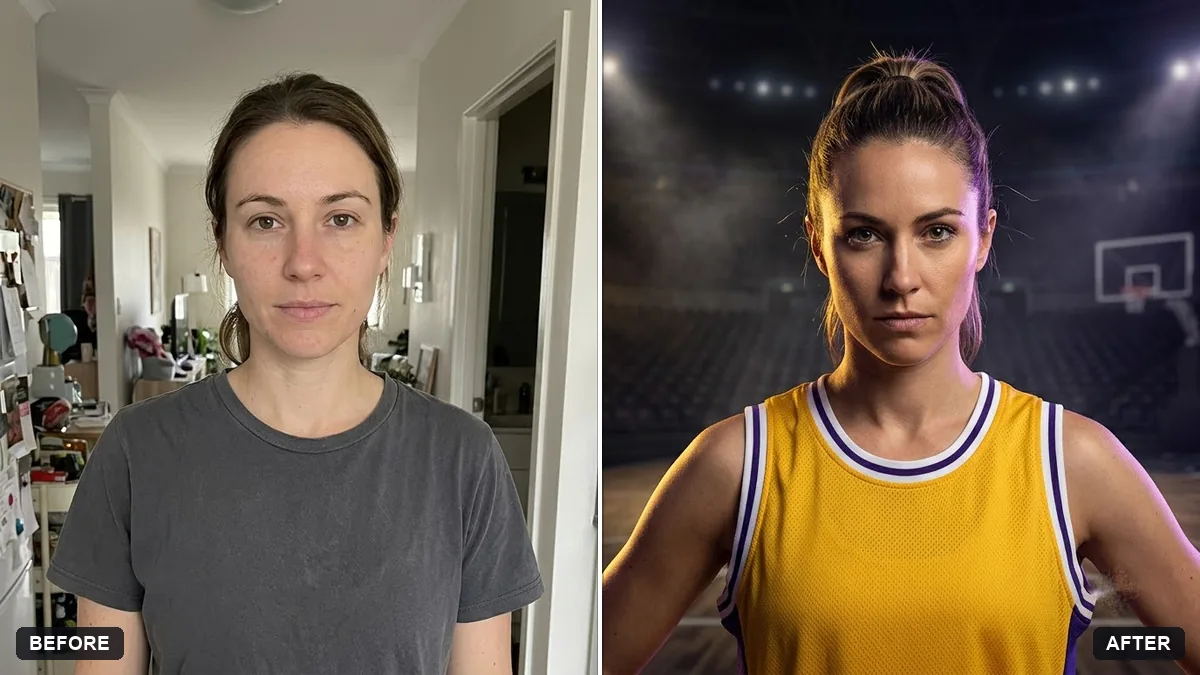
- If you want a specific look before the clip, the sports jersey portrait prompt or the cricket fan face-paint portrait both ask for an invented team design, which you can carry into the video prompt for consistency.
- Keep any on-screen caption short, in quotes, and generic, like "FAN CAM" rather than a specific team or sponsor name.
Pair it with the moment on the field
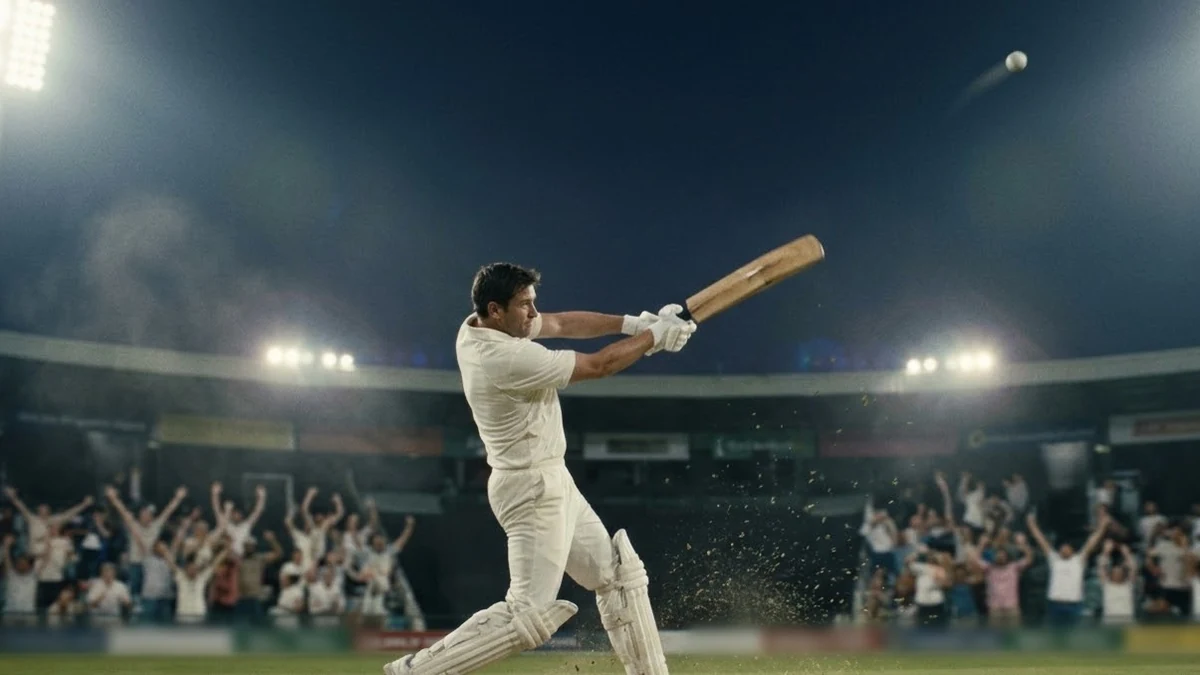
A fan-cam reaction lands better next to the moment that supposedly caused it. The cricket six slow-motion prompt makes a dramatic clip of a batter hitting a six, which you can cut in right before your reaction shot, as if the crowd is responding to that exact ball.
Slow-motion cricket six: a batter in [COLOUR] kit hits the ball cleanly, it sails high over the boundary rope in slow motion, the crowd rises to its feet, floodlights flaring against the night sky, camera tracks the ball then cuts to the batter's celebration.
Cut the six, then your fan-cam reaction, then the big-screen replay. Three short clips edited together read as one continuous moment, even though each was generated separately.
Fixing common problems
The reaction looks flat. Spell out the three steps again, with more physical detail: "hands fly to the mouth," "jumps up with both arms raised."
The big screen graphic looks wrong or has garbled text. Keep the caption short, in quotes, and simple. Three or four letters are far more reliable than a full sentence.
The crowd looks too sparse. Add "packed stands, no empty seats" to the prompt.
It keeps adding a real team's colours or crest. Add "invented team design, no real logos or sponsors" at the end, and describe the kit by colour only.
Where to go from here
For more cricket-season prompts, including jerseys, batting portraits and team posters, see cricket fan AI photo prompts. For the basics of writing any video prompt, start with AI video prompts for beginners. More trend clips like this one live in the viral AI video effect prompts collection, and the prompt builder can fill in your sport and colours for you.
Quick checklist
- Write the reaction in three steps: notice, shock, celebrate.
- Name the sport and swap it for football, basketball or a concert as needed.
- Use an invented jersey design and colour, never a real team's logo.
- Keep any on-screen caption short and in quotes.
- Cut it together with a matching "moment" clip for a fuller story.
Prompts to try
More prompts on this topic
- Change the season in a photoGemini · ChatGPT
- Flying Cam transition promptHiggsfield · Kling


Comments
No comments yet. Be the first to share what worked for you.