Navratri colours 2026: the day-wise list, with an AI photo prompt for each day
Published
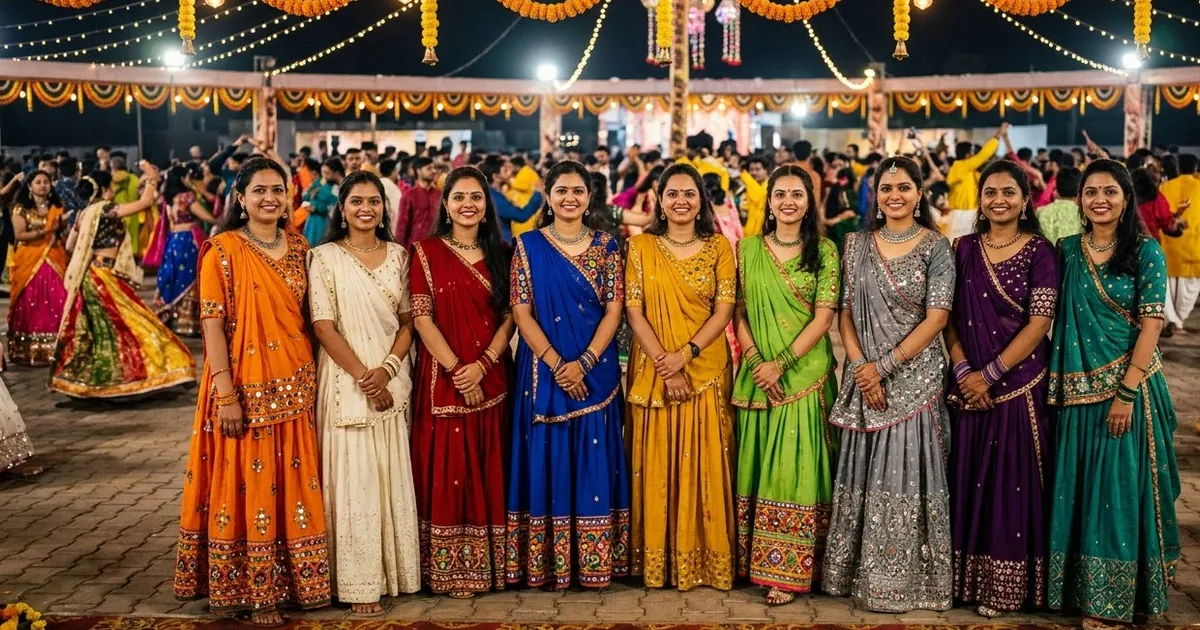
Short answerSharad Navratri 2026 runs from 11 to 19 October. The colours are orange, white, red, royal blue, yellow, green, grey, purple and peacock green. To make a festive portrait for a day, upload a clear photo, keep your face the same, and name that day's colour in the outfit line.
Sharad Navratri 2026 begins on Sunday 11 October and ends with Maha Navami on Monday 19 October. Dussehra is on Tuesday 20 October. Many people wear a different colour on each of the nine days, and many now make an AI portrait in that colour for their status or Instagram.
Navratri 2026 colours, day by day
These are the colours listed by Drik Panchang. The first colour depends on the weekday Navratri starts on, and the rest follow a fixed cycle, so the list changes every year.
| Day | Date | Goddess | Colour |
|---|---|---|---|
| 1 | Sun 11 Oct | Shailaputri | Orange |
| 2 | Mon 12 Oct | Brahmacharini | White |
| 3 | Tue 13 Oct | Chandraghanta | Red |
| 4 | Wed 14 Oct | Kushmanda | Royal blue |
| 5 | Thu 15 Oct | Skandamata | Yellow |
| 6 | Fri 16 Oct | Katyayani | Green |
| 7 | Sat 17 Oct | Kalaratri | Grey |
| 8 | Sun 18 Oct | Mahagauri | Purple |
| 9 | Mon 19 Oct | Siddhidatri | Peacock green |
Some families and regions follow a different list. If yours does, just swap the colour in the prompts below.
The one prompt that works for every day
Based on our Navratri garba portrait prompt. Change only the colour line:
Create a realistic Navratri portrait using the person in this photo. Keep their face, identity, skin tone and body shape exactly the same.

Colour of the day: [COLOUR, e.g. royal blue].
Outfit: a [COLOUR] [OUTFIT, e.g. chaniya choli with mirror work / silk saree / kurta with a bandhani dupatta], with matching jewellery.
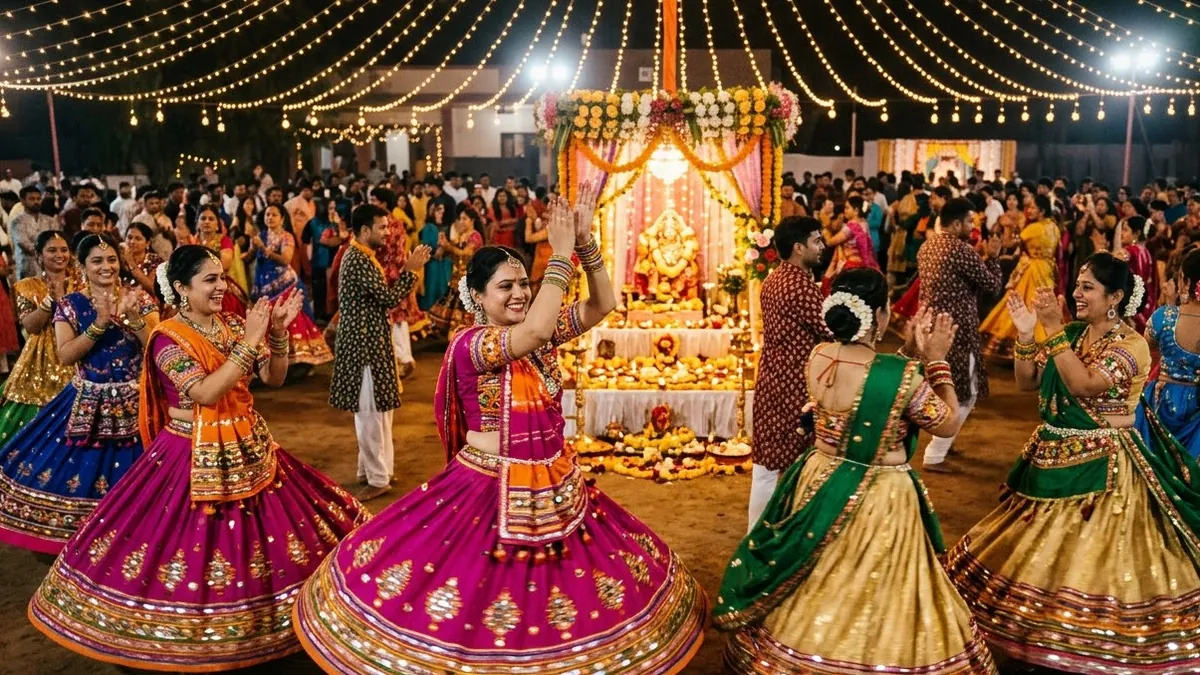
Setting: a garba ground at night with warm string lights, marigold garlands and blurred dancers in the background.
Light: warm festive light on the face, colours true and rich.
Style: professional photography, natural skin, portrait 4:5. No text.
Tips for each colour
Some colours are harder for AI to get right. Name them precisely:
- Day 1, orange: "saffron orange" or "marigold orange". Plain "orange" can turn neon.
- Day 2, white: "ivory white with gold border". Pure white can lose all detail in the lights.
- Day 3, red: "deep red" for silk, "bright red" for cotton.
- Day 4, royal blue: say "royal blue, not navy".
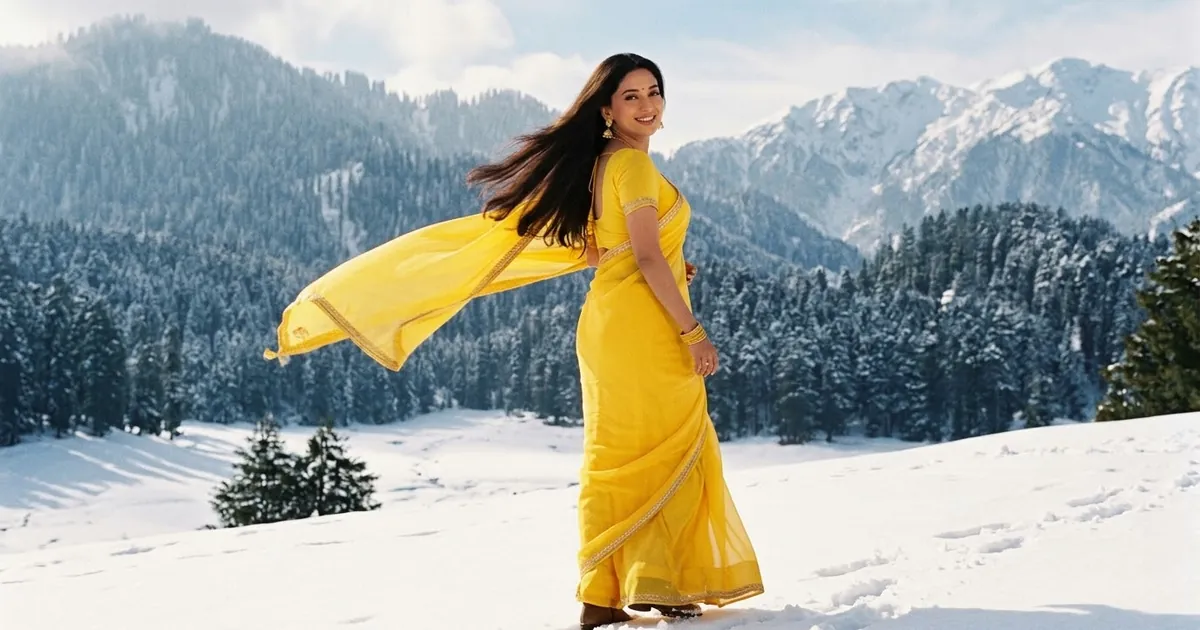
- Day 5, yellow: "mustard yellow" or "haldi yellow" looks richer than lemon yellow.
- Day 6, green: "parrot green" or "bottle green", depending on the look you want.
- Day 7, grey: the trickiest. Add "silver zari work" or "mirror work" so it looks festive, not dull.
- Day 8, purple: "deep purple" or "wine purple".
- Day 9, peacock green: "peacock green, a deep blue-green", or the AI may give you plain green.
Already have a festive photo? Just change the colour
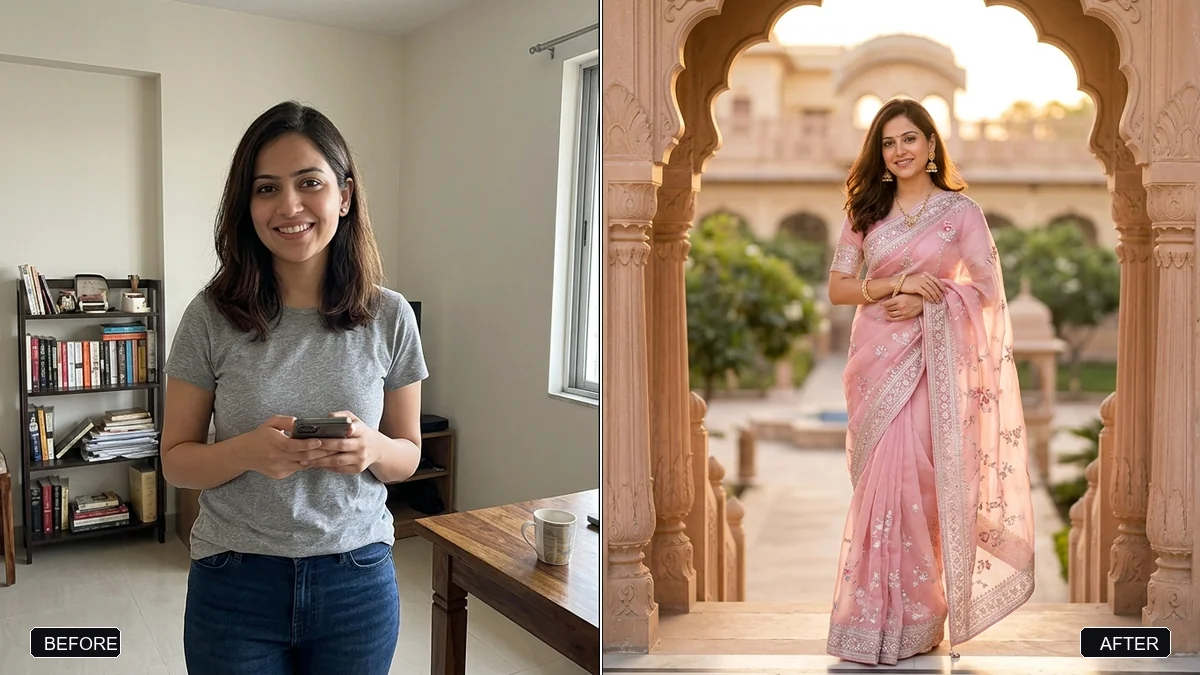
If you took a good photo last year, don't start again. The change outfit colour prompt changes only the clothes:
Change only the colour of my outfit to [COLOUR]. Keep my face, pose, jewellery, the fabric texture, embroidery and the background exactly the same.
Run it nine times and you have a picture for every day.
Family and group photos
For a family in the colour of the day, use the matching family outfits prompt:
Keep every person's face exactly the same. Dress the whole family in [COLOUR] traditional outfits: the women in chaniya cholis or sarees, the men in kurtas with bandhani dupattas, the children in small matching outfits. Setting: our home decorated with marigolds and diyas for Navratri. Warm, bright festive light. 4:5.
A Navratri saree portrait
Not dancing garba? For a quieter picture for puja days, use the saree photoshoot prompt and set the scene at a small home altar with diyas and flowers, in the colour of the day.
Make it move
Turn any of these into a short clip with the Navratri garba circle video prompt, or animate your own portrait so the lehenga swirls. Keep it to 5 or 6 seconds for WhatsApp status.
Fixing common problems
The colour is wrong. Name it more exactly, and add "true, accurate colour, not over-saturated".
The mirror work looks messy. Say "small round mirrors in neat rows".
Your face changed. Put "keep their face exactly the same" first, and use a clear, front-facing photo.
Where to go from here
For more garba looks, read our Navratri garba AI photo prompts, and for the tenth day, the Durga Puja and Dussehra prompts. All prompts are free in photo editing prompts, and the prompt builder writes a custom one for your outfit.
Quick checklist
- Check the day's colour in the table.
- Name the exact shade.
- Keep your face the same, first line.
- Re-use one good photo with the colour change prompt.
- No text in the picture; add greetings afterwards.
Comments
No comments yet. Be the first to share what worked for you.