Durga Puja and Dussehra AI photo prompts: pandal portraits, sindoor khela and greetings
Published
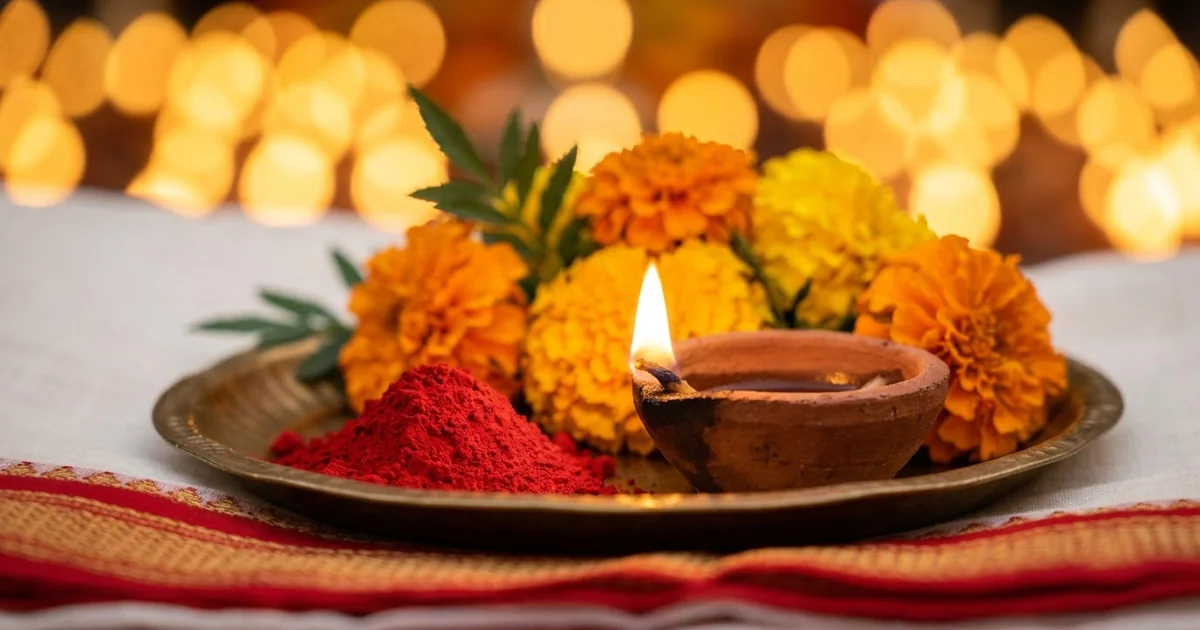
Short answerUpload one clear photo, tell the AI to keep your face exactly the same, then describe the outfit, the pandal and the light. For greetings, write the exact words you want in quotes and ask for nothing else.
Durga Puja and Dussehra are close now. In 2026, Dussehra (Vijayadashami) falls on Tuesday 20 October, and the main days of Durga Puja come just before it (Durga Puja dates). Dates can move by a day between regions, so check your local calendar.
That means people are already searching for prompts to make pandal-hopping portraits, sindoor khela photos and greeting posters. This guide gives you prompts you can copy into Gemini or ChatGPT, and shows how to fix the usual problems.
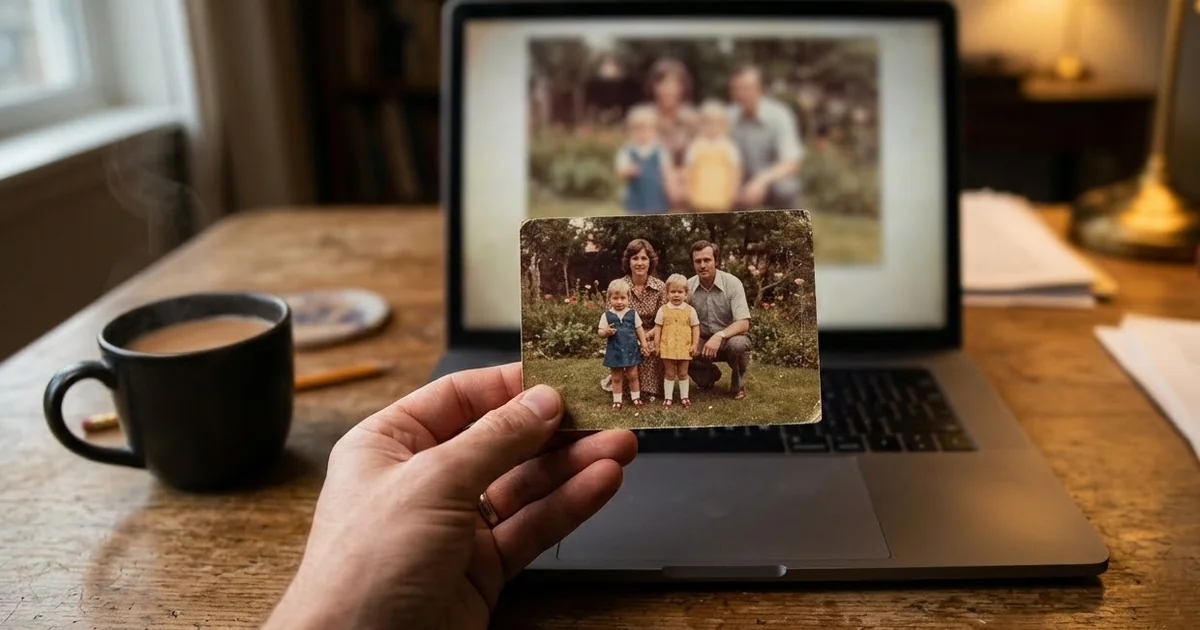
Start with one good photo
The photo matters more than the prompt.
- One person, face clearly visible. No sunglasses, no hand in front of the face.
- Even light. A photo near a window in daytime works well.
- No beauty filter. Filters change your features, and the AI copies the change.
- Head and shoulders at least. For a full saree look, a photo that shows more of you helps.
Only use photos of yourself, or of people who have agreed to it.
The pandal portrait prompt
This is the Durga Puja pandal portrait prompt from the library. Upload your photo and paste:
Turn this photo into a Durga Puja portrait. Keep my face and features exactly the same.

Wear a [OUTFIT, e.g. white saree with a red border / cream silk kurta], standing in front of a beautifully lit pandal with intricate decor, marigold flowers, soft crowd bokeh behind, warm festive lighting, respectful and vibrant.
"Keep my face and features exactly the same" goes first, because the AI pays most attention to the start. "Soft crowd bokeh" gives you the busy pandal feeling without extra faces fighting for attention.
A fuller prompt for more control
When you want to choose the pose, the jewellery and the shape of the picture, use this version:
Turn this photo into a realistic Durga Puja evening portrait. Keep my face, skin tone, hairstyle and body shape exactly the same.

Outfit: [OUTFIT, e.g. a white lal paar saree with a thick red border], with [JEWELLERY, e.g. a gold necklace, shakha-pola bangles and a small red bindi].
Pose: [POSE, e.g. standing at a slight angle, hands folded, smiling softly].
Setting: in front of a large, lit pandal with [DETAIL, e.g. carved gold decorations and hanging lamps], marigold garlands, evening sky.
Background: the crowd softly blurred, no faces turned to the camera. Do not show the idol's face clearly.
Look: real photo, natural skin texture, warm lamp light on my face, sharp focus on me.
Shape: [RATIO, e.g. 4:5 for Instagram or 9:16 for a story].
"Do not show the idol's face clearly" is optional. Many people prefer the goddess to stay softly in the background of a selfie-style portrait, and AI tools often get the idol's details wrong anyway.
Sindoor khela photos
On the last day of Durga Puja, married women smear sindoor on each other in sindoor khela. It makes a joyful, colourful picture. Start from the pandal portrait prompt above and change the setting line:
Turn this photo into a candid sindoor khela moment. Keep my face exactly the same.

I am wearing a white saree with a red border, laughing, with a light smear of red sindoor on my cheeks and forehead. Around me, other women in red-bordered sarees are softly blurred. Warm daylight, red and gold colours, festive and joyful. Real photo, natural skin texture.
Ask for "a light smear" first. If you say "covered in sindoor", some tools paint the whole face red and your features disappear.
Dussehra greeting poster
For a WhatsApp or Instagram greeting, you don't need a photo at all. The festival greeting poster prompt is made for this. Put the exact words in quotes and say they are the only text:
A festive greeting poster for Dussehra. Warm orange, red and gold colours, a glowing bow and arrow shape and marigold garlands, a soft sunset sky. Clean layout with space at the top.

The only text on the poster, spelled exactly: "Happy Dussehra" and "[YOUR NAME OR SHOP NAME]".
Image tools often add extra words or misspell them. "The only text, spelled exactly" helps a lot. If a letter still comes out wrong, ask the tool to fix only that word.
Turn it into a short video
A few seconds of movement works well for a status or a reel.
- For a scene, the dhunuchi dance video prompt creates a devotee dancing with a smoking clay burner in front of a lit pandal, with dhak drums in the sound.
- For your own portrait, take the finished picture and use the festival greeting video prompt in Veo or Kling. It animates the lights and adds a small greeting gesture while keeping your face the same.
Fixing common problems
The face doesn't look like you. Reply with: "Keep my face identical to the original photo. Only change the outfit and background." If it still drifts, use a clearer, front-facing photo.
The saree looks like a costume. Ask for real fabric: "cotton saree with natural folds, true-to-life texture". Remove words like "fantasy" or "glamorous".
Bangles, hands or jewellery look wrong. Ask for "two hands, five fingers each, fingers natural", or choose a pose where the hands are partly hidden.
Too many things in the picture. Remove one element. Lamps, garlands, crowd and jewellery all compete. Keep the ones you care about.
Change one detail per try, so you know which change helped. Our guide to editing a prompt explains this routine.
Where to go from here
Diwali comes a few weeks after Dussehra, and our Diwali AI photo prompts work the same way, with diyas and rangoli instead of a pandal. You'll find more festival portraits in the PromptUp photo editing prompts, and the prompt builder can write a custom version for your own outfit and city.
Quick checklist
- One sharp, well-lit photo, no filter.
- "Keep my face exactly the same" near the start.
- Describe the saree or kurta like a tailor would: colour, border, fabric.
- For sindoor khela, start with "a light smear".
- For posters, write the exact words in quotes and say they are the only text.
- Fix one thing per try.
- Only use photos of people who have agreed to it.
Comments
No comments yet. Be the first to share what worked for you.