- Updated
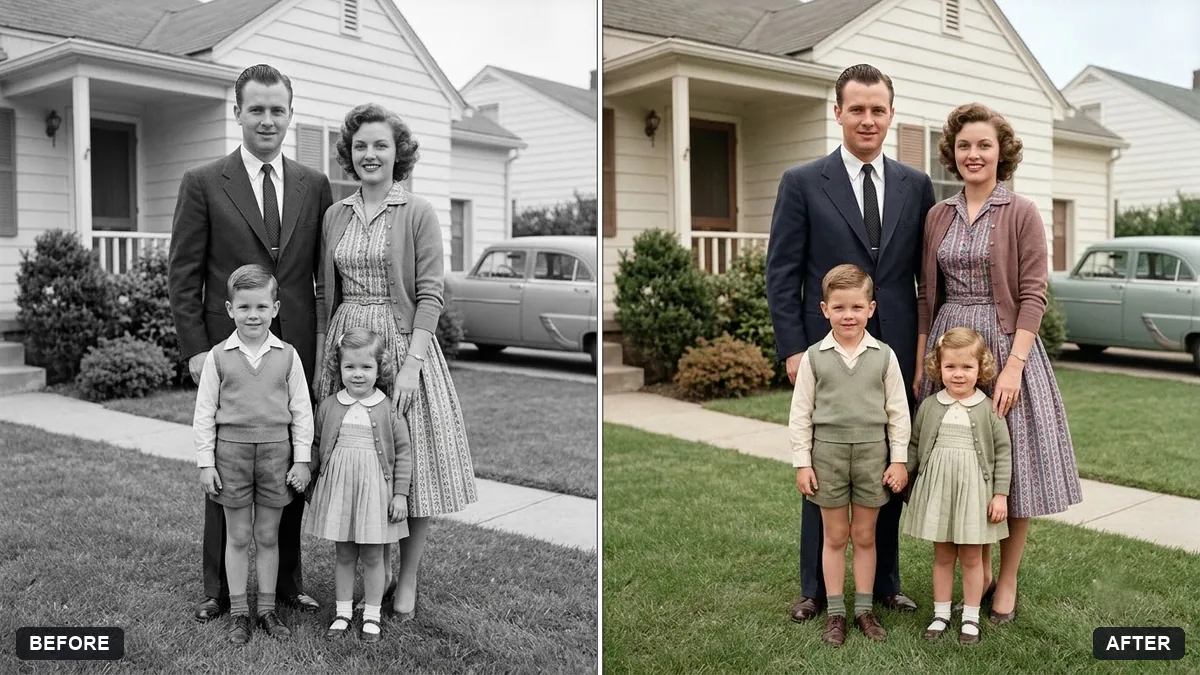
Colourize a 1950s family photo
This prompt colourizes a 1950s photo with natural colours and gives you a place to list the clothing colours you remember, so the result matches your family's memory.
Colourize this black-and-white 1950s family photograph with natural, period-accurate colours. Clothing colours: [COLOURS YOU REMEMBER]. Skin tones natural, warm and varied.

Keep every face, pose and background detail exactly the same, with soft realistic film-era colour, not oversaturated.
Tell the AI what colours you remember, such as a mother's red sari, for accuracy.
Your photo goes to the AI app you choose, never to PromptUp.
Get a better result
Your black and white 1950s family photo in soft, period-style colour, with the clothing colours you remember, varied natural skin tones and every face, pose and background detail left as they are.
The AI guesses clothing colours, and they differ from what you remember.
Fix: List them person by person: “mother’s sari deep red with a green border, father’s shirt white, the wall pale green”. Colours you name will be used.
- Everyone gets the same skin tone. Say “children’s cheeks slightly pink, the father’s skin tanned from outdoor work”. Small differences make the people look real.
- Faces are sharpened and look modern. Add “keep the soft film-era focus, do not sharpen faces or invent detail in blurred areas”.
Ask for “a hand-tinted look: pale, translucent colour on clothes and lips only, as on a 1950s tinted print”. It feels like a real old photograph, not a modern colour edit.
Use the colours I listed for each person, keep the skin tones varied, and leave the soft focus alone. Do not sharpen or add detail to any face.
Guides that use this prompt
More photo editing prompts
See all 334 →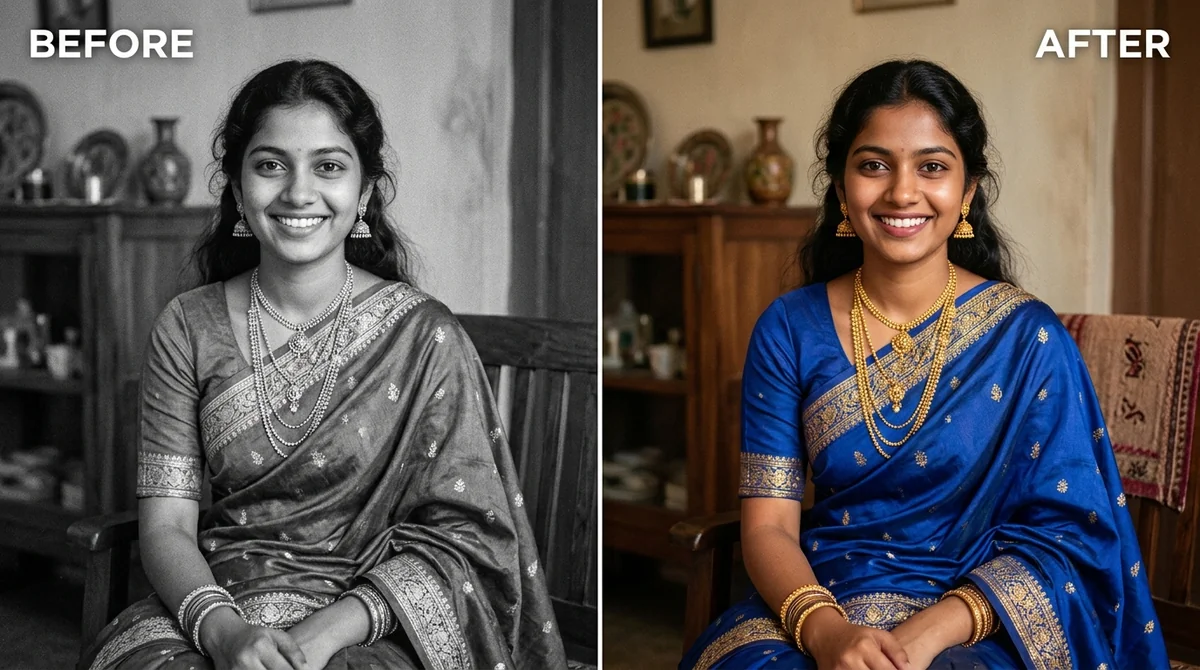
More like this
- 1950s diner portraitGemini · ChatGPT
- Old family photo to video (Higgsfield)Higgsfield · Kling
- Join two halves of a torn photoGemini · ChatGPT
- Hug your younger selfGemini · ChatGPT
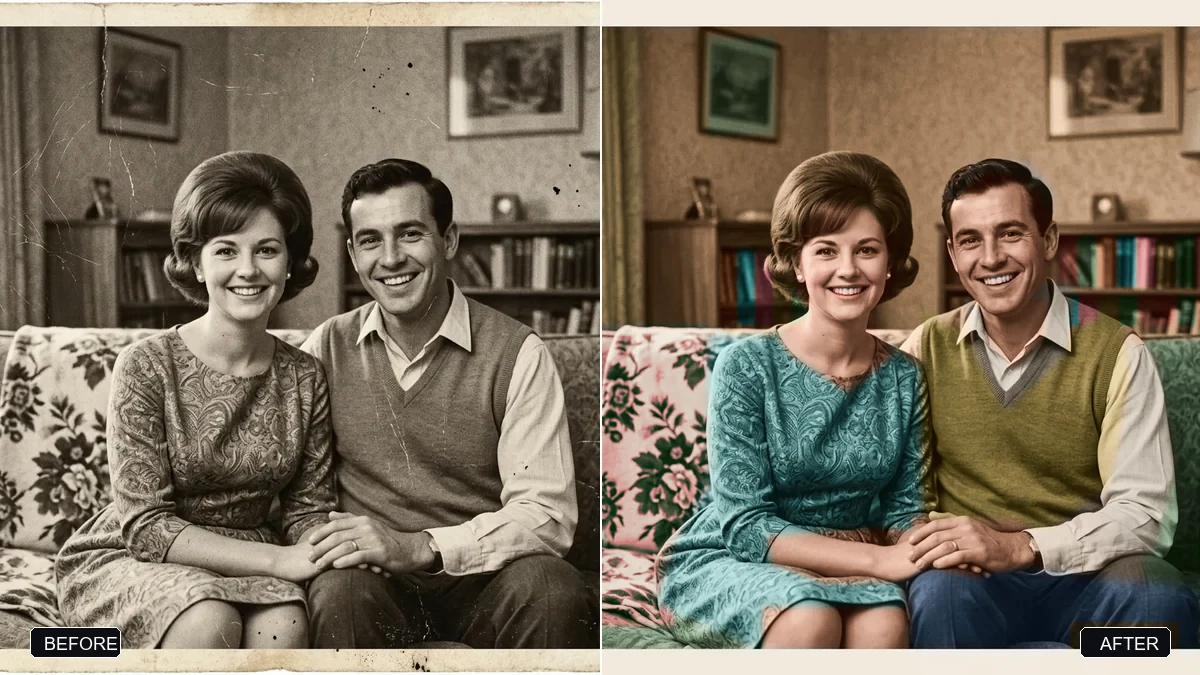
- Restore a faded colour printGemini · ChatGPT