- Updated
Join two halves of a torn photo
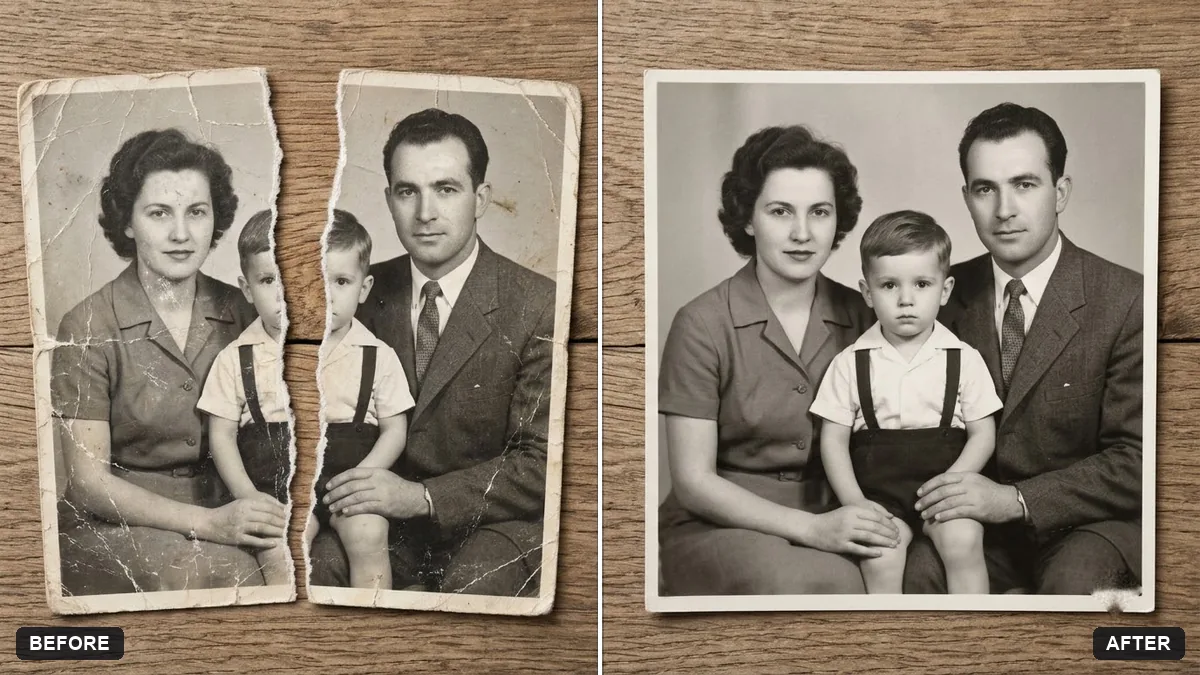
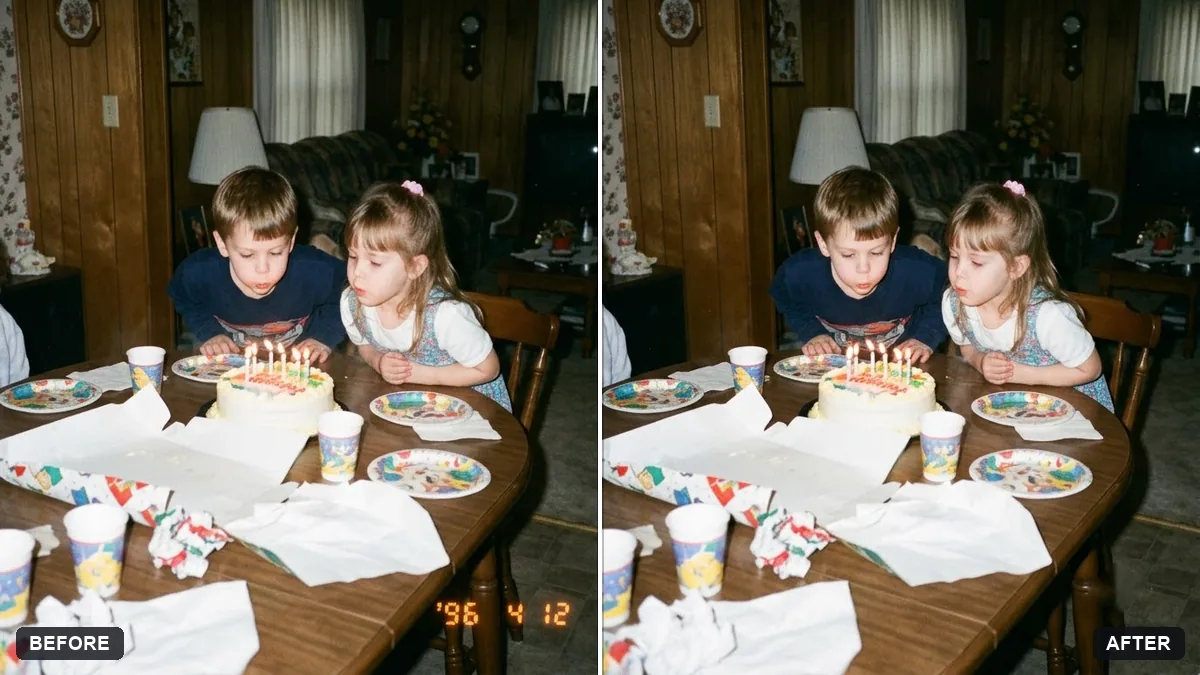
This prompt takes two images that are the halves of one torn photograph and joins them into one photo, blending the tear line.
These two images are the two halves of one torn [TYPE, e.g. black-and-white] photograph. Join them into one photo, aligning the tear edge exactly.

Repair the tear line, scratches, creases and stains, keep the faces and details faithful to the original, and fill any missing pieces to match the surroundings. Do not invent new people.
Scan both halves flat at the same scale for the best match.
Your photo goes to the AI app you choose, never to PromptUp.
Get a better result
One photo made from your two torn halves, with the tear edge aligned, the tear line, scratches, creases and stains repaired, the faces kept faithful and any missing pieces filled to match.
The halves are joined at the wrong angle or offset.
Fix: Scan both pieces flat at the same scale and in the same orientation, and say which side is left and which is right.
- A face along the tear is invented or changed. Say “do not rebuild faces along the tear, use only what is visible, and leave small gaps rather than guess”. Compare with the original scans.
- The repair is too clean, so the photo looks new. Ask for “keep the film grain and the age of the paper, only repair the damage”.
Always save your original scans before you start. After the repair, ask for a second version “with the light stains kept”, so you can choose between clean and aged.
Keep every face as it appears in the scans. Align the tear again, repair only the line and the creases, and leave the grain.
Guides that use this prompt
More photo editing prompts
See all 334 →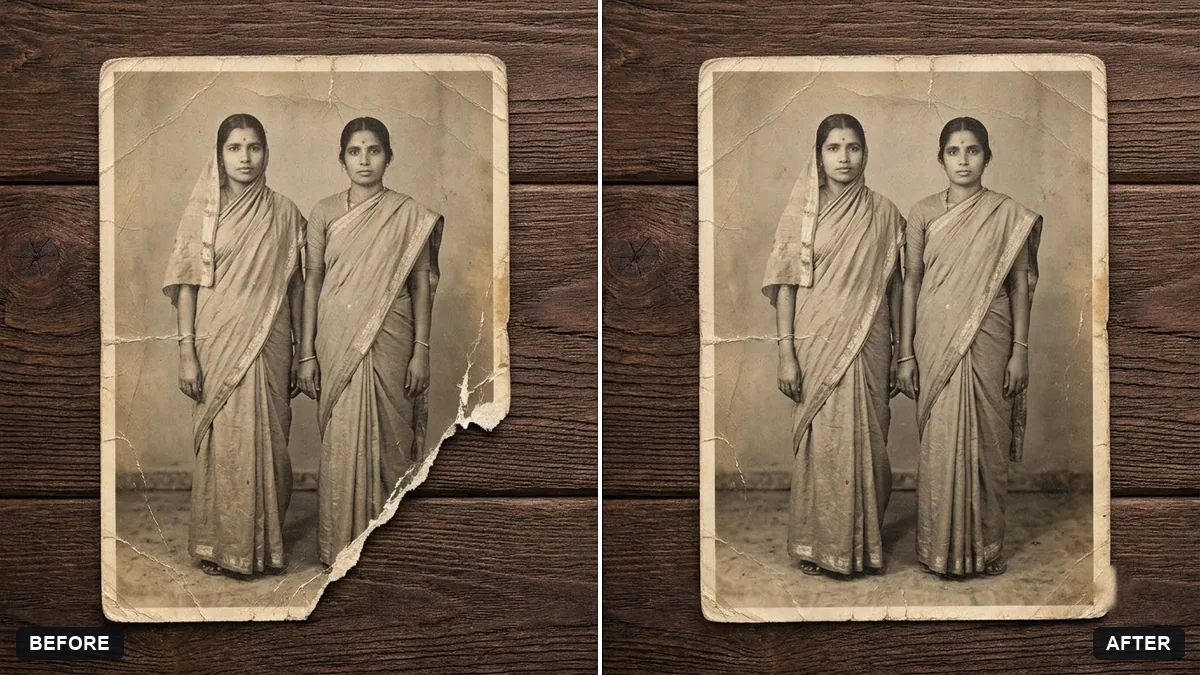
More like this
- Remove stains and mould from a scanGemini · ChatGPT
- Flatten a crumpled photoGemini · ChatGPT
- Hug your younger selfGemini · ChatGPT
- Upscale a tiny old portraitGemini · ChatGPT
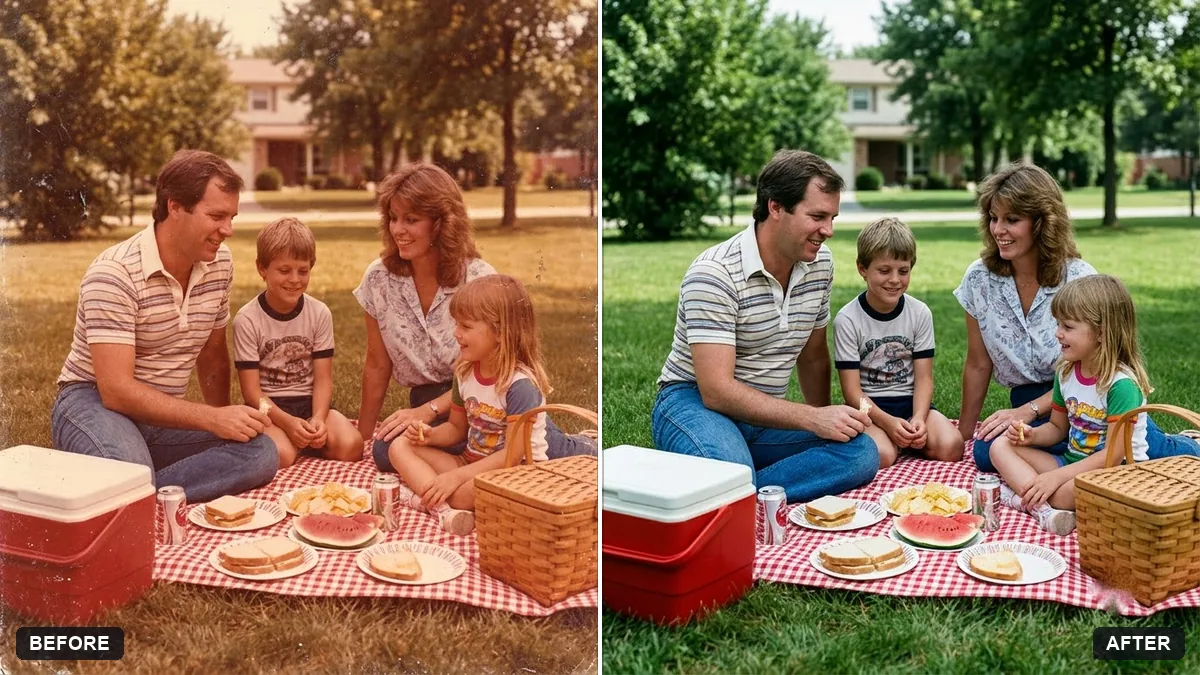
- Colourize a black & white photoGemini · ChatGPT