- Updated
Rebuild a torn photo corner: Gemini & ChatGPT prompt
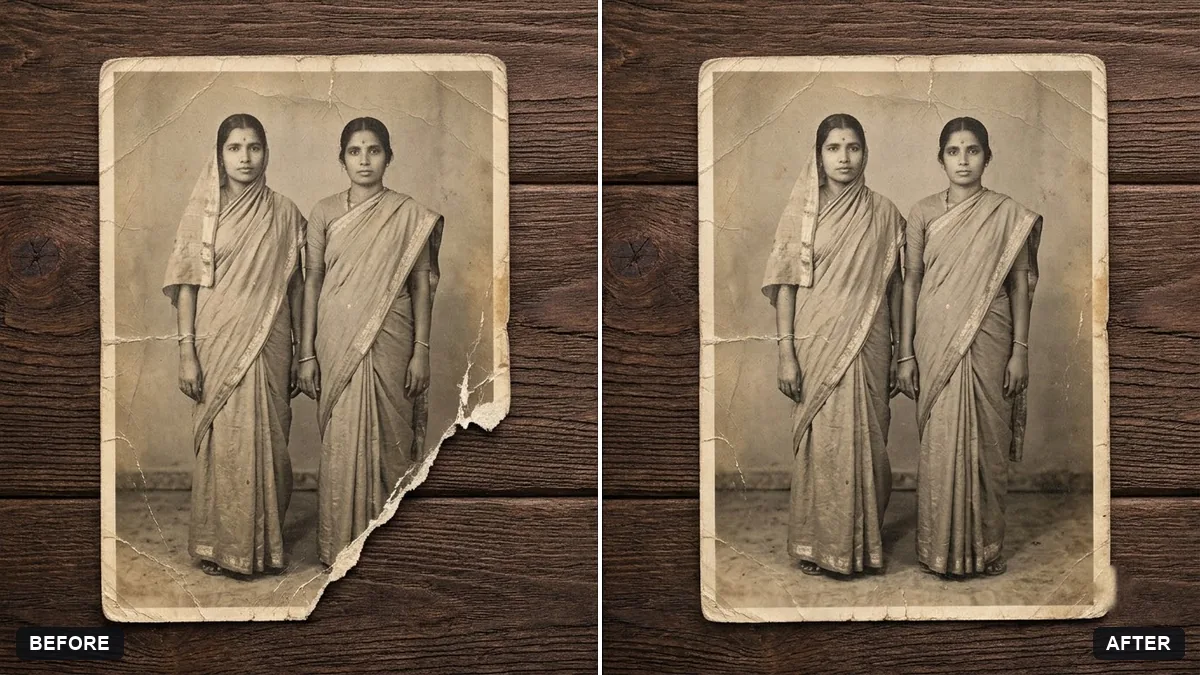
This prompt is for a photo where one corner has been torn away. You say which corner is missing, and the AI rebuilds that area to match the surrounding background, lighting and texture. It also tells the AI to leave every face and detail in the intact part exactly as it is and not to invent new people. Scan the photo flat so the edges of the missing area are visible.
Repair this old photograph where the [TOP LEFT / BOTTOM RIGHT] corner is torn away. Rebuild the missing area naturally to match the surrounding background, lighting and texture.

Keep every face and detail in the intact area exactly the same. Do not invent new people.
Scan the photo flat and include the missing area's edges so the AI can match the background.
Your photo goes to the AI app you choose, never to PromptUp.
Get a better result
Your old photograph with the torn corner rebuilt, the missing background, lighting and texture matched to the rest of the picture, and every face in the intact area left exactly as it was.
New people or objects appear in the repaired corner.
Fix: Say “fill only with matching background, no new people, no new objects”.
- The repair looks too clean next to the old paper. Ask for “match the grain, fading and tone of the old print” so the patch blends in.
- Faces near the edge are altered. List “do not touch any faces”, and check each one against the scan.
Ask to repair the torn corner only, and leave the other creases and age marks in place, so the print still feels original.
Keep the repair. Scan the print again at a higher resolution if the edge looks soft, then run it a second time.
Guides that use this prompt
More photo editing prompts
See all 334 →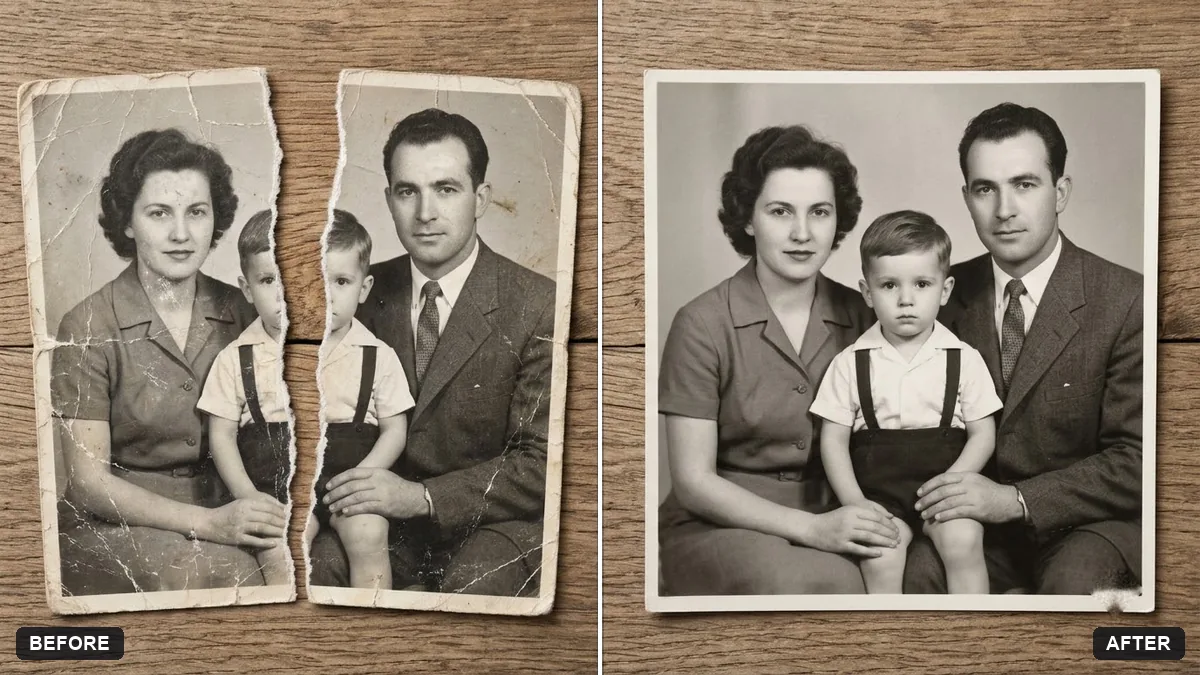
More like this
- Convert a film negative to a positiveGemini · ChatGPT
- Remove the orange date stamp from a scanGemini · ChatGPT
- Flatten a crumpled photoGemini · ChatGPT
- Restore a faded colour printGemini · ChatGPT
- Colourize a black & white photoGemini · ChatGPT