- Prompt at a glance
- Category
- Image
- Works with
- Stable Diffusion
- Length
- 59 words
- Fields to fill
- ROOM, STYLE, MATERIALS
- Last updated
Cozy interior design render
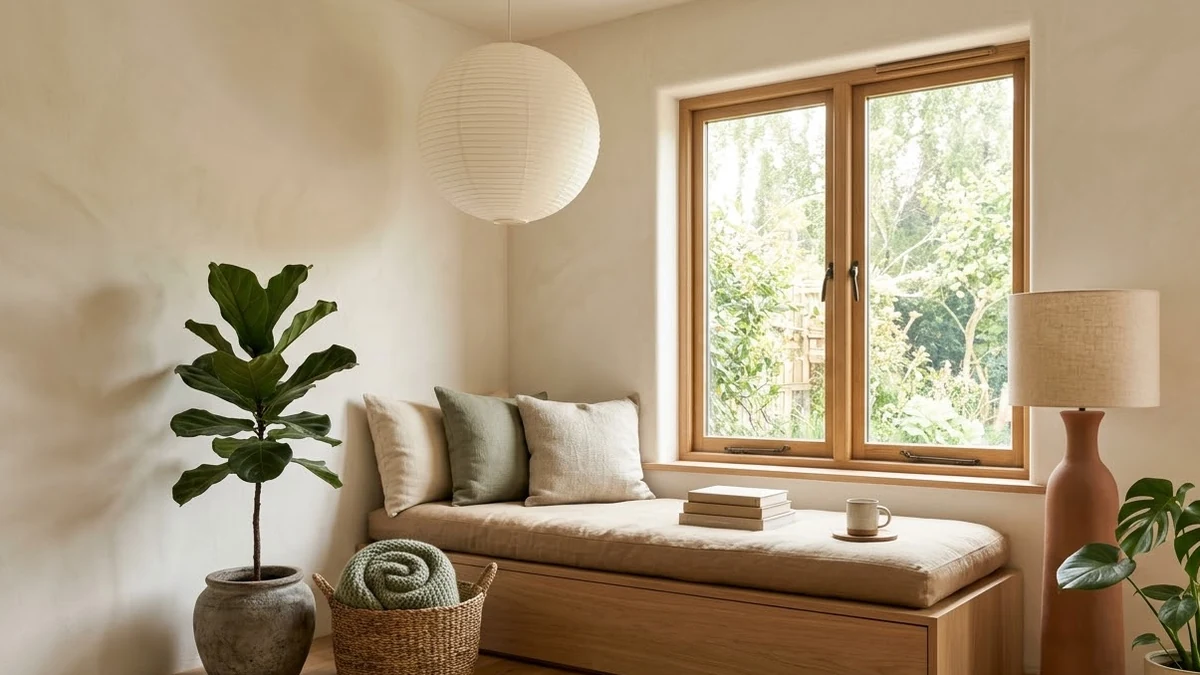
This prompt creates a realistic interior photo in the style and materials you choose. The negative prompt helps keep furniture straight and the room tidy.
Interior photo of a cozy [ROOM, e.g. small reading nook] in [STYLE, e.g. Japandi] style, [MATERIALS, e.g. light oak, linen, clay], large window with soft afternoon light, a few plants, warm neutral palette, realistic architectural photography, wide-angle lens, tidy and calm.

Negative prompt: cluttered, distorted furniture, warped lines, people, text, watermark, fisheye, oversaturated

Settings: 1216x832, 30 steps, CFG 6
Name real materials (oak, linen, terrazzo). They give more believable results than "modern".
From copy to picture in four steps
- 1
Open Stable Diffusion and start a new image.
- 2
Paste the prompt and replace the [BRACKETED] fields with your subject or brand.
- 3
Generate a few variations and pick the closest.
- 4
Refine by changing one detail at a time, such as the lighting, angle or colours.
About this prompt
Which AI tools work with this prompt?
It is written for Stable Diffusion. Paste it into your preferred tool and adjust the wording if the result is off.
What do I need to fill in?
Replace these fields before you send it: ROOM, STYLE, MATERIALS. Each field shows an example in the prompt.
Can I use the generated image commercially?
That depends on the tool you generate it with and your plan. Check that tool's terms before you publish or sell the result.