- Updated
Agenda slide design
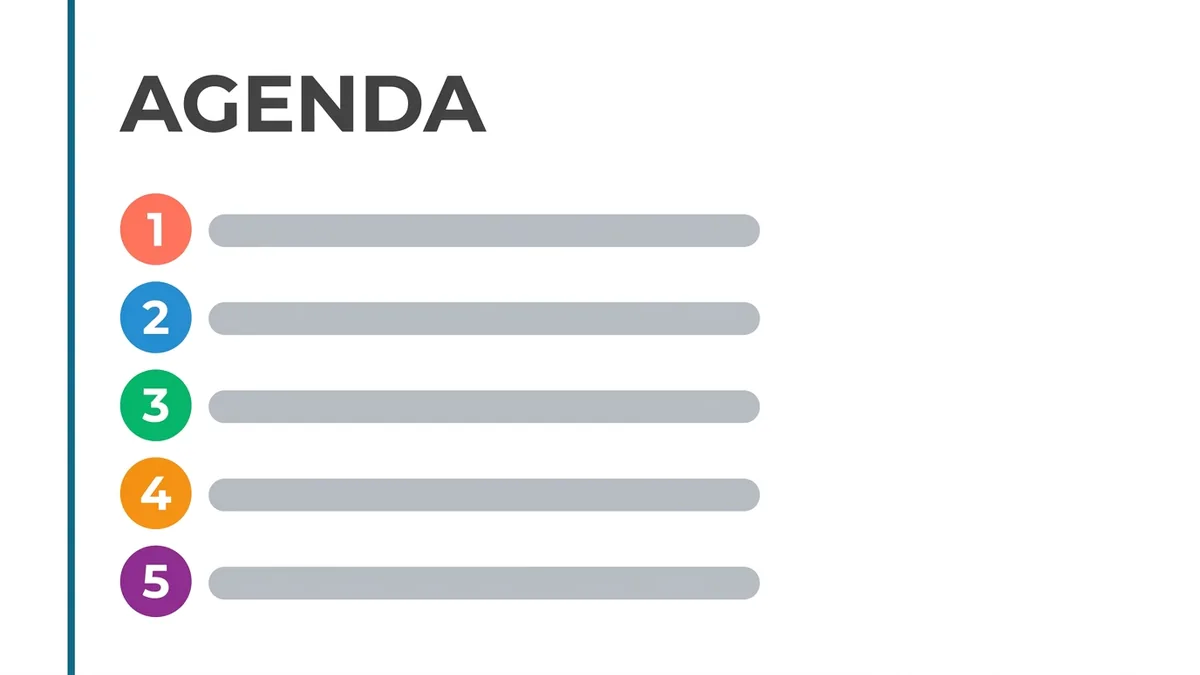
This prompt makes an agenda slide with numbered items, each with a small icon and a time, and a vertical accent bar at the left, with plenty of white space.
Clean presentation agenda slide titled "Agenda" with [FIVE] numbered items "[ITEM 1]" to "[ITEM 5]", each with a small icon and a time, a [COLOUR] vertical accent bar at the left, plenty of white space, modern minimal corporate style. --ar 16:9
Number the items and keep to five lines for readability.
Get a better result
A clean 16:9 agenda slide with the title “Agenda”, five numbered items each with a small icon and a time, a coloured accent bar on the left and plenty of white space, in a modern corporate look.
The item names and times come out garbled.
Fix: Ask for “the layout only, with the items shown as Item 1 to Item 5 and times as 00:00”, then type the real text in your slide tool.
- You cannot edit the result, because it is a flat picture. Use it as a design to copy. Rebuild it in your slide tool, matching the accent bar, the spacing and the icon style.
- The icons are random and unrelated to the items. Name each icon: “a calendar, a chart, a handshake, a magnifier and a flag”, or ask for plain numbered circles.
Ask for “a dark navy background, white text and a bright teal accent bar”. Dark slides work well on a projector in a dim room and look modern on a screen.
Show only the layout with the labels Item 1 to Item 5 and times as 00:00, use plain numbered circles instead of icons and keep the left accent bar.
Guides that use this prompt
More image generation prompts
See all 347 →



More like this
- Workshop agenda that keeps people engagedChatGPT · Gemini · Claude
- One-on-one agenda beyond status updatesChatGPT · Gemini · Claude
- Create a meeting agenda that keeps it shortChatGPT · Gemini · Claude
- Instagram carousel cover slideGemini · ChatGPT · Ideogram
- Carousel post scriptChatGPT · Gemini · Claude