- Prompt at a glance
- Category
- Text & chat
- Works with
- Claude Code · Cursor
- Length
- 89 words
- Fields to fill
- None. Paste and go.
- Last updated
Write Cursor project rules for your codebase
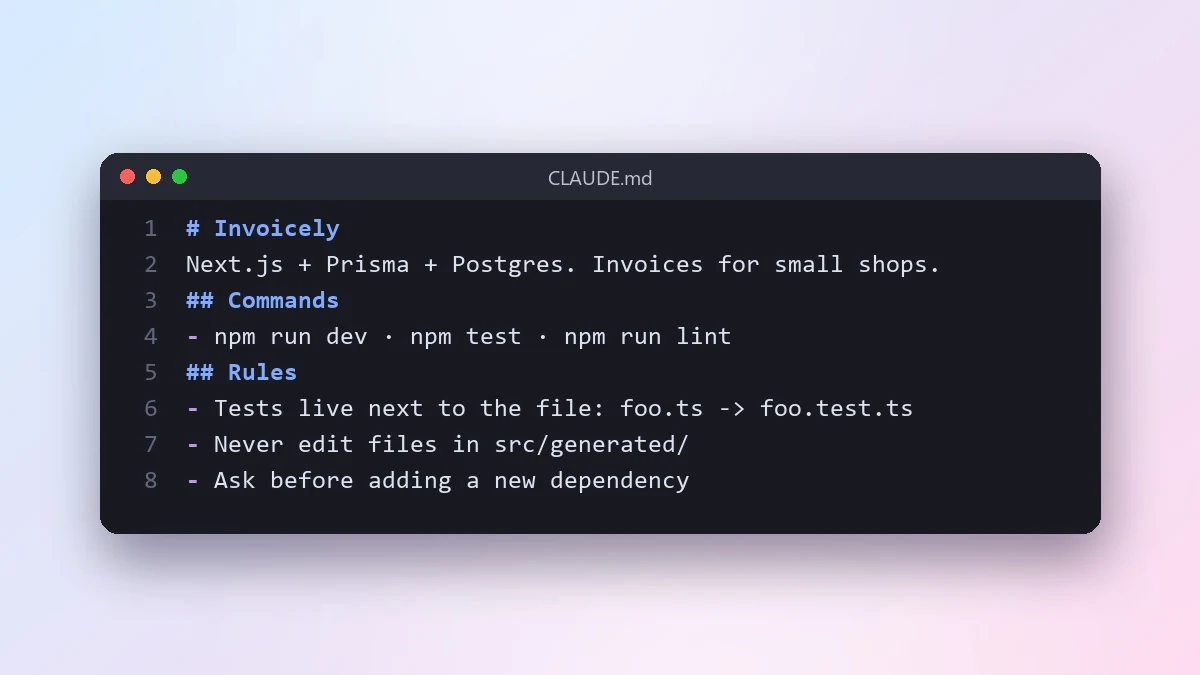
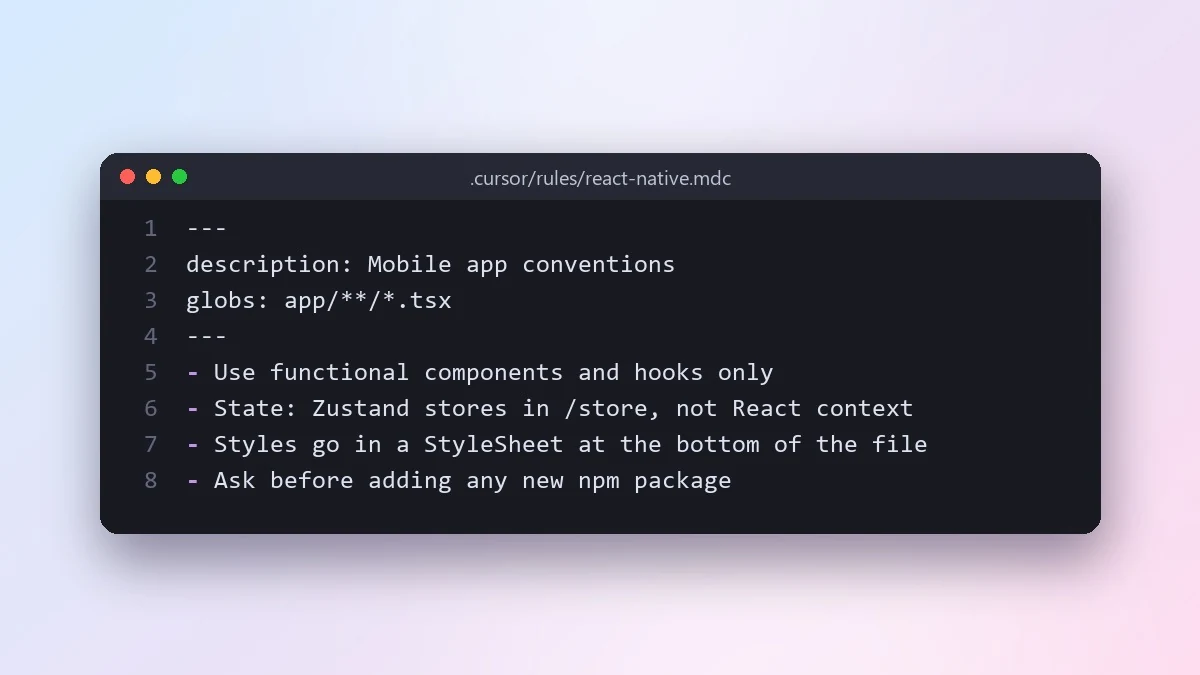
This prompt writes project rules for Cursor's agent, split into small files by topic and scoped to the right folders. It includes a rule to ask before adding new dependencies, a common source of trouble.
Help me write project rules for Cursor (files in .cursor/rules) for this codebase.

Stack: [e.g. React Native, Expo, TypeScript]
Conventions: [e.g. functional components, Zustand for state, styles in a separate file]
Things the AI keeps getting wrong: [e.g. uses old API, adds new libraries]

Split the rules into a few small files by topic, and say which files or folders each one should apply to. Each rule should be one clear instruction with a short reason. Add a rule telling the AI to ask before adding a new dependency.
Add a rule every time the AI makes the same mistake twice. Rules work best when they come from real problems.
From copy to answer in four steps
- 1
Open Claude Code and start a new chat.
- 2
Paste the prompt.
- 3
Replace each [BRACKETED] field with your real details and paste in your own text where asked.
- 4
Reply with follow-ups such as "make it shorter" or "make it sound more like me".
About this prompt
Which AI tools work with this prompt?
It is written for Claude Code and Cursor. Paste it into your preferred tool and adjust the wording if the result is off.
Should I paste private information into the prompt?
Only what the task needs. Remove names, contact details and other sensitive data before pasting a resume or document into any AI tool.