- Prompt at a glance
- Category
- Text & chat
- Works with
- Claude · ChatGPT · Claude Code
- Length
- 89 words
- Fields to fill
- WHAT IT DOES, PASTE THE OUTPUT OF tree OR ls -R, trimmed, PASTE package.json / requirements.txt AND THE MAIN ENTRY FILE
- Last updated
Understand a new codebase fast
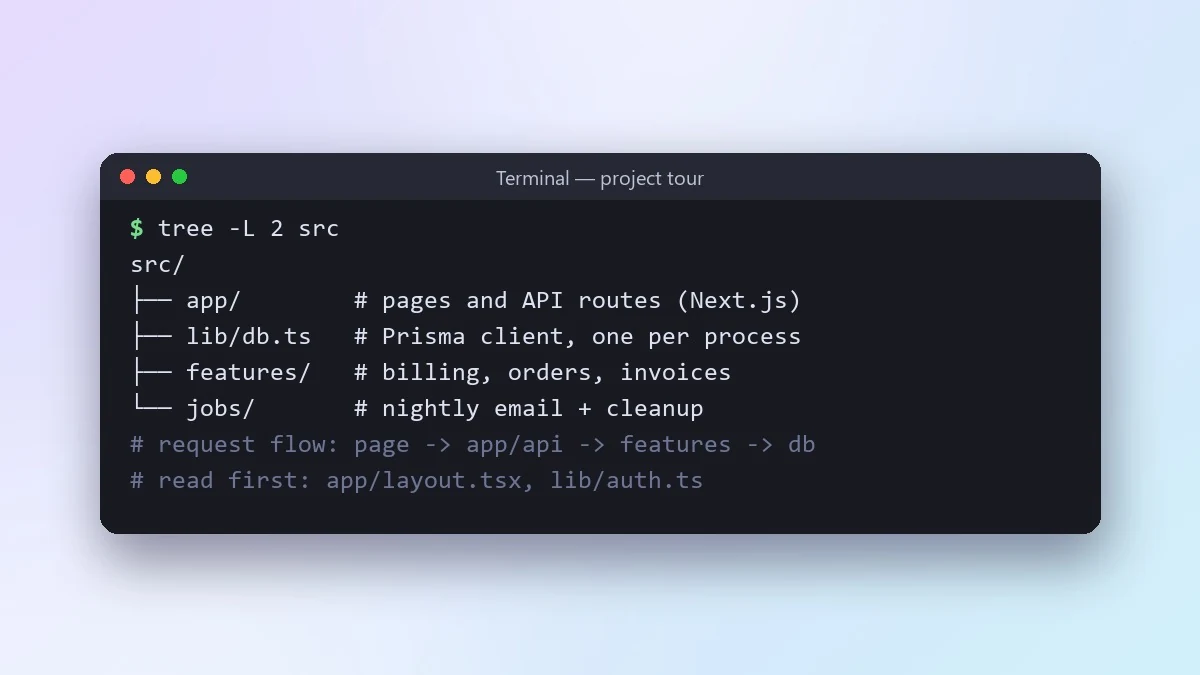
Joined a new project? This prompt turns your folder structure and main files into a guided tour: the main parts, how a request flows, where data and config live, and which ten files to read first.
Act as a senior engineer giving me a tour of a codebase I just joined.

Project: [WHAT IT DOES]
Folder structure:
[PASTE THE OUTPUT OF tree OR ls -R, trimmed]
Key files:
[PASTE package.json / requirements.txt AND THE MAIN ENTRY FILE]

Explain the architecture in plain words: the main parts, how a request or action flows through them, where data is stored, and where config lives. Then give me a reading order of the ten most important files, and three small starter tasks that would teach me the codebase.
In Claude Code or Cursor, skip the pasting: ask it to explore the repo and write this tour for you.
From copy to answer in four steps
- 1
Open Claude and start a new chat.
- 2
Paste the prompt.
- 3
Replace each [BRACKETED] field with your real details and paste in your own text where asked.
- 4
Reply with follow-ups such as "make it shorter" or "make it sound more like me".
About this prompt
Which AI tools work with this prompt?
It is written for Claude, ChatGPT and Claude Code. Paste it into your preferred tool and adjust the wording if the result is off.
What do I need to fill in?
Replace these fields before you send it: WHAT IT DOES, PASTE THE OUTPUT OF tree OR ls -R, trimmed, PASTE package.json / requirements.txt AND THE MAIN ENTRY FILE. Each field shows an example in the prompt.
Should I paste private information into the prompt?
Only what the task needs. Remove names, contact details and other sensitive data before pasting a resume or document into any AI tool.