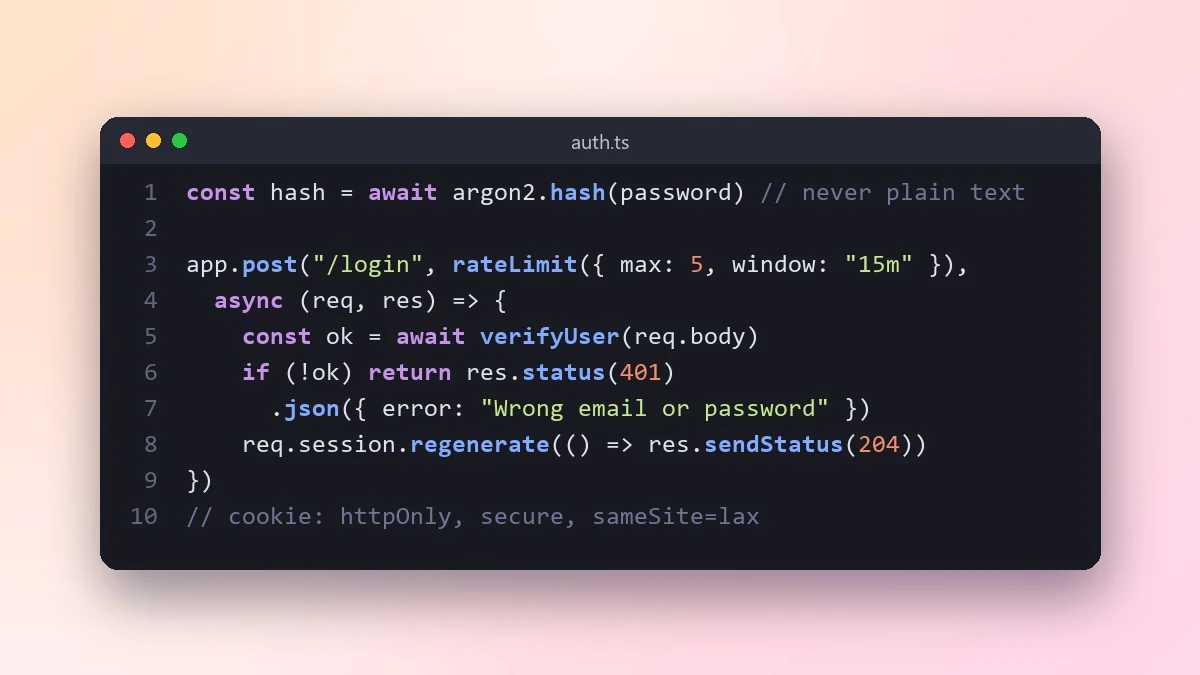
- Prompt at a glance
- Category
- Text & chat
- Works with
- Claude · ChatGPT · Gemini
- Length
- 82 words
- Fields to fill
- None. Paste and go.
- Last updated
Add secure login to a web app
This prompt helps you add login without the usual security mistakes. It first asks whether a trusted library or service fits better, then walks through hashing, sessions, cookies, rate limiting and password reset.
Act as a security-minded backend developer.

Stack: [e.g. Express + Postgres, or Django]
Login type: [e.g. email and password with email verification]

Explain whether I should use a trusted library or service instead of building this myself, and recommend one for my stack. Then show the setup: password hashing, sessions or tokens, cookie settings, rate limiting on login, password reset with expiring links, and logout. Point out the five most common security mistakes in login code and how this setup avoids them.
For real users, a well-known auth library or service is almost always safer than hand-written login code.
From copy to answer in four steps
- 1
Open Claude and start a new chat.
- 2
Paste the prompt.
- 3
Replace each [BRACKETED] field with your real details and paste in your own text where asked.
- 4
Reply with follow-ups such as "make it shorter" or "make it sound more like me".
About this prompt
Which AI tools work with this prompt?
It is written for Claude, ChatGPT and Gemini. Paste it into your preferred tool and adjust the wording if the result is off.
Should I paste private information into the prompt?
Only what the task needs. Remove names, contact details and other sensitive data before pasting a resume or document into any AI tool.



