- Prompt at a glance
- Category
- Text & chat
- Works with
- Claude · ChatGPT · Gemini
- Length
- 77 words
- Fields to fill
- LANGUAGE, PASTE, CONTEXT
- Last updated
Improve error handling in your code
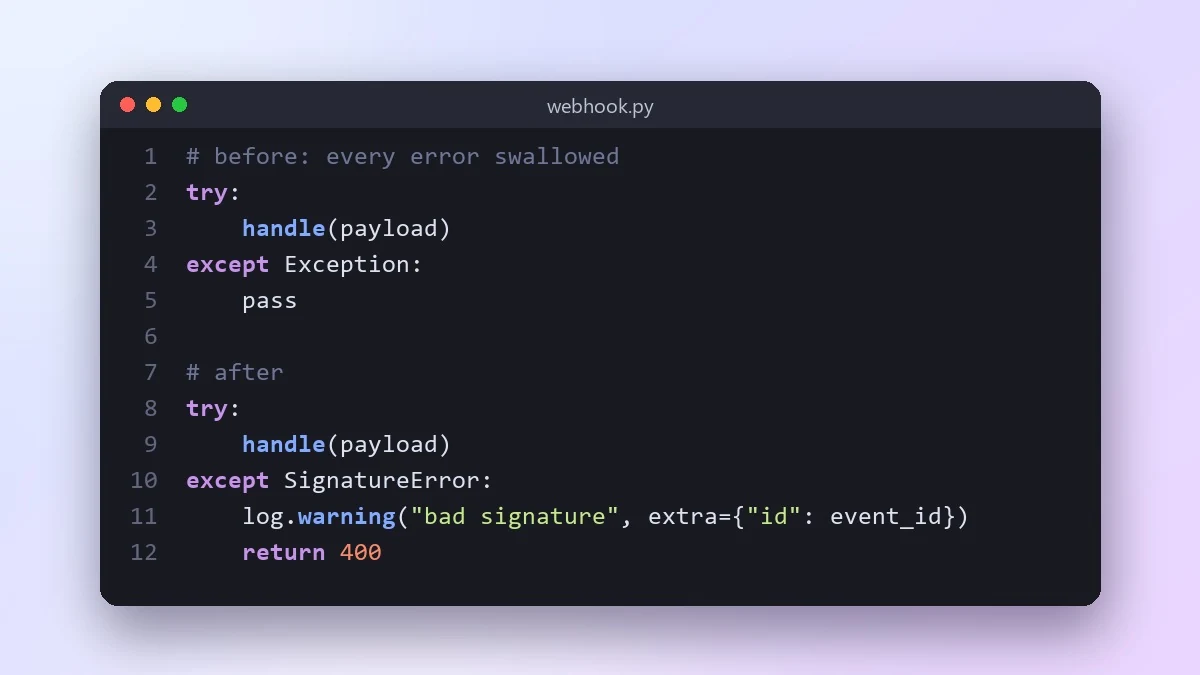
This prompt finds errors that are hidden, caught too broadly or shown to users with internal details, plus risky calls with no handling at all. It rewrites the code with clear error handling for where your code runs.
Act as a senior [LANGUAGE] engineer focused on reliability.

Code:
[PASTE]

This code runs in [CONTEXT, e.g. a payment webhook handler]. Find places where errors are swallowed, caught too broadly, logged without context, or shown to users with internal details. Also find places with no error handling that need it (network calls, file access, parsing, database writes). Rewrite the code with clear error handling, useful log messages and safe user-facing messages. Explain each change in one line.
Tell it where the code runs. A CLI script, a web API and a background job each need different error handling.
From copy to answer in four steps
- 1
Open Claude and start a new chat.
- 2
Paste the prompt.
- 3
Replace each [BRACKETED] field with your real details and paste in your own text where asked.
- 4
Reply with follow-ups such as "make it shorter" or "make it sound more like me".
About this prompt
Which AI tools work with this prompt?
It is written for Claude, ChatGPT and Gemini. Paste it into your preferred tool and adjust the wording if the result is off.
What do I need to fill in?
Replace these fields before you send it: LANGUAGE, PASTE, CONTEXT. Each field shows an example in the prompt.
Should I paste private information into the prompt?
Only what the task needs. Remove names, contact details and other sensitive data before pasting a resume or document into any AI tool.



