- Prompt at a glance
- Category
- Text & chat
- Works with
- Claude · ChatGPT · Gemini
- Length
- 89 words
- Fields to fill
- PASTE, with any real keys replaced by XXXX
- Last updated
Check your code for leaked API keys and secrets
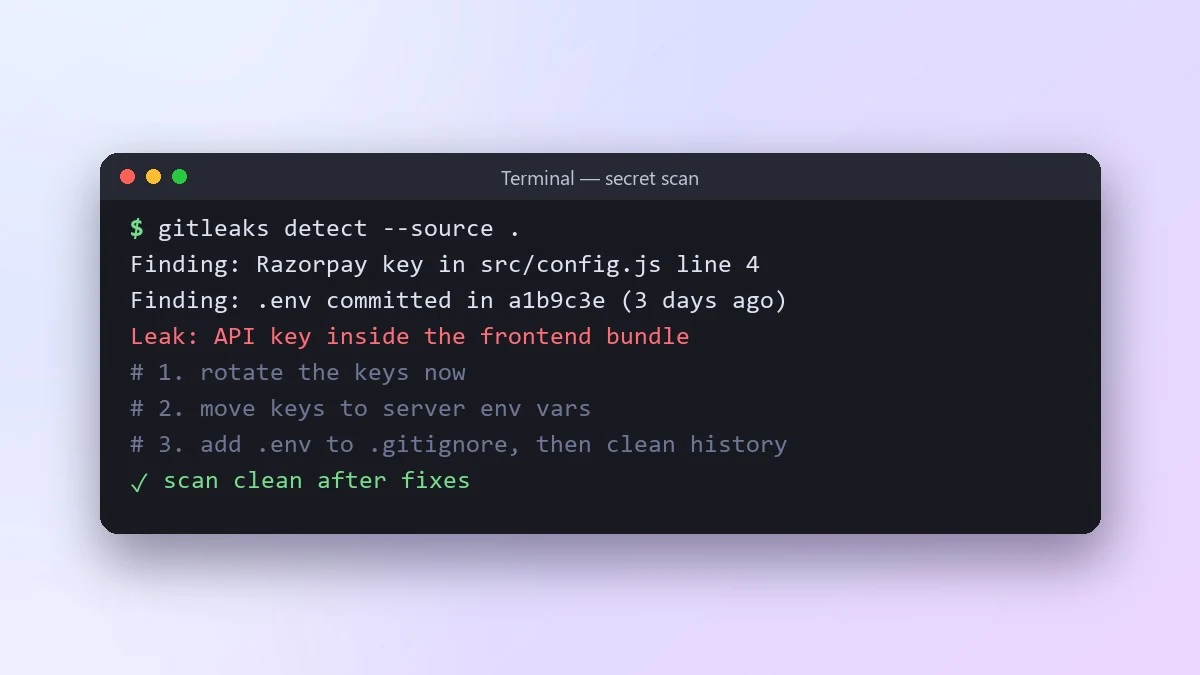
This prompt finds places where secrets could leak: hard-coded keys, tokens in frontend code, keys in logs and committed .env files. It ends with the steps to take, in order, if a key has already been pushed.
Act as a security engineer.

Code or config files:
[PASTE, with any real keys replaced by XXXX]
Where the code lives: [e.g. public GitHub repo, frontend bundle, mobile app]

Find every place where a secret could leak: hard-coded keys, tokens in frontend code, keys in logs or error messages, .env files that could be committed, and secrets in URLs. For each, explain the risk and the fix. Then give me a checklist for what to do if a key has already been pushed to Git, in the right order.
If a real key was ever pushed, rotate it first. Deleting it from Git history is not enough, because it may already be copied.
From copy to answer in four steps
- 1
Open Claude and start a new chat.
- 2
Paste the prompt.
- 3
Replace each [BRACKETED] field with your real details and paste in your own text where asked.
- 4
Reply with follow-ups such as "make it shorter" or "make it sound more like me".
About this prompt
Which AI tools work with this prompt?
It is written for Claude, ChatGPT and Gemini. Paste it into your preferred tool and adjust the wording if the result is off.
What do I need to fill in?
Replace the field before you send it: PASTE, with any real keys replaced by XXXX. Each field shows an example in the prompt.
Should I paste private information into the prompt?
Only what the task needs. Remove names, contact details and other sensitive data before pasting a resume or document into any AI tool.



