- Prompt at a glance
- Category
- Text & chat
- Works with
- Claude · ChatGPT · Gemini
- Length
- 88 words
- Fields to fill
- PASTE THE CONSOLE ERROR, METHOD, HEADERS, PASTE
- Last updated
Fix a CORS error between frontend and API
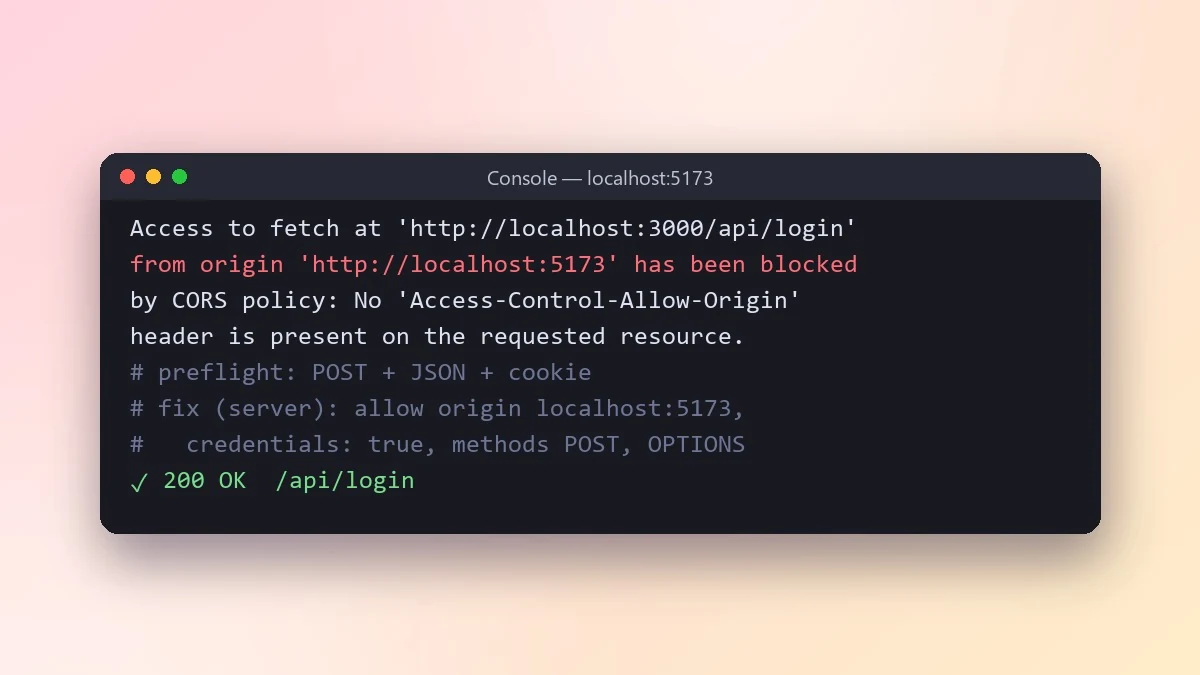
CORS errors are fixed on the server, not in the browser. This prompt explains why your request is blocked, whether it triggers a preflight, and the correct headers for local development and your live site.
Act as a web developer who understands CORS well.

Frontend: [e.g. React app on http://localhost:5173]
API: [e.g. Express on http://localhost:3000, later api.mysite.com]
Exact browser error:
[PASTE THE CONSOLE ERROR]
The request: [METHOD, HEADERS, e.g. POST with JSON and a cookie]
Server code that sets headers (if any): [PASTE]

Explain in plain words why the browser blocks this request, including whether it triggers a preflight. Give the correct server-side fix for development and for production. Do not suggest allowing every origin with credentials, and do not suggest browser extensions.
CORS is fixed on the server, not in the frontend. Paste the exact error text, because each message points to a different missing header.
From copy to answer in four steps
- 1
Open Claude and start a new chat.
- 2
Paste the prompt.
- 3
Replace each [BRACKETED] field with your real details and paste in your own text where asked.
- 4
Reply with follow-ups such as "make it shorter" or "make it sound more like me".
About this prompt
Which AI tools work with this prompt?
It is written for Claude, ChatGPT and Gemini. Paste it into your preferred tool and adjust the wording if the result is off.
What do I need to fill in?
Replace these fields before you send it: PASTE THE CONSOLE ERROR, METHOD, HEADERS, PASTE. Each field shows an example in the prompt.
Should I paste private information into the prompt?
Only what the task needs. Remove names, contact details and other sensitive data before pasting a resume or document into any AI tool.



