- Prompt at a glance
- Category
- Text & chat
- Works with
- Claude · ChatGPT · Gemini
- Length
- 96 words
- Fields to fill
- SYMPTOM, PASTE
- Last updated
Fix a bug that works locally but fails in production
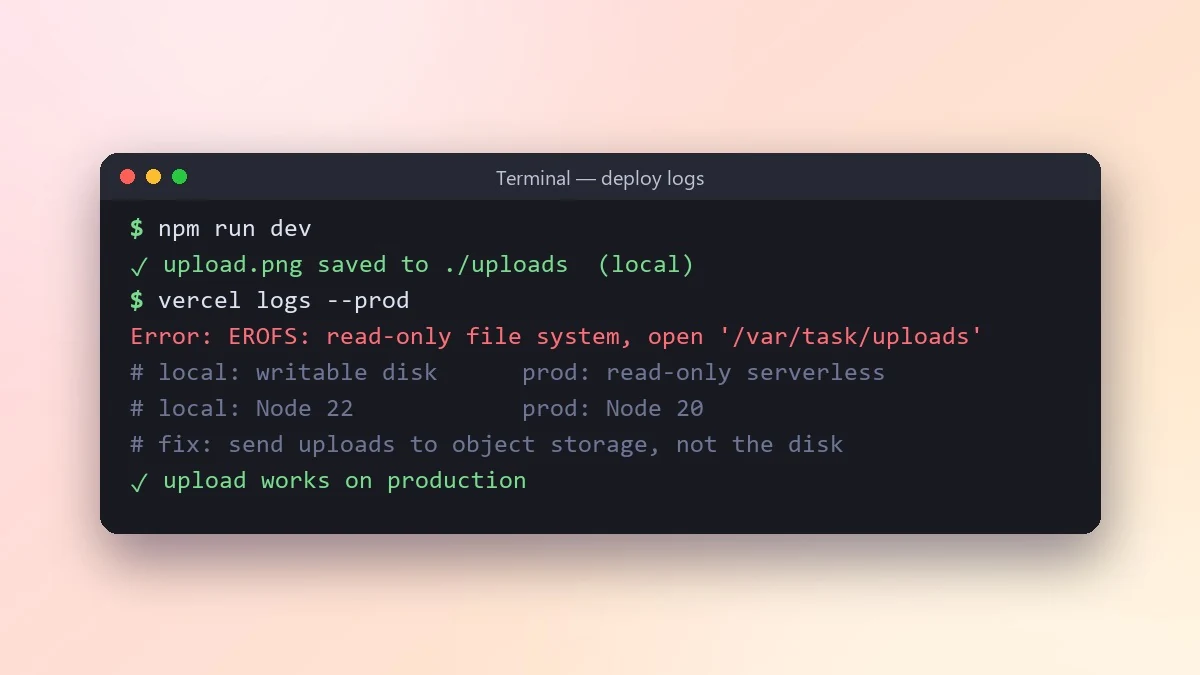
When code works on your machine but fails on the live site, the cause is usually a difference between the two setups. This prompt lists those differences, ranks them and tells you how to check the top three.
Act as a senior engineer who has debugged many "works on my machine" problems.

What fails in production: [SYMPTOM, e.g. image upload returns 500 on the live site]
Local setup: [e.g. Node 22, SQLite, .env file]
Production setup: [e.g. Node 20 on Vercel, Postgres, env vars in dashboard]
Logs or error: [PASTE]
Code involved: [PASTE]

List the differences between the two environments that could cause this, ranked by likelihood (env vars, versions, file paths, permissions, timezones, build step, caching). For the top three, tell me exactly how to check it and what the fix would be.
The more precisely you describe both environments, the faster it finds the gap. Versions and env vars are the usual suspects.
From copy to answer in four steps
- 1
Open Claude and start a new chat.
- 2
Paste the prompt.
- 3
Replace each [BRACKETED] field with your real details and paste in your own text where asked.
- 4
Reply with follow-ups such as "make it shorter" or "make it sound more like me".
About this prompt
Which AI tools work with this prompt?
It is written for Claude, ChatGPT and Gemini. Paste it into your preferred tool and adjust the wording if the result is off.
What do I need to fill in?
Replace these fields before you send it: SYMPTOM, PASTE. Each field shows an example in the prompt.
Should I paste private information into the prompt?
Only what the task needs. Remove names, contact details and other sensitive data before pasting a resume or document into any AI tool.



