- Prompt at a glance
- Category
- Text & chat
- Works with
- Claude · ChatGPT · Gemini
- Length
- 78 words
- Fields to fill
- LANGUAGE, Telegram or Discord, LIST
- Last updated
Build a simple Telegram or Discord bot
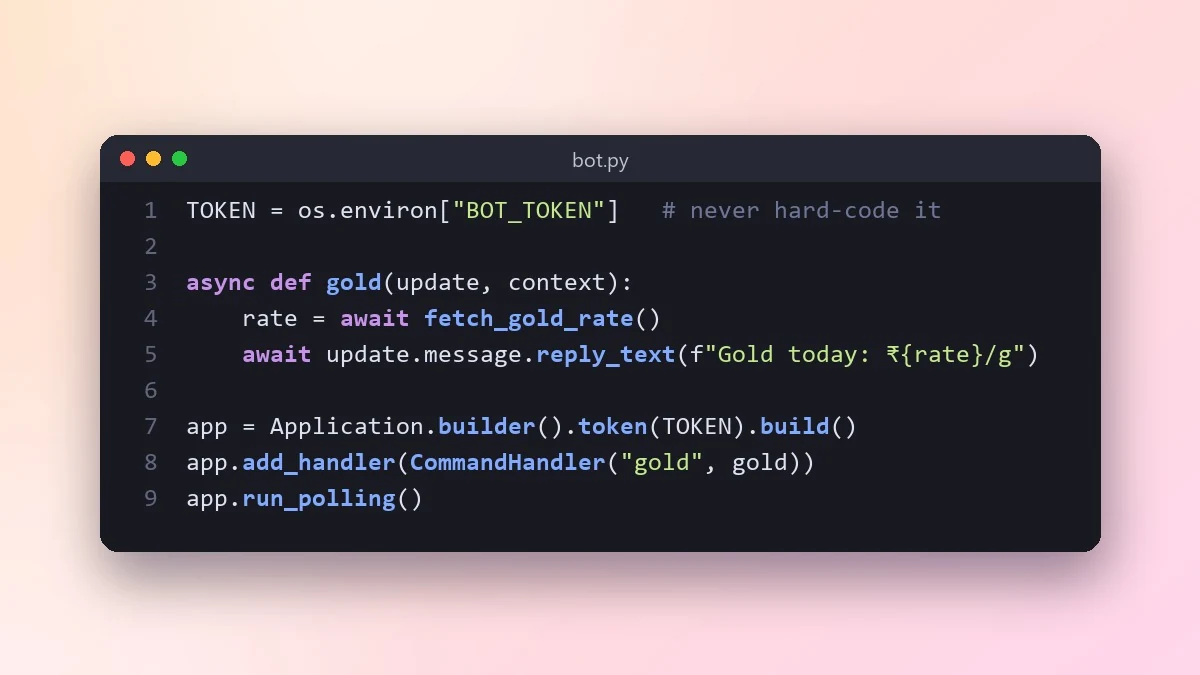
This prompt writes a complete chat bot for Telegram or Discord, reads the token from an environment variable and explains how to create the token, run the bot and keep it online on a free or cheap host.
Act as a developer who builds chat bots in [LANGUAGE, e.g. Python].

Platform: [Telegram or Discord]
The bot should: [e.g. reply with today's gold rate when someone types /gold]
Commands: [LIST]

Write the complete bot with a well-maintained, popular library, the token read from an environment variable (never hard-coded), clear replies for unknown commands, and basic rate limiting. Explain how to create the bot token, run it locally, and keep it running on a free or cheap host.
Never paste your real bot token into a chat or commit it to Git. Keep it in a .env file.
From copy to answer in four steps
- 1
Open Claude and start a new chat.
- 2
Paste the prompt.
- 3
Replace each [BRACKETED] field with your real details and paste in your own text where asked.
- 4
Reply with follow-ups such as "make it shorter" or "make it sound more like me".
About this prompt
Which AI tools work with this prompt?
It is written for Claude, ChatGPT and Gemini. Paste it into your preferred tool and adjust the wording if the result is off.
What do I need to fill in?
Replace these fields before you send it: LANGUAGE, Telegram or Discord, LIST. Each field shows an example in the prompt.
Should I paste private information into the prompt?
Only what the task needs. Remove names, contact details and other sensitive data before pasting a resume or document into any AI tool.



