Got a side project idea? These AI prompts help you actually ship it
Published

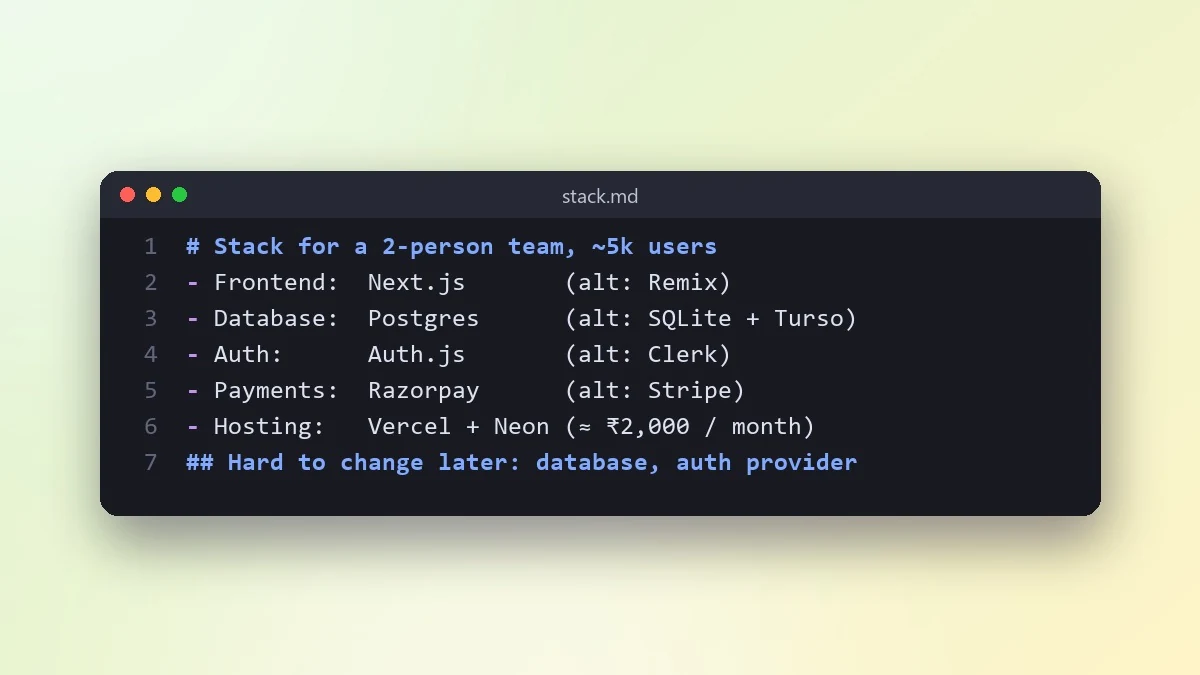
Short answerBefore writing any code, ask an AI chatbot to pick a tech stack against your specific constraints (time, experience, hosting), not a generic "best stack" list. The stack decision is where most side projects quietly stall.
Most side projects don't die from a hard bug. They die from too much time spent deciding things before any code gets written: which stack, which framework, how to deploy it. An AI chatbot is genuinely good at cutting that decision time down, as long as you give it your real constraints instead of asking "what's the best tech stack for a web app".
This guide walks through four stages: picking a stack, building a first working version, testing it properly, and writing it up so you (or anyone else) can understand it in six months.
Pick a stack against your real constraints
The honest list of constraints for a side project is usually: how much time you have, what you already know, and where it needs to run. Give the model all three with the choose a tech stack prompt:
I want to build [WHAT THE PROJECT DOES, in one sentence].
I know: [LANGUAGES/FRAMEWORKS YOU'RE COMFORTABLE WITH].
Time I can give it: [E.G. "a few hours a week for two months"].
It needs to run on: [E.G. "a free-tier server", "just my own laptop", "a phone app"].
Expected users at first: [E.G. "just me", "a few friends", "unknown, could grow"].

Recommend one stack, not a list of options. Explain the trade-off you're making by picking it, and name one thing about this stack that will become annoying if the project grows a lot.
Asking for one recommendation instead of a list of options is the important part. A list of five valid stacks is exactly the kind of decision that stalls a side project for a week; one clear recommendation, with its trade-off named, gets you writing code the same day.
Scaffold a first working version quickly
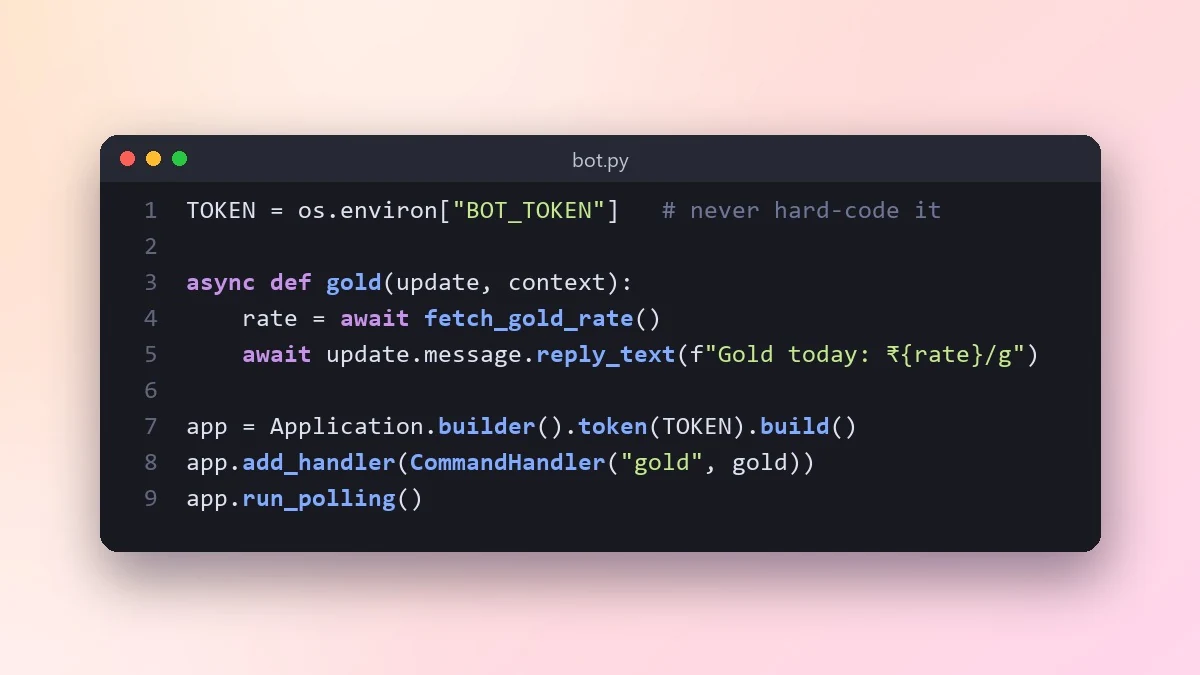
Once the stack is picked, the fastest way to get momentum is a small, complete piece of it working end to end, rather than a perfect architecture with nothing running yet. If your idea involves a bot, the Telegram or Discord bot builder prompt is a good concrete example of this approach:
Build a basic [TELEGRAM/DISCORD] bot in [LANGUAGE] that does one thing: [E.G. "replies with today's date when someone types /today"].
Include: how to register the bot and get a token, the minimal code to run it, and how to run it locally for testing.
Keep it to the smallest version that actually works; I'll add features after this runs.
The same approach works for a web app or script idea: describe the smallest version that does one real thing end to end, and build from there once it works, instead of designing the whole feature set upfront.
Write one real test before you add more features
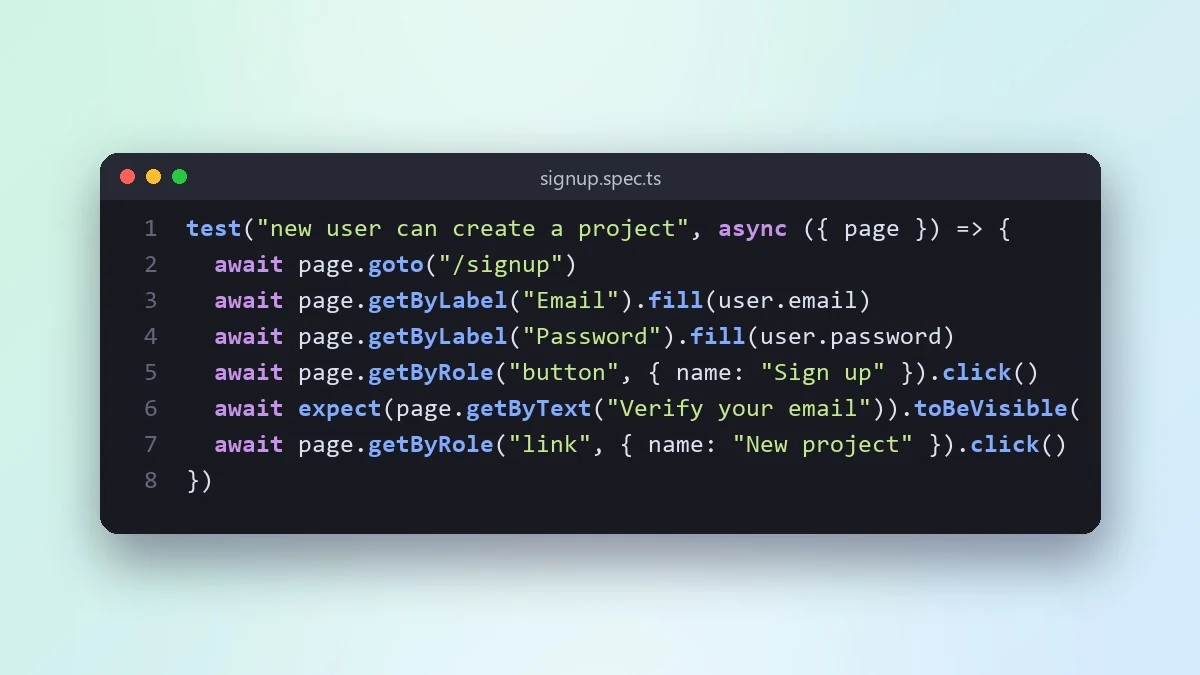
It's tempting to keep adding features to something that already works and skip tests entirely on a side project, since "it's just for me". The problem shows up later, when a change you make quietly breaks something you built three weekends ago and you don't notice for a week. One end-to-end test on the core path catches most of that. Use the end-to-end test prompt:
Here's the main user journey in my app: [DESCRIBE THE STEPS, E.G. "user opens the page, enters a task, clicks add, sees it in the list"].
My app is built with [FRAMEWORK/LIBRARY].

Write one Playwright test that covers this journey end to end. Comment each step so I understand what it's checking.
One good test on the path you'd actually notice breaking is worth more, this early, than a large test suite you won't maintain.
Document it so future-you understands it
The last stage people skip is writing anything down. Six months on, even your own code can be unreadable without notes. The API documentation from code prompt turns working code into a readable reference:
Here's my code: [PASTE THE RELEVANT FILE OR FUNCTIONS].

Write documentation for this: what each function does, its parameters, and one example of calling it. Keep the language plain, as if explaining it to yourself in six months with no memory of writing it.
Even a short version of this, saved as a README in the project folder, is enough. The goal isn't a polished document; it's not having to re-read your own code line by line the next time you open the project.
Fixing a bad answer
Too many options. If the stack answer hedges with "it depends" and lists several choices, say "pick one, and tell me the trade-off" again, more firmly.
Scope creep in the first build. If the scaffolded version tries to do more than the one thing you asked for, trim your own request: name the single smallest feature, nothing else, for this first pass.
Generic test. If the test doesn't match your actual app structure, paste a snippet of your real HTML or component code so the selectors in the test match what you actually built.
Where to go from here
For fixing bugs once your project is further along, see AI prompts for developers, and for coding inside an AI-assisted editor, Cursor AI coding prompts covers that workflow. Browse the coding prompts collection for more, or use the prompt builder to adapt any prompt here to your own project.
Quick checklist
- Give your real time, skill level and hosting constraints before asking for a stack.
- Ask for one recommendation, not a list, and the trade-off that comes with it.
- Build the smallest working version of one feature before adding more.
- Write one end-to-end test for the path you'd actually notice breaking.
- Document the code in plain language before you forget why you wrote it that way.
Prompts to try

More prompts on this topic
- Scope a side project you can actually finishChatGPT · Gemini · Claude



Comments
No comments yet. Be the first to share what worked for you.