- Prompt at a glance
- Category
- Text & chat
- Works with
- Claude · ChatGPT · Gemini
- Length
- 77 words
- Fields to fill
- WHAT IT DOES
- Last updated
Build a simple Chrome extension
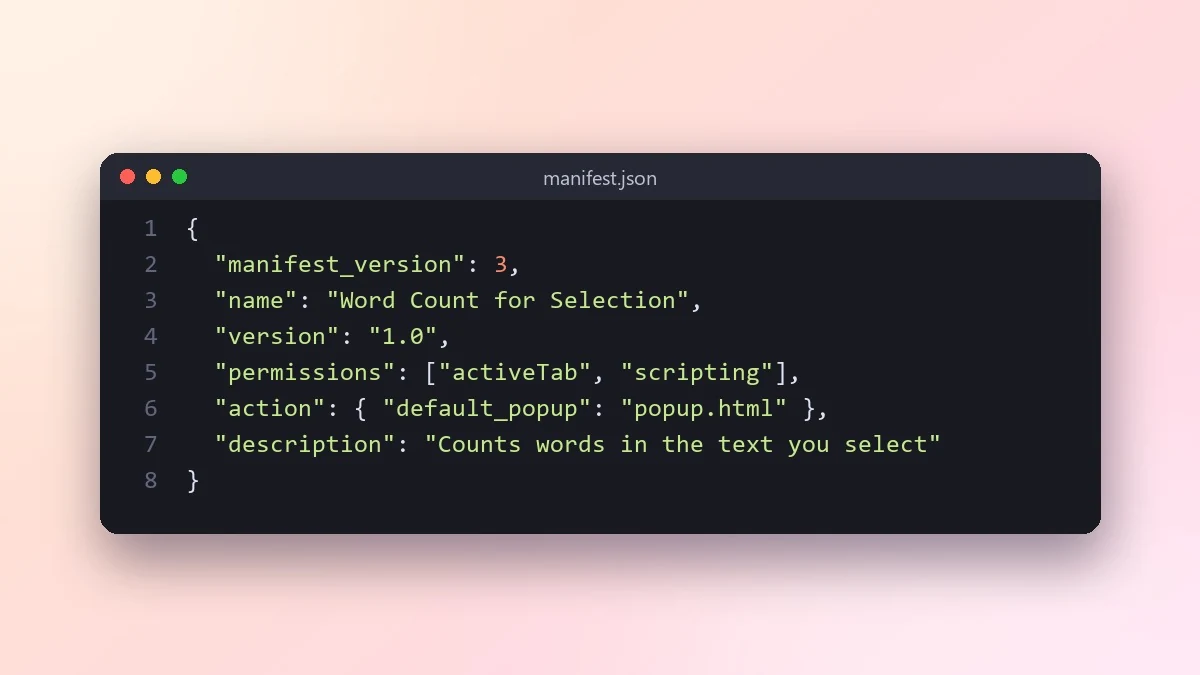
This prompt writes every file for a small Chrome extension and explains why each permission is needed. It includes instructions to load it unpacked, and asks the AI not to collect any browsing data.
Act as a developer experienced with Chrome extensions (Manifest V3).

The extension should: [WHAT IT DOES, e.g. show word count of selected text]
Where it works: [e.g. on every page, or only on docs.google.com]

Give me every file (manifest.json, scripts, popup if needed) with the smallest set of permissions possible, and explain why each permission is needed. Include step-by-step instructions to load it unpacked in Chrome and test it. Do not collect or send any browsing data.
Fewer permissions means fewer scary warnings when you install it. Ask the AI to justify each one.
From copy to answer in four steps
- 1
Open Claude and start a new chat.
- 2
Paste the prompt.
- 3
Replace each [BRACKETED] field with your real details and paste in your own text where asked.
- 4
Reply with follow-ups such as "make it shorter" or "make it sound more like me".
About this prompt
Which AI tools work with this prompt?
It is written for Claude, ChatGPT and Gemini. Paste it into your preferred tool and adjust the wording if the result is off.
What do I need to fill in?
Replace the field before you send it: WHAT IT DOES. Each field shows an example in the prompt.
Should I paste private information into the prompt?
Only what the task needs. Remove names, contact details and other sensitive data before pasting a resume or document into any AI tool.



