Stop clicking Yes a hundred times in Claude Code
Published · Updated
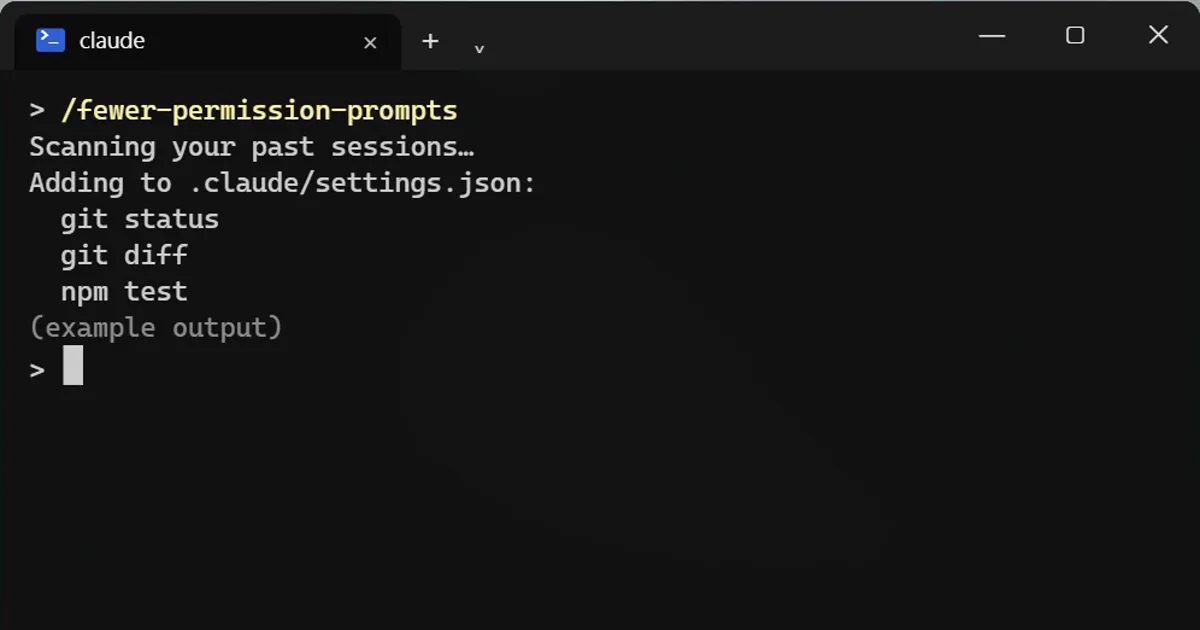
Short answerType /fewer-permission-prompts. It scans your past sessions for read-only commands you keep approving and adds them to an allow list in your project's .claude/settings.json so Claude stops asking about them.
Claude Code keeps asking "can I run this?" for the same harmless commands. There is a command that cuts most of that.
Run it
/fewer-permission-prompts
What it does
It reads your past sessions and finds the safe, read-only commands you keep approving, the ones that only look and never change anything. Then it adds them to an allow list in your project settings file, .claude/settings.json, so Claude stops asking about them.
Check what it added
It is your settings file, so open it and read the list. Remove anything you are not comfortable with. This is the step people skip.
Want fewer prompts for edits too?
Press Shift+Tab to change the permission mode. Know what each mode allows before you pick a hands-off one.
Why read-only only
Letting an AI run commands without asking is a trade of convenience for risk. This command only touches the low-risk end, which is why it is a sensible first step.
Run it again later
Your habits change as a project grows. Running it again after a few weeks of work can pick up new read-only commands you now approve often. Read the list each time, just as you did the first time.
More quick tips
More prompts on this topic
- Build a simple Chrome extensionClaude · ChatGPT · Gemini
- Write a CLAUDE.md file for your projectClaude Code · Cursor



Comments
No comments yet. Be the first to share what worked for you.