5 Claude Code keyboard shortcuts you didn't know
Published
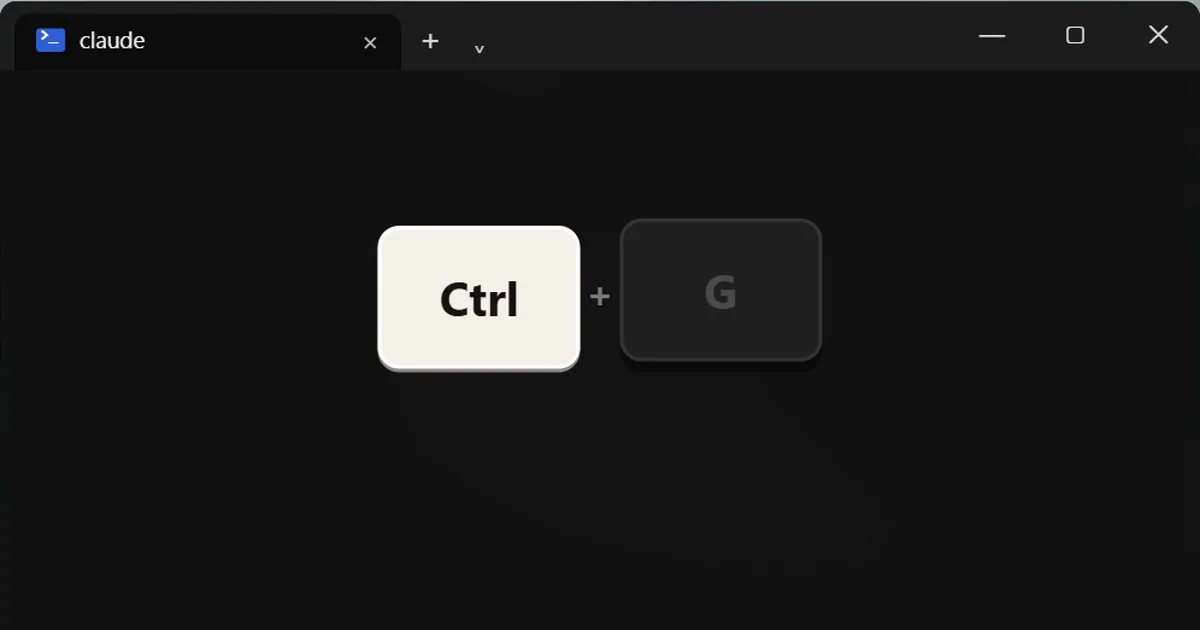
Short answerIn Claude Code, Ctrl+G opens your prompt in your text editor, Ctrl+S stashes your draft, Ctrl+R searches past prompts, Alt+P switches model without clearing your prompt, and Ctrl+B sends a running job to the background.
Five keys that are easy to miss and quick to learn. These are for the Claude Code terminal app.
1. Ctrl+G: write in your own editor
Opens your prompt in your default text editor. Perfect for long instructions. (Ctrl+X then Ctrl+E does the same.)
2. Ctrl+S: stash your draft
Typing something long, but need to ask a quick question first? Press it to stash the draft, ask your question, then press it again to get the draft back.
3. Ctrl+R: search your past prompts
Stop retyping. It searches your prompt history as you type.
4. Alt+P: switch model mid-draft
Changes the model without clearing the prompt you were writing. On a Mac it is Option+P, and your terminal must treat Option as the Meta key for it to work.
5. Ctrl+B: send it to the background
Sends a running command or agent to the background so you can keep working. (Inside tmux, press it twice.)
Bonus: type while Claude works
You can keep typing while Claude is busy. Your message waits in a queue and runs next.
If a key does nothing
Terminals and keyboard layouts differ, and shortcuts can change between versions. Type /help to see the current list.
More quick tips
More prompts on this topic
- Write helpful image alt textChatGPT · Gemini · Claude



Comments
No comments yet. Be the first to share what worked for you.