- Prompt at a glance
- Category
- Text & chat
- Works with
- Claude · ChatGPT · Gemini
- Length
- 91 words
- Fields to fill
- PASTE HEADER + 5 ROWS
- Last updated
Clean a messy spreadsheet with Python
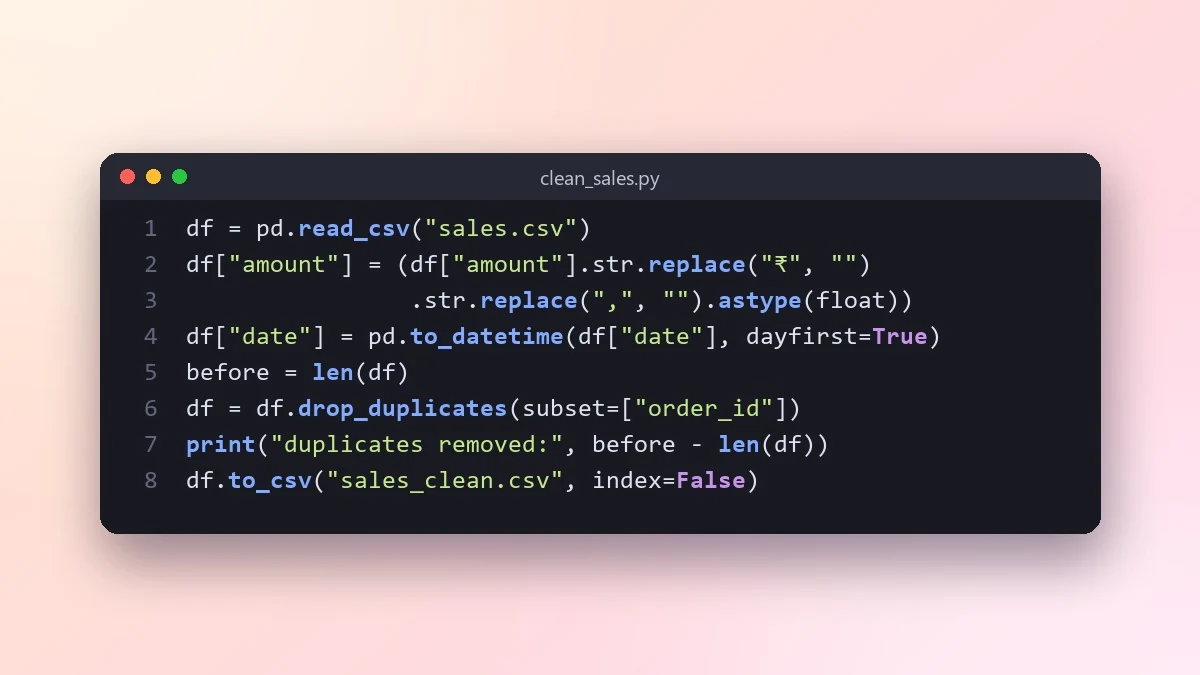
Paste the header and a few sample rows, list the problems you see, and this prompt writes a pandas script that fixes them step by step, reports what changed and saves a clean copy without touching the original.
Act as a data analyst who writes clean pandas code.

My file: [e.g. sales.csv, about 20,000 rows]
Columns and a few sample rows:
[PASTE HEADER + 5 ROWS]
Problems I see: [e.g. mixed date formats, ₹ symbols in amounts, duplicate customers]
What I want at the end: [e.g. monthly revenue per city]

Write a script that loads the file, fixes each problem step by step with a comment, reports how many rows each step changed, and saves a clean file. Never overwrite the original. Then produce the summary I asked for.
Paste real sample rows, with personal details removed. Messy data is always messier than the description.
From copy to answer in four steps
- 1
Open Claude and start a new chat.
- 2
Paste the prompt.
- 3
Replace each [BRACKETED] field with your real details and paste in your own text where asked.
- 4
Reply with follow-ups such as "make it shorter" or "make it sound more like me".
About this prompt
Which AI tools work with this prompt?
It is written for Claude, ChatGPT and Gemini. Paste it into your preferred tool and adjust the wording if the result is off.
What do I need to fill in?
Replace the field before you send it: PASTE HEADER + 5 ROWS. Each field shows an example in the prompt.
Should I paste private information into the prompt?
Only what the task needs. Remove names, contact details and other sensitive data before pasting a resume or document into any AI tool.



