- Prompt at a glance
- Category
- Text & chat
- Works with
- Claude · ChatGPT · Gemini
- Length
- 87 words
- Fields to fill
- WHAT IT IS
- Last updated
Build a landing page in plain HTML and CSS
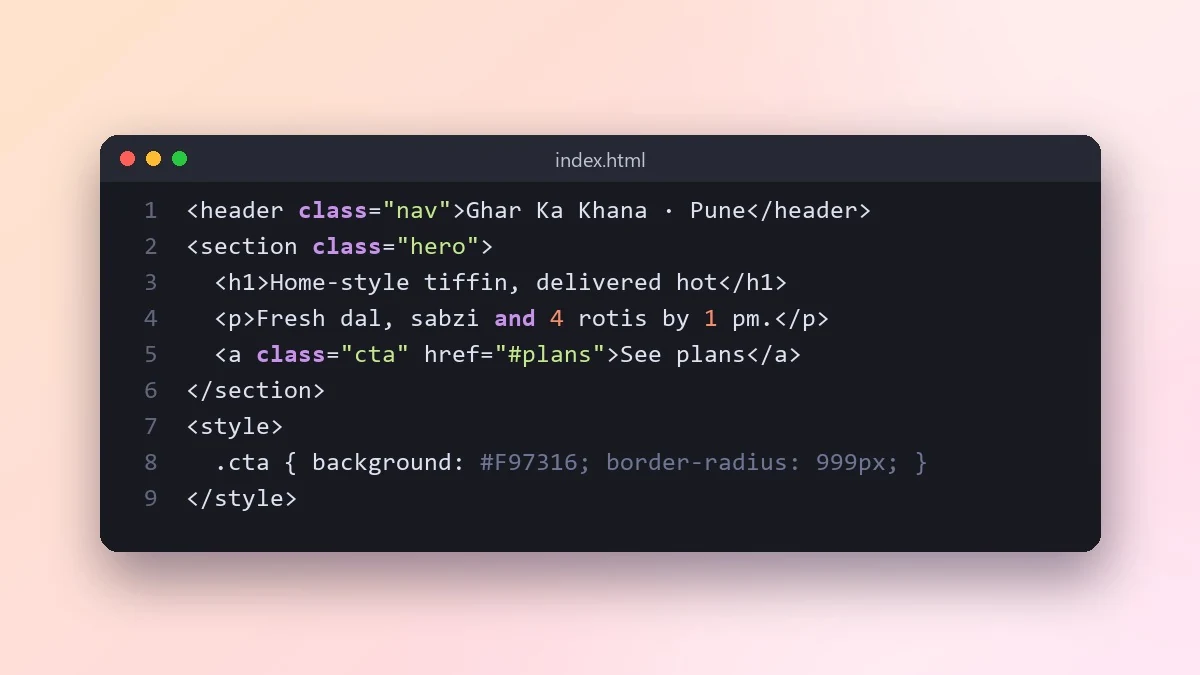
This prompt builds a complete landing page in a single HTML file with no framework. Give it your product, sections, style and brand colour, then open the file in a browser and ask for one change at a time.
Act as a frontend developer and designer.

Product: [WHAT IT IS, e.g. a tiffin delivery service in Pune]
Sections: [e.g. hero, how it works, menu, pricing, FAQ, contact]
Style: [e.g. warm colours, rounded, friendly, lots of white space]
Brand colour: [e.g. #F97316]

Write one HTML file with embedded CSS and no frameworks. Make it responsive, fast and accessible, with real-looking placeholder copy I can edit. Use semantic tags, good contrast, a sticky header and a clear call-to-action button. Add comments marking where to change text and images.
Open the file in your browser, then ask for one change at a time: "make the hero shorter", "add a testimonials section".
From copy to answer in four steps
- 1
Open Claude and start a new chat.
- 2
Paste the prompt.
- 3
Replace each [BRACKETED] field with your real details and paste in your own text where asked.
- 4
Reply with follow-ups such as "make it shorter" or "make it sound more like me".
About this prompt
Which AI tools work with this prompt?
It is written for Claude, ChatGPT and Gemini. Paste it into your preferred tool and adjust the wording if the result is off.
What do I need to fill in?
Replace the field before you send it: WHAT IT IS. Each field shows an example in the prompt.
Should I paste private information into the prompt?
Only what the task needs. Remove names, contact details and other sensitive data before pasting a resume or document into any AI tool.



