- Prompt at a glance
- Category
- Text & chat
- Works with
- Claude · ChatGPT · Claude Code
- Length
- 97 words
- Fields to fill
- OLD, NEW, PASTE THE MAIN FILES OR DESCRIBE
- Last updated
Upgrade a library to a new major version
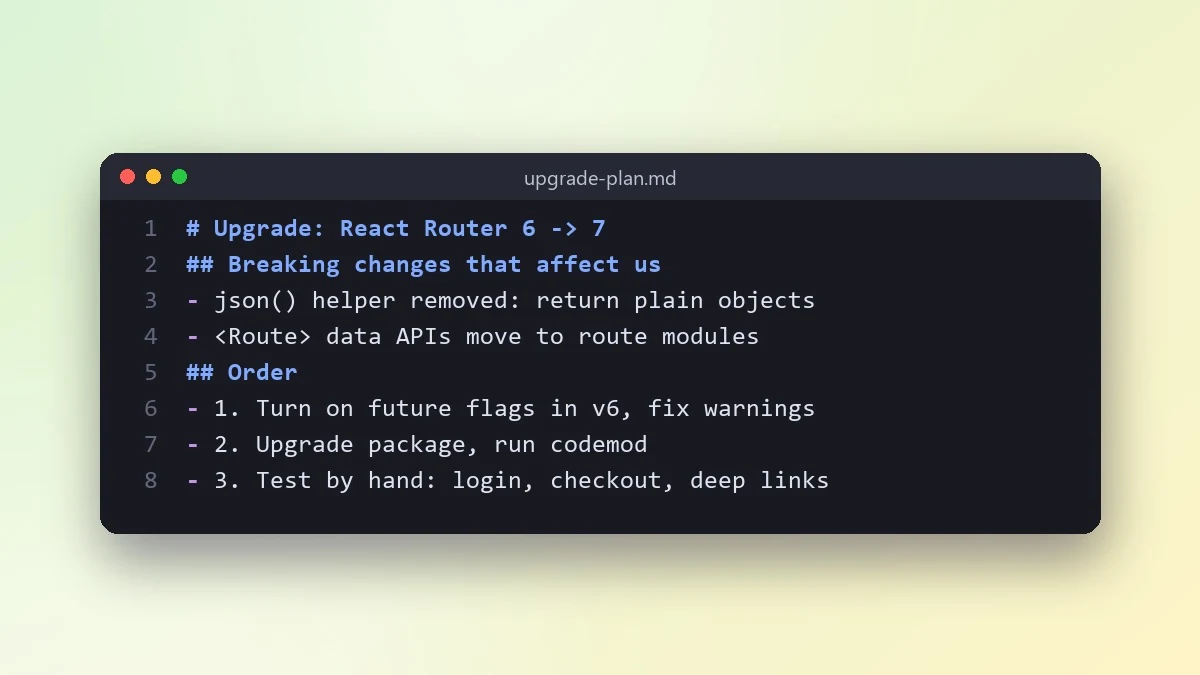
This prompt plans a major version upgrade, such as a router or framework, for code like yours. It lists the breaking changes with before and after examples and an upgrade order that keeps the app working.
Act as a senior developer planning an upgrade.

Library: [e.g. React Router] from version [OLD] to [NEW]
How we use it: [PASTE THE MAIN FILES OR DESCRIBE]
Tests we have: [e.g. unit tests, no end-to-end tests]

List the breaking changes that affect code like mine, with before and after examples. Give me an upgrade order that keeps the app working, including any codemods or compatibility modes. Tell me what to test by hand afterwards. If you are not sure about a detail of the new version, say so and point me to the library's own migration guide.
Always check the library's own migration guide too. AI knowledge of very new versions can be out of date.
From copy to answer in four steps
- 1
Open Claude and start a new chat.
- 2
Paste the prompt.
- 3
Replace each [BRACKETED] field with your real details and paste in your own text where asked.
- 4
Reply with follow-ups such as "make it shorter" or "make it sound more like me".
About this prompt
Which AI tools work with this prompt?
It is written for Claude, ChatGPT and Claude Code. Paste it into your preferred tool and adjust the wording if the result is off.
What do I need to fill in?
Replace these fields before you send it: OLD, NEW, PASTE THE MAIN FILES OR DESCRIBE. Each field shows an example in the prompt.
Should I paste private information into the prompt?
Only what the task needs. Remove names, contact details and other sensitive data before pasting a resume or document into any AI tool.